
Sidra Glow Studio
A skincare shop and a treatment studio — products and appointments in one dashboard.
- Storefront
- Admin dashboard
- Studio bookings
- Batches & expiry
- Bangla / English
- Cloudflare Workers
Place an order in the shop, then open the dashboard
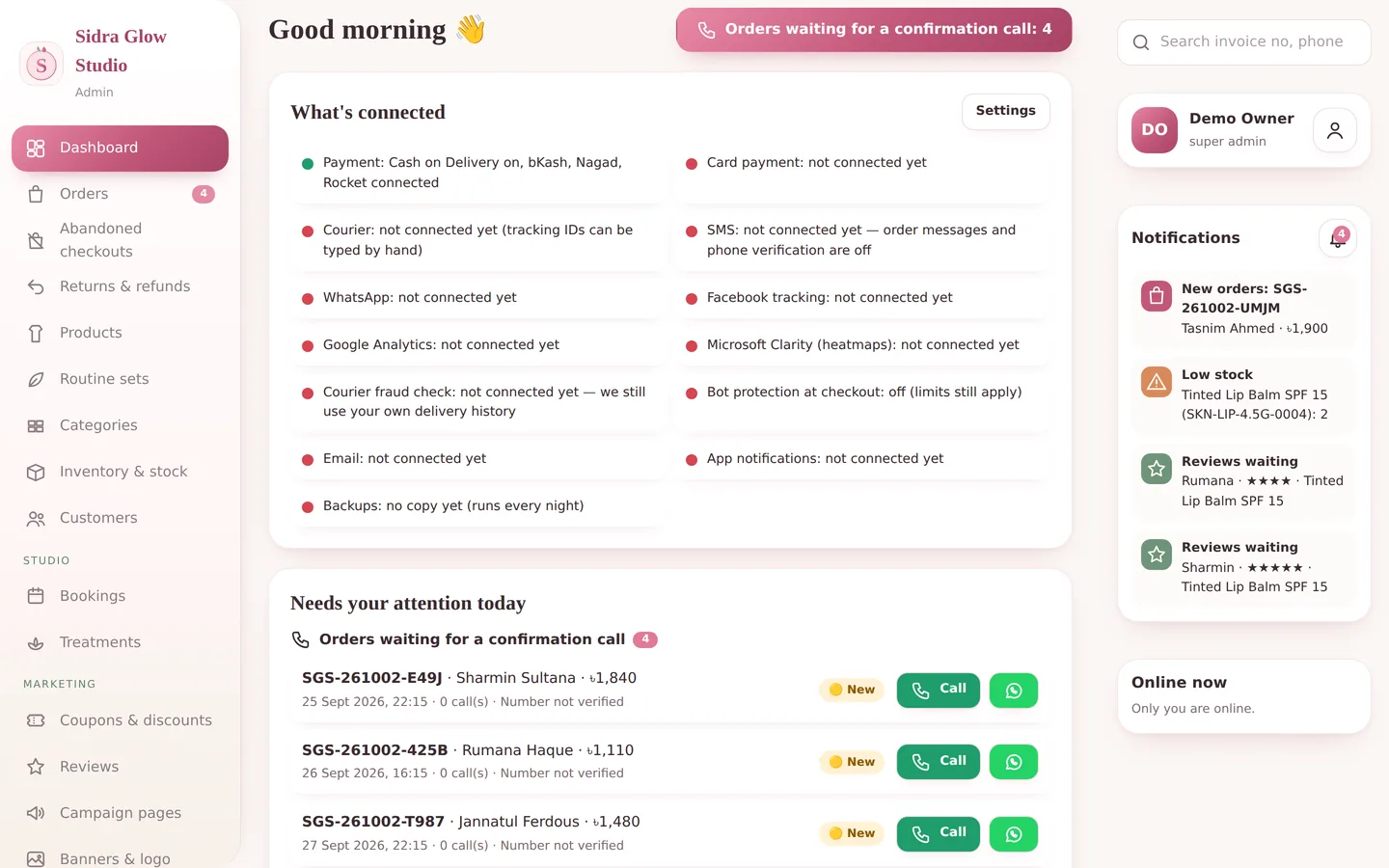
Both demos are live and they share one set of orders. Buy something on the storefront with Cash on Delivery, open the admin, and your order is sitting in the pipeline with the address you typed — that is the part a screenshot cannot prove.
- 1. Open the storefront and place an order. No sign-up, nothing to install.
- 2. Open the admin dashboard — it opens with no password — and find it waiting.
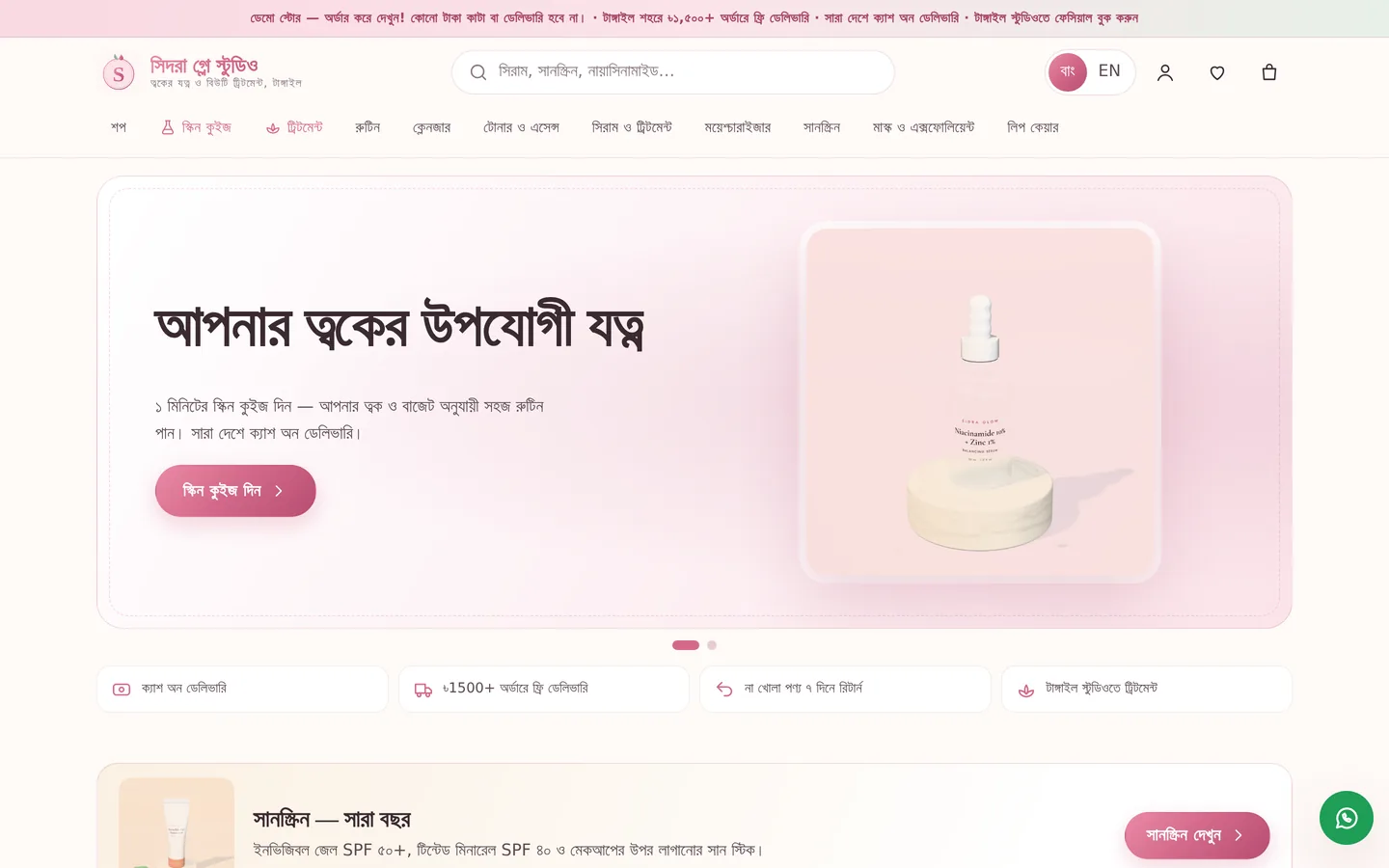
The customer side of Sidra Glow Studio, a skincare shop and beauty-treatment studio in Tangail: filter by skin type and concern, ingredient lists and best-before dates on every product, a skin quiz that builds a routine within your budget, routine sets, and facials bookable online against a free slot — with the bookings diary and the order pipeline behind them in one admin.
Who it is for. Salons and studios that also sell product, and currently run the diary and the shop as two separate things.
What it does
Bookings and orders in one place
The diary — confirm, move, done, no-show — sits in the same dashboard as the product orders. One business, one screen, instead of a paper diary beside a shop admin.
Book a facial against a real free slot
The customer picks from slots that are actually free, so a booking is not a request somebody has to phone back about.
A skin quiz that respects a budget
Answer the quiz and it builds a routine within what you said you would spend. It recommends without overselling, which is what makes it get used.
Ingredients and best-before, shown
Every product carries its ingredient list and its date. In skincare both are things customers check before buying.
Batches picked first-expiry-first-out
Stock is tracked by batch, and the earliest-expiring is packed first — so the dates on the shelf stay honest.
Every one of these is a page you can open
What you get that a template does not give you
Every demo is the real build
Nothing here is a mockup or a design file. Each one is deployed, and you click through it the way a customer would. If a link is dead you will find it, which is the point.
You get the admin, not just the shop
Most storefront demos stop at the shop front. The part that decides whether a business can actually run on it is the dashboard behind it, so that is included and unlocked.
Invented data, never borrowed
Every product, order, customer and figure in these demos is generated. No real client's catalogue, orders or customers appear in any of them.
Rebrandable before it is rebuilt
Colours, type and logo are variables, not decisions baked into markup. The first change you ask for should not need a rewrite.
Built for Bangladeshi connections
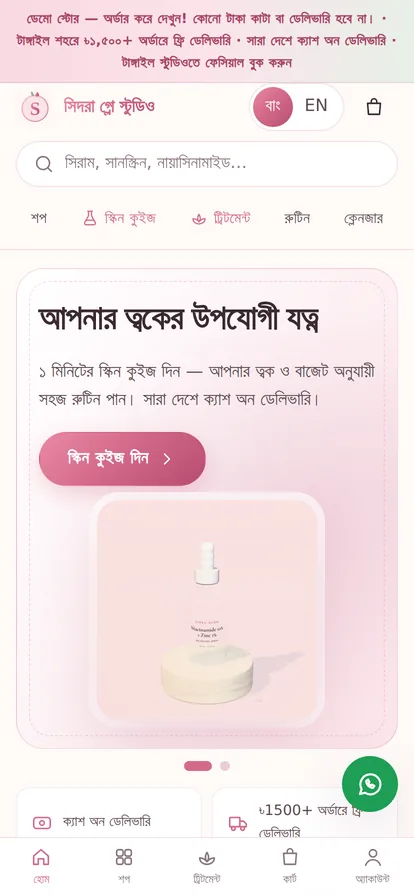
Tested at phone width on a slow connection, because that is how most of the traffic arrives — not on a desk at 1440px.
One person, start to finish
The same person writes the front end, the API and the deploy pipeline. There is no handover gap for a bug to live in.
Other builds you can open
- Lk's Attire A Tangail clothing brand's shop, and the dashboard that runs it — sharing one set of orders.
- Zamil Shop BD A baby and kids shop with a gift registry, and an admin that screens fake orders.
- Prakriti Herbal Herbal products, with batch expiry tracking and a copy check that refuses medical claims.
- Sidra Jewellery & Fashion Jewellery sold by occasion, with size guides and gift wrap flagged for packing.
Build this for your business
Tell me what is different about how you sell, and you get a quote measured against a demo we have both already opened.
Start a project→