Arif Gadgets — a real shop for Savar, built to run itself
Arif Gadgets — a complete e-commerce platform, built on Cloudflare
A gadget retailer in Savar, Dhaka needed a real shop. Not a marketplace stall, not a Facebook page with a comment thread for orders — a shop that takes money, books couriers, tracks stock and profit, and can be run by staff who have never used an admin panel before.
This is what was built, how it works, and why each decision was made.
| Client | Arif Gadgets — Alhaj Abdul Mannan Degree College Gate, Zirani, BKSP, Ashulia, Savar, Dhaka |
| Owner | Ariful Islam Arif |
| Live at | arifgadget.store |
| Role | Sole developer — architecture, backend, frontend, design, DevOps, documentation |
| Stack | React 18 · TypeScript · Vite · Hono · Cloudflare Workers, D1, R2, KV, Pages · GitHub Actions |
| Integrations | Steadfast Courier · bKash · Nagad · Rocket · bank transfer · cash on delivery |
| Monthly running cost | Effectively zero at this shop's volume |
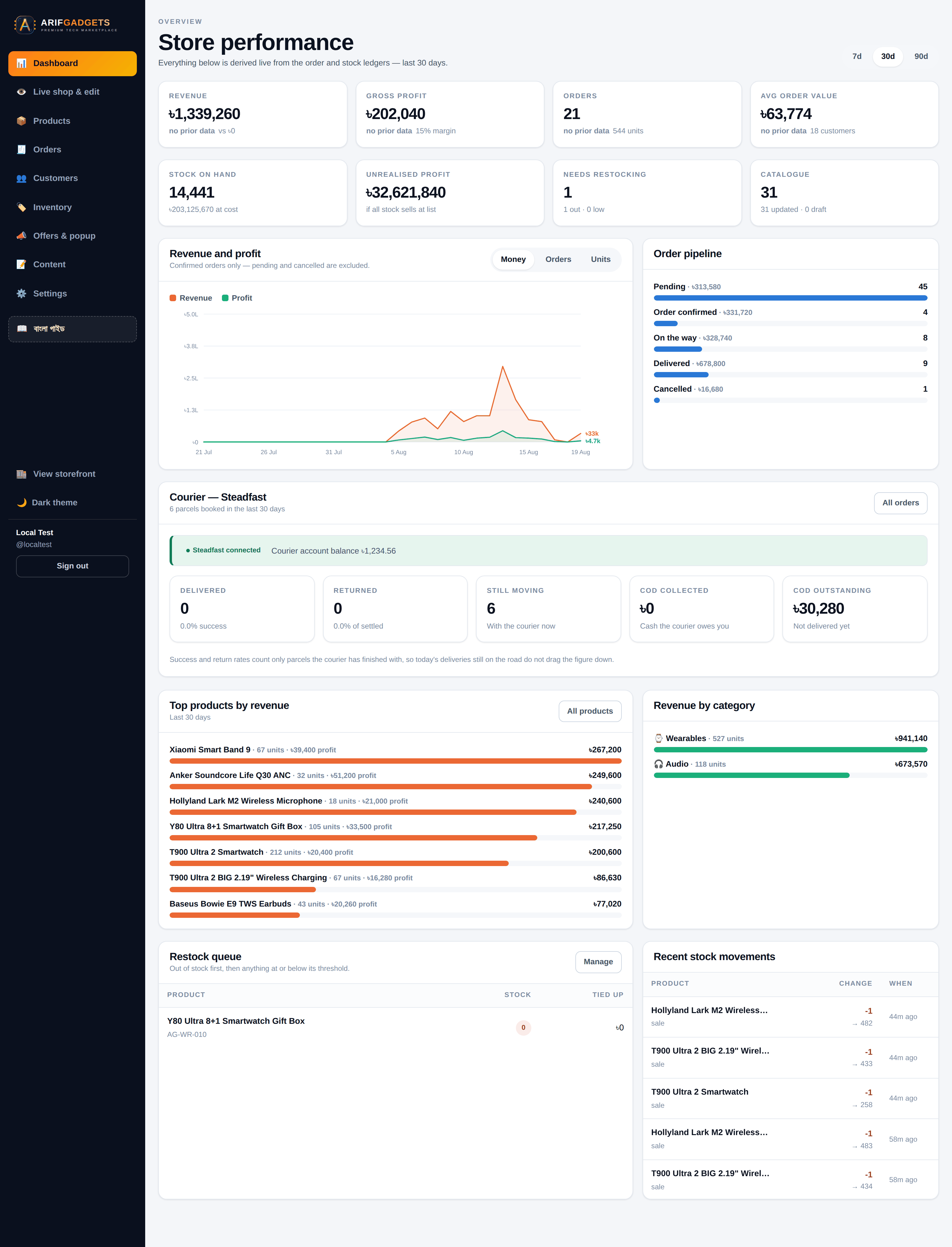
About the numbers in the screenshots. The revenue, margin, stock and order figures shown throughout were produced by placing real orders through the live pricing engine on a demonstration dataset, and letting the database triggers do their work. They are the system's own calculations, captured from a running browser. They are not the client's private trading figures.
Contents
- The brief
- Why this architecture
- The storefront
- Product photography, done properly
- Two ways to buy
- Checkout, payment and the invoice
- Order tracking and customer accounts
- Built for the phone first
- The dashboard
- Editing the shop from inside the shop
- Courier integration
- The calculation engine
- Content the owner controls
- Documentation in Bangla
- Security
- Deployment
- Testing, and the bugs it caught
- What was delivered
1. The brief
Arif Gadgets sells phones, smartwatches, earbuds, chargers and accessories — to walk-in customers one piece at a time, and to small retailers by the carton. Orders arrived by phone call and Facebook message. Stock was a notebook. Nobody knew the margin on anything.
The requirements that shaped every decision:
- It has to work on a phone. Over 80% of Bangladeshi e-commerce traffic is mobile, on connections that are not always fast.
- Cash on delivery is the default. Most customers still pay the courier at the door, so the system has to track who owes what and reconcile it when the courier settles.
- Staff are not technical. The people running this day to day have never used an admin panel. If a screen needs explaining twice, it is the screen that is wrong.
- Running cost matters. A shop this size cannot carry a monthly server bill while it grows.
- Two kinds of buyer, one shop. A customer buying one charger and a retailer buying two hundred should both feel the shop was built for them.
2. Why this architecture
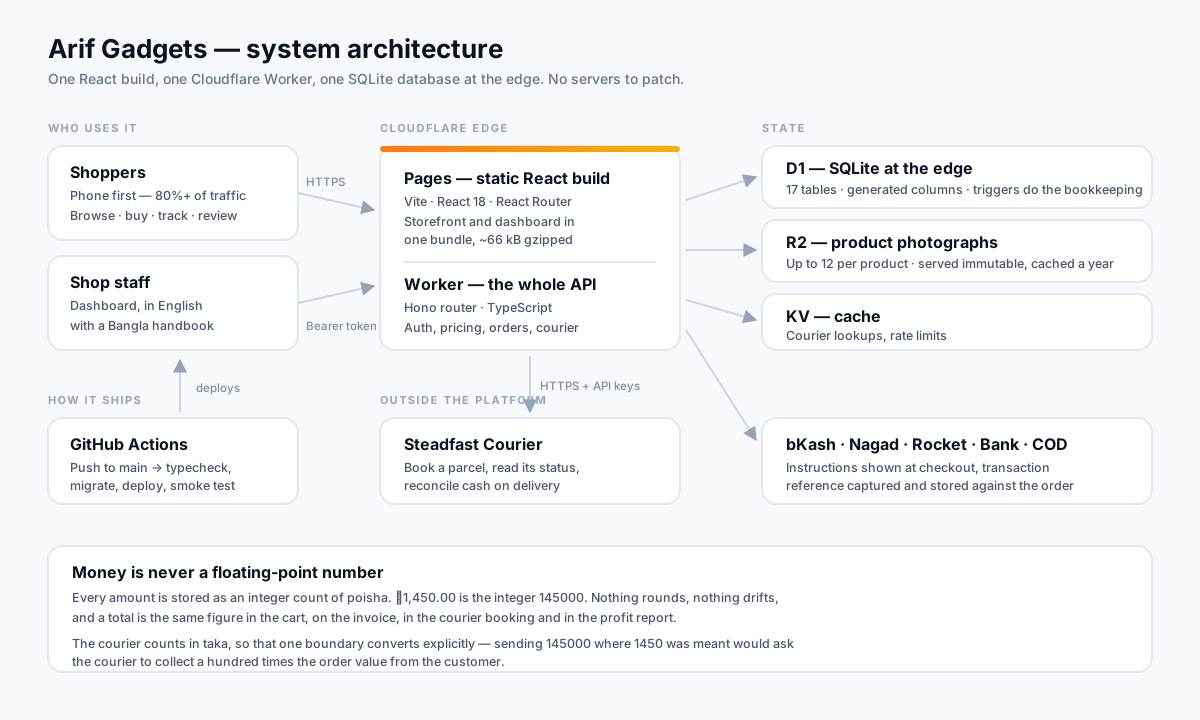
Everything runs on Cloudflare's edge platform. There is no server to patch, no container to restart, no database host to pay for.
Cloudflare Pages serves the React build. A single Cloudflare Worker is the entire API — routing, authentication, pricing, orders, courier calls, analytics. D1 is the database: SQLite, replicated at the edge, sitting close to the people using it. R2 holds product photographs. KV caches courier lookups.
Three reasons this was the right call for this client:
Cost. At this shop's volume, everything sits inside free tiers. The client pays for a domain. That is the bill.
Latency. The Worker and the database both run at the edge, so a shopper in Savar is not waiting on a round trip to Singapore. A cold Worker start is measured in single-digit milliseconds, and the deploy log shows a 17 ms startup.
One language, one repository. The storefront, the dashboard and the API are all TypeScript in one repo. The type describing a product is written once and imported by all three. When a field changes, the compiler finds every place that has to change with it — before the code ever runs.
3. The storefront
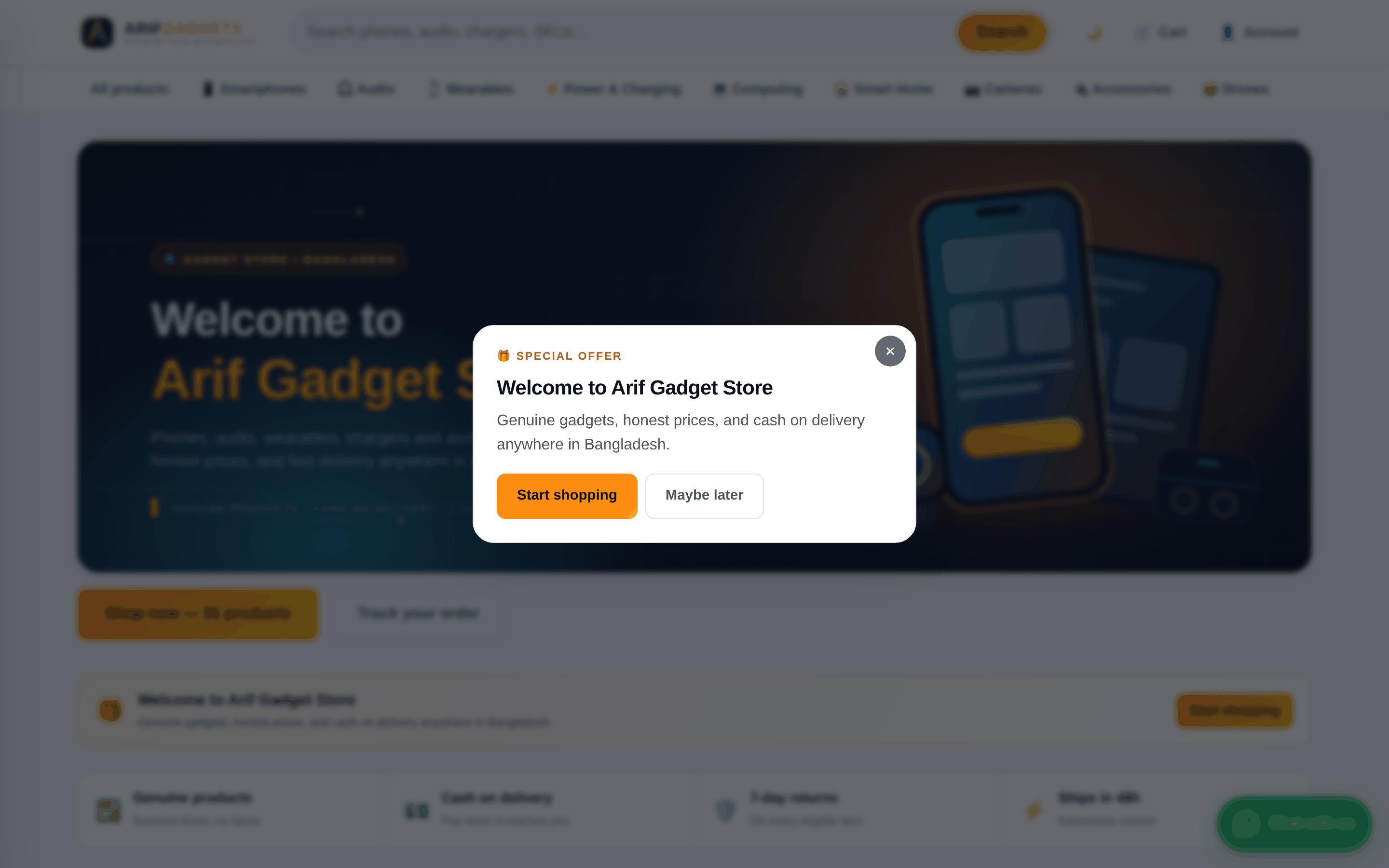
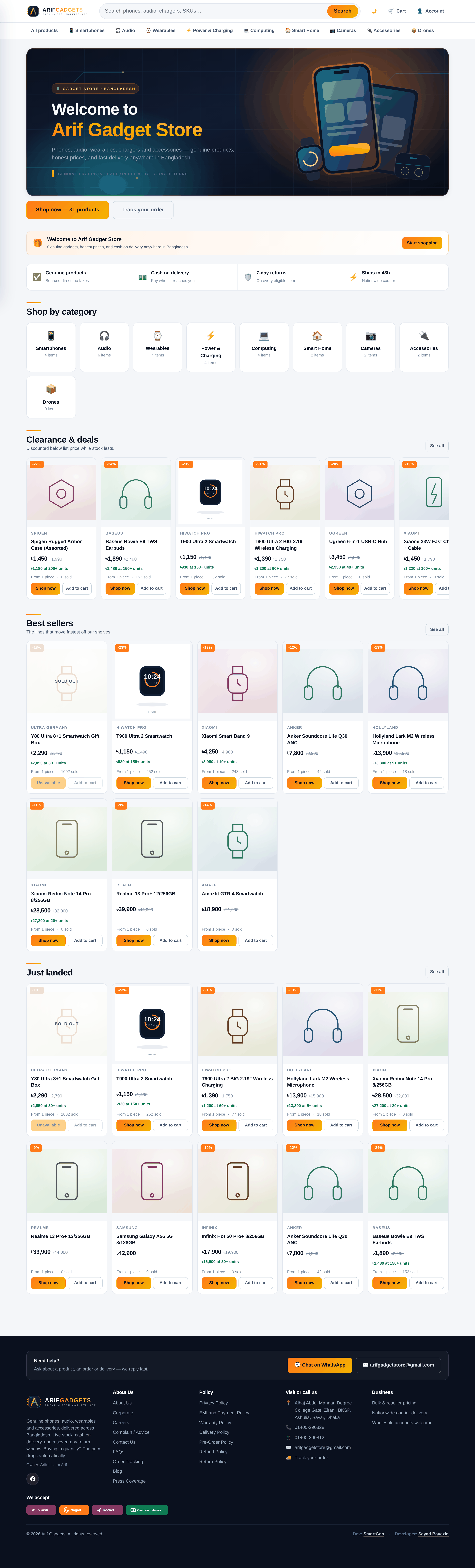
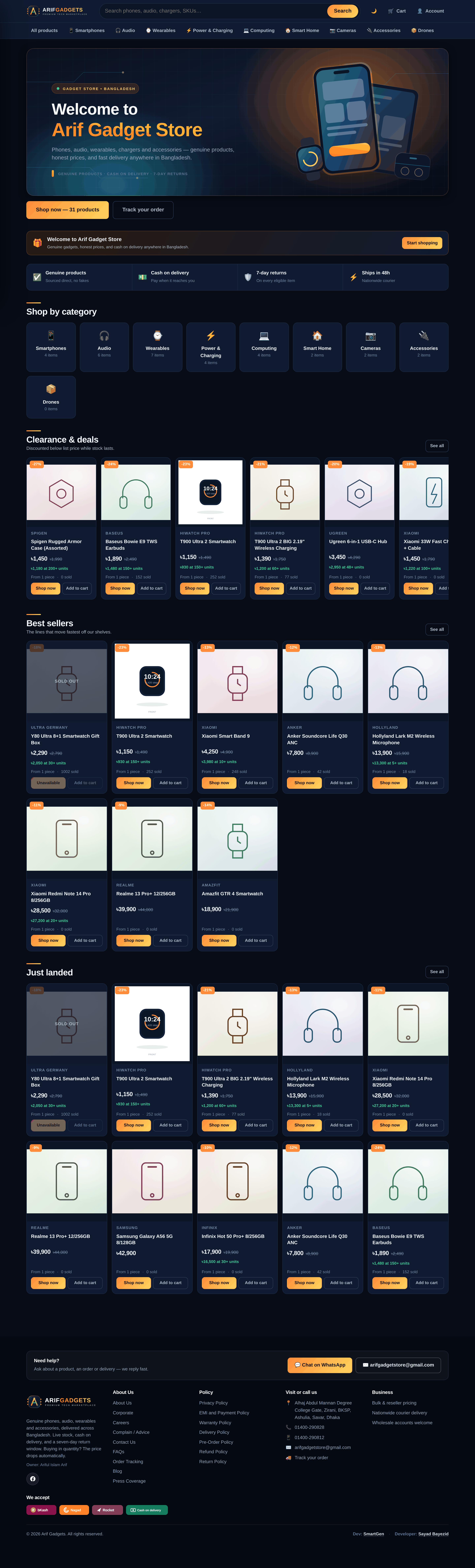
A visitor is met by an offer banner — content the owner writes and switches on or off from the dashboard, without asking anyone.
Behind it, the shop opens with a welcome banner, then the two things a shopper actually wants: start shopping, or find an order they have already placed.
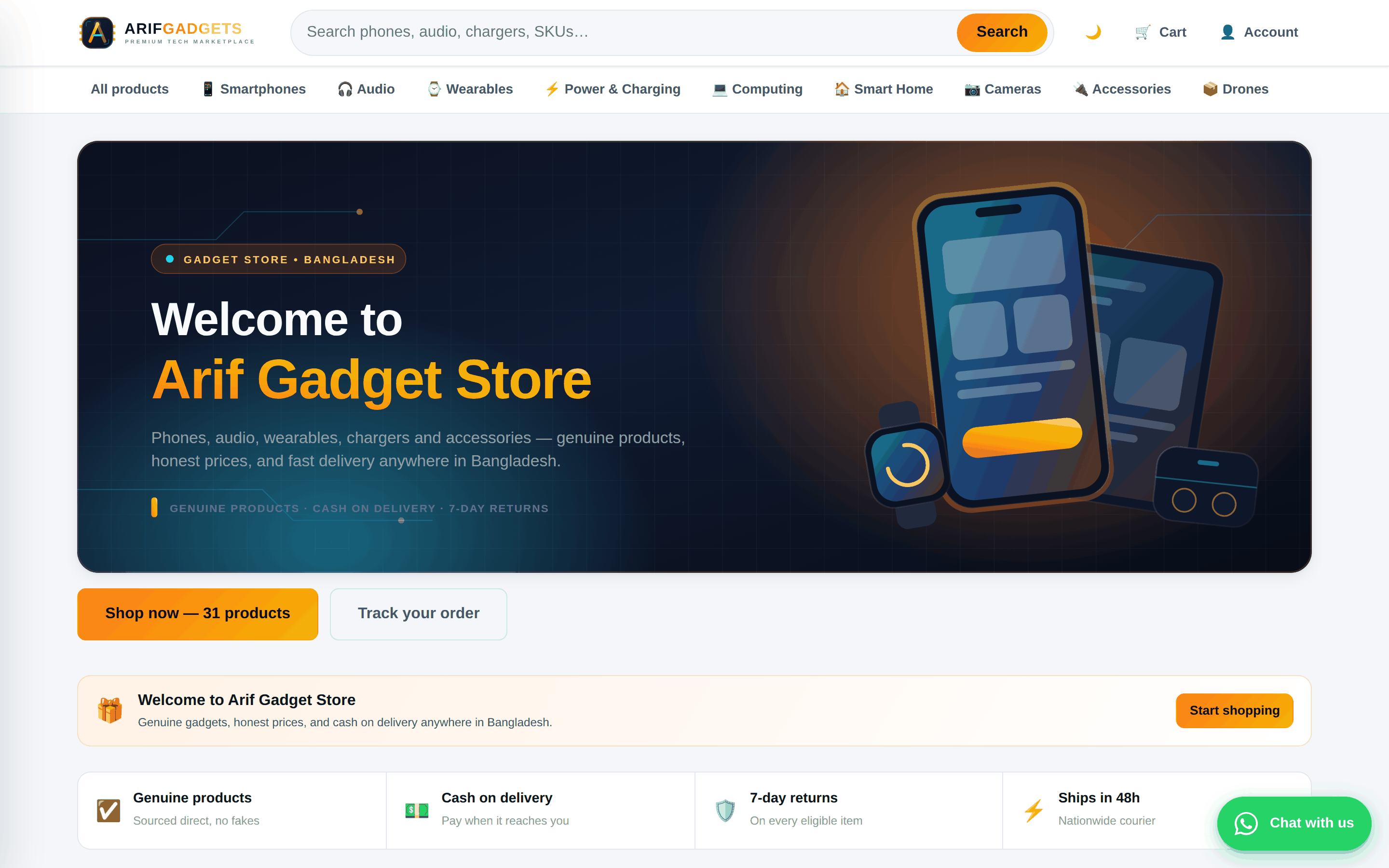
Underneath, the promises that decide whether a first-time visitor trusts a shop they have not heard of — genuine products, cash on delivery, returns, delivery time — and then the categories.
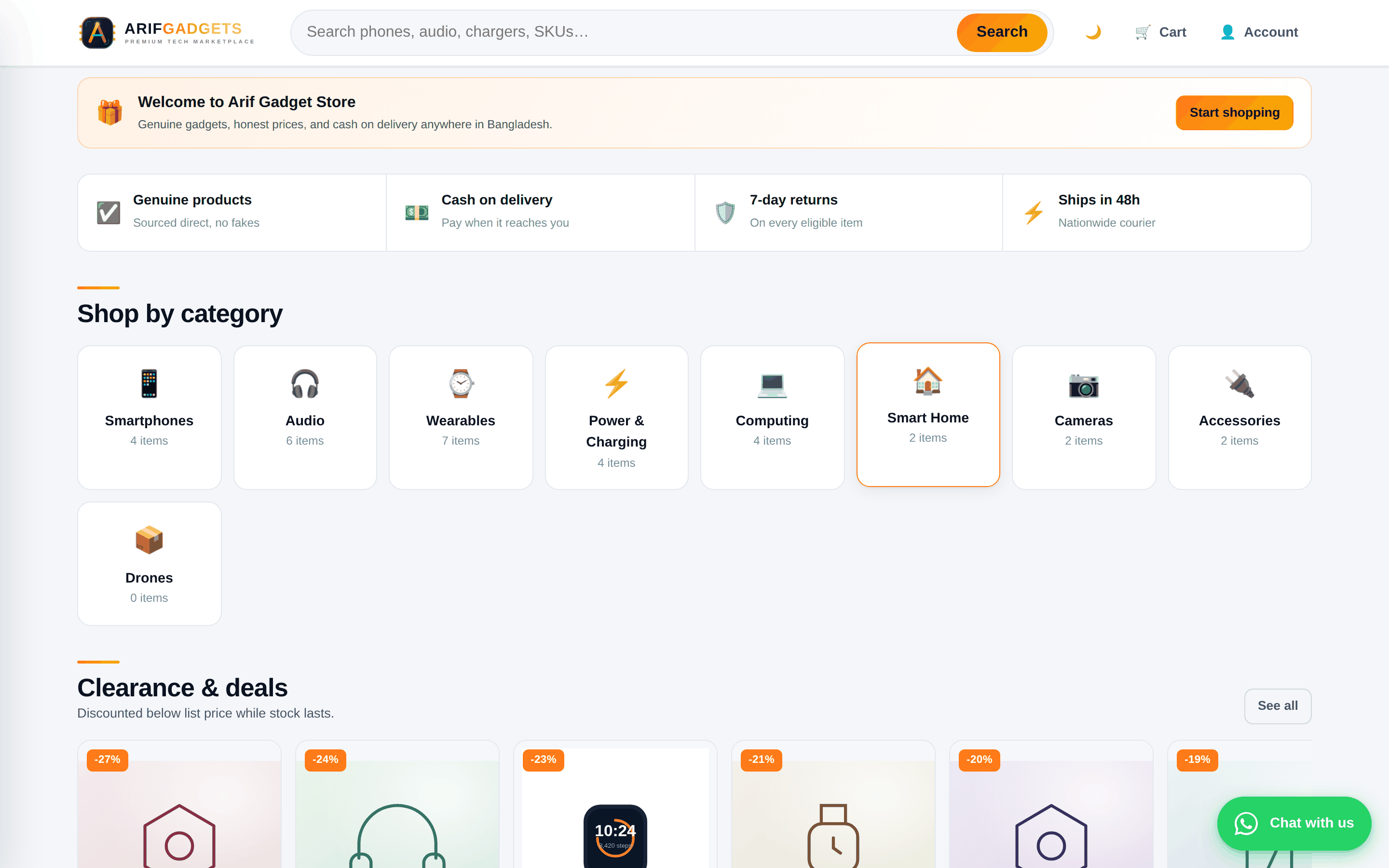
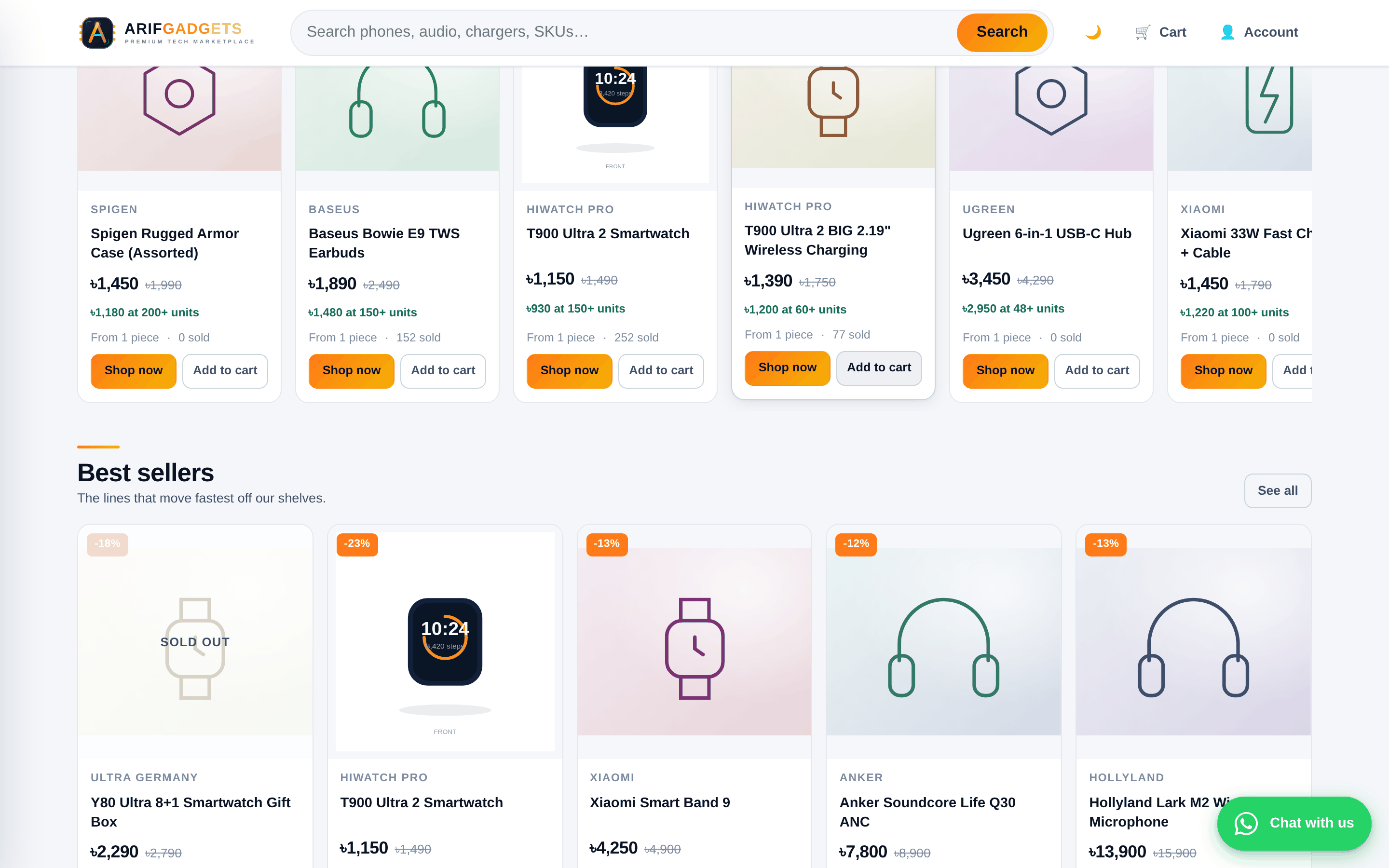
Clearance lines and best sellers, each card showing the discount, the stock state and the price.
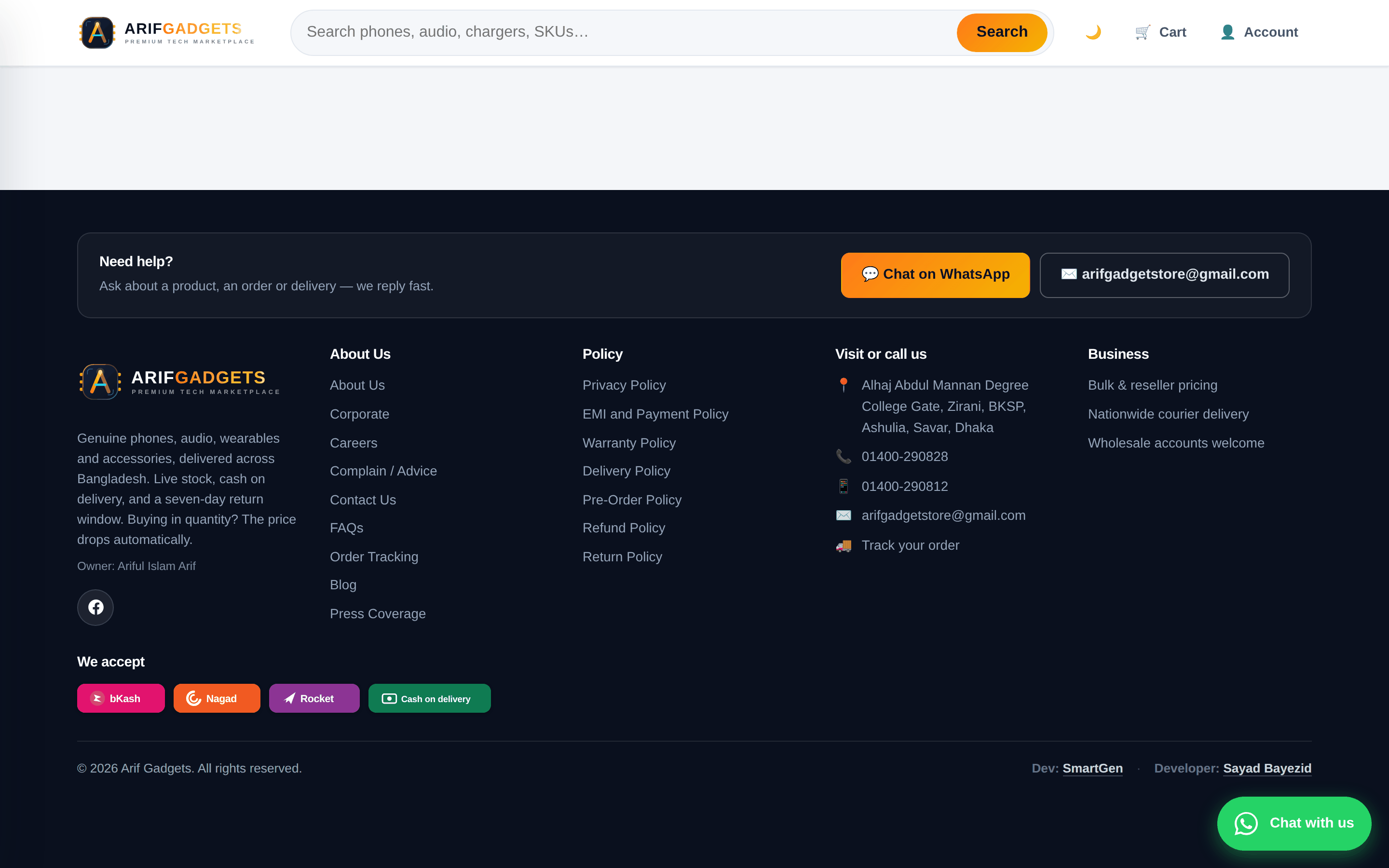
The footer carries a help block on every page — WhatsApp and email, one tap away — along with the policy pages and the payment methods accepted.
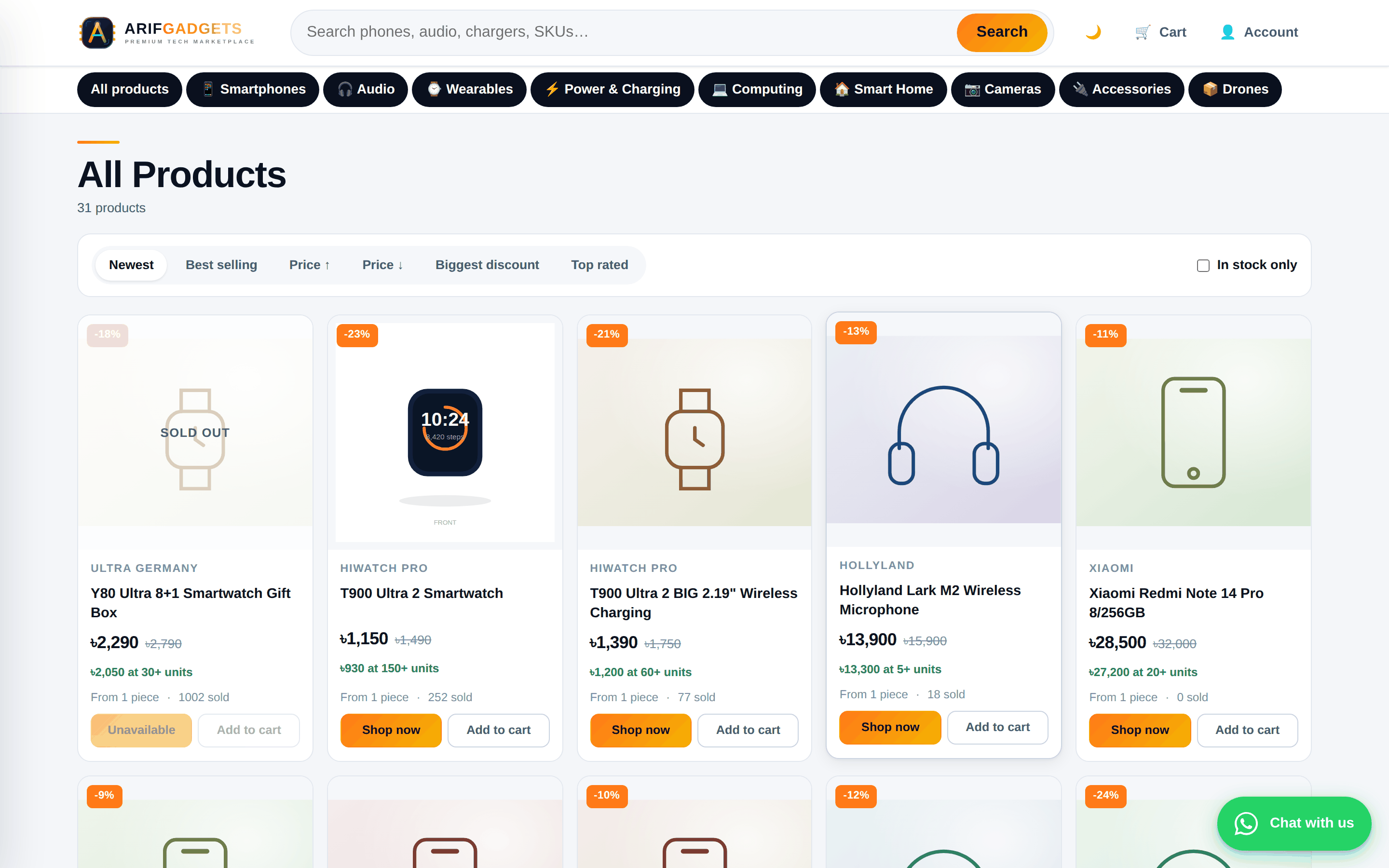
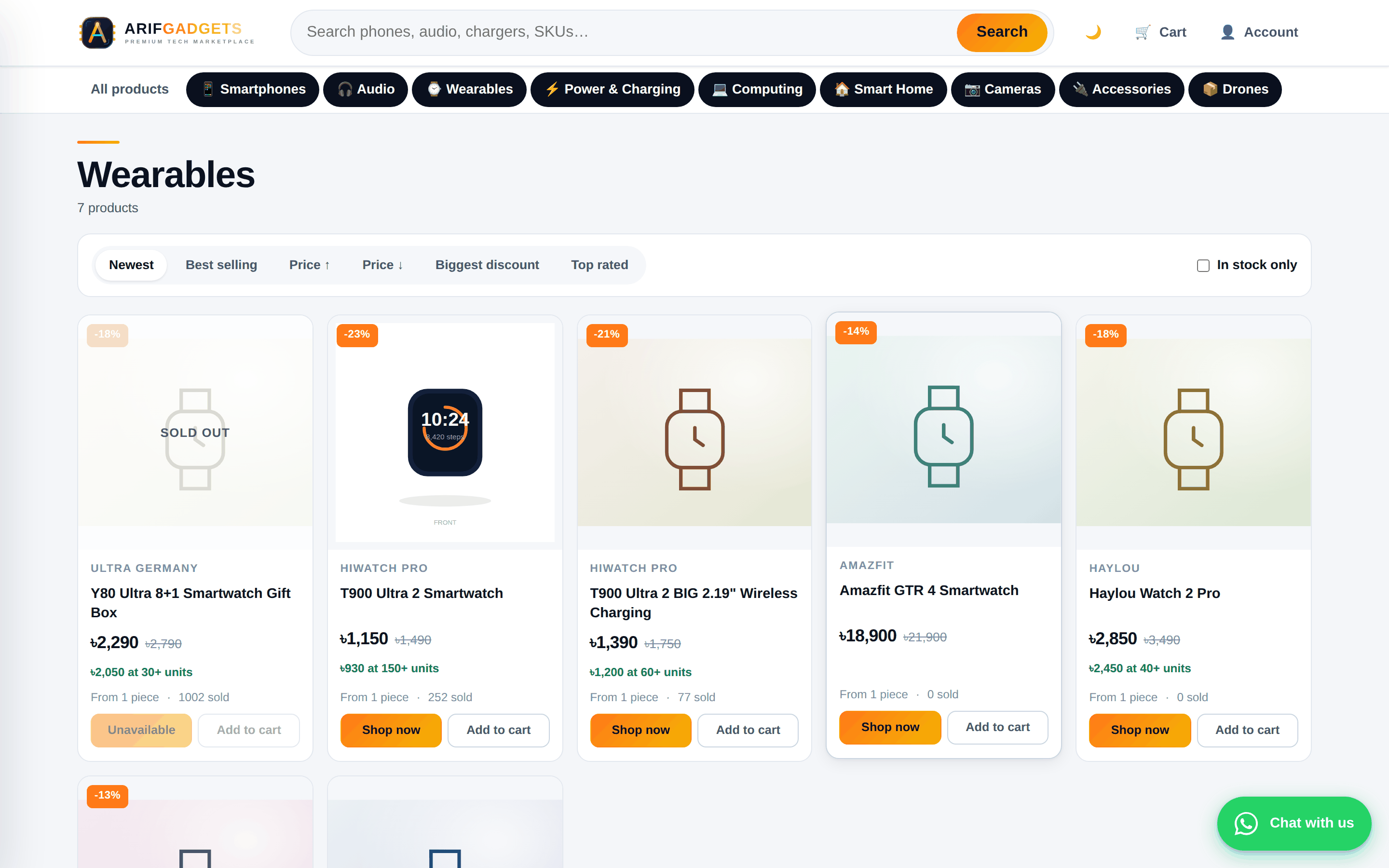
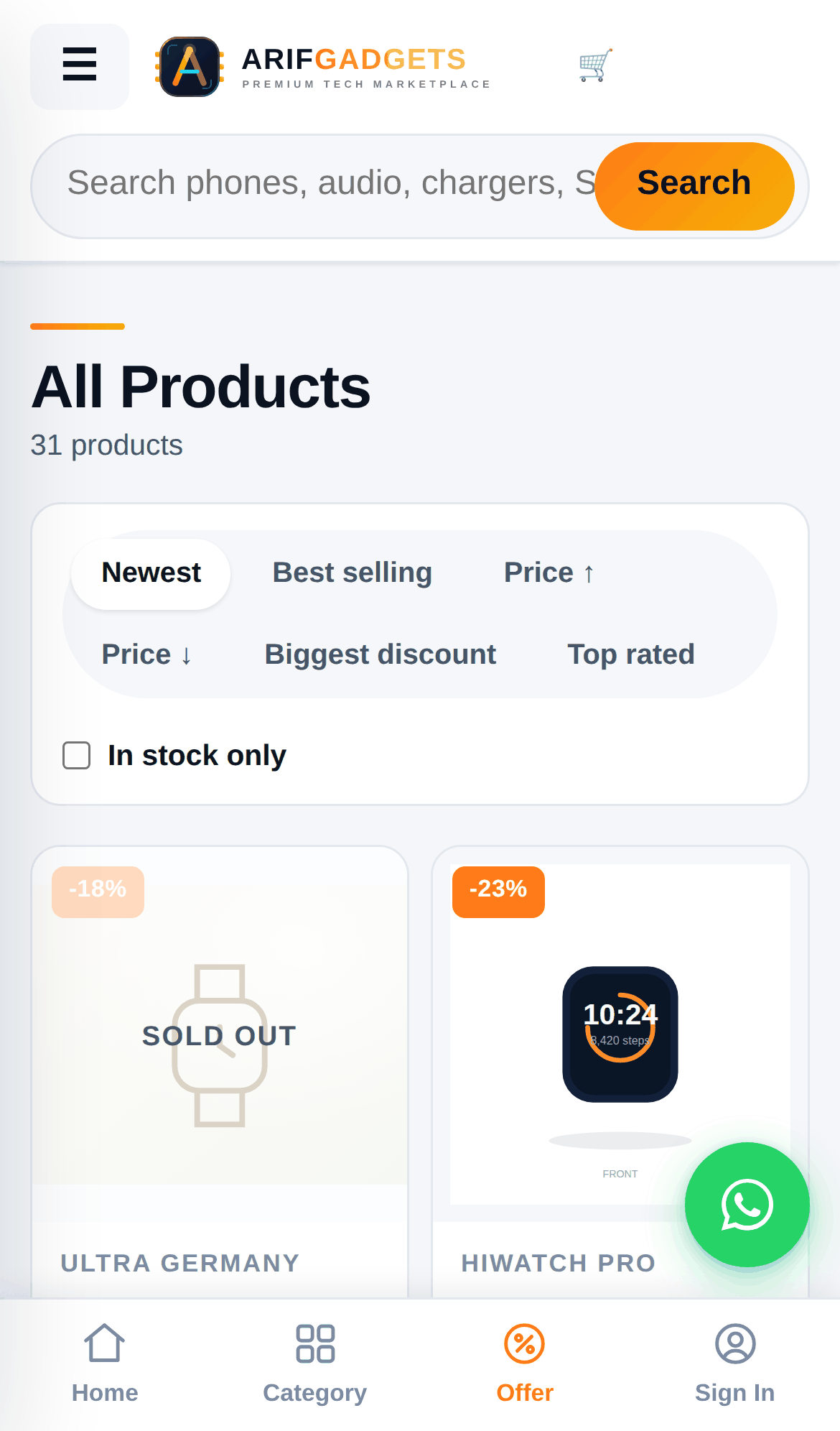
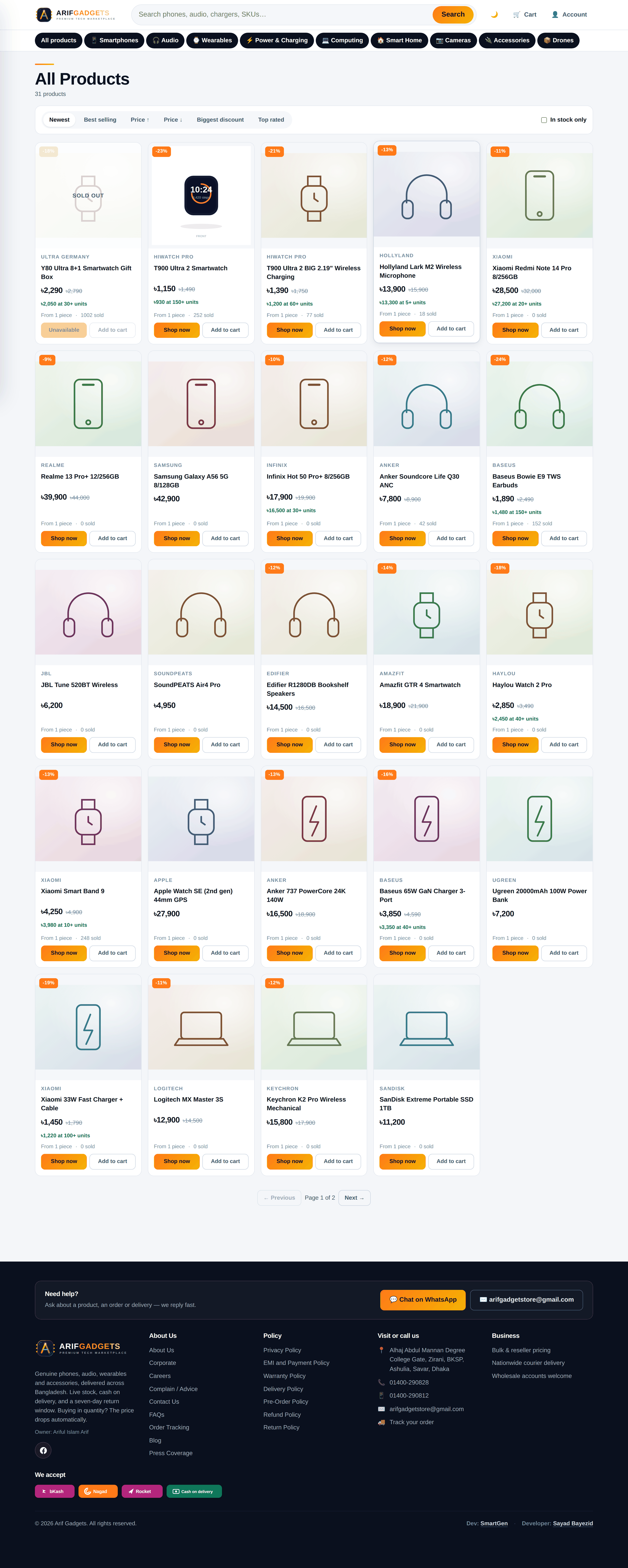
The catalogue filters by category, brand, stock and price, and sorts six ways. Every filter lives in the URL, so a filtered view is a link staff can send to a customer.
4. Product photography, done properly
A shop like this lives on its photographs, and this is where the most careful work went.
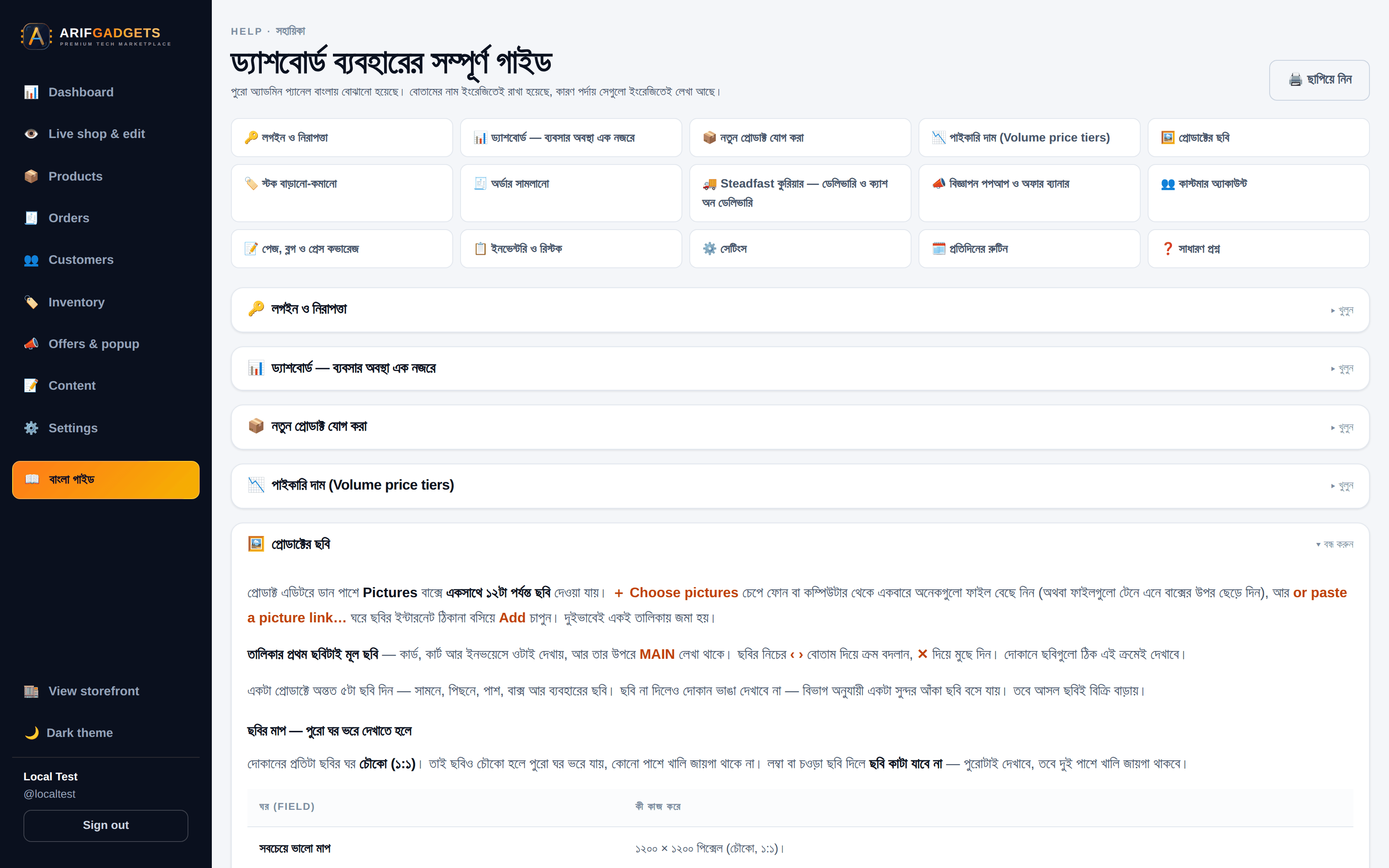
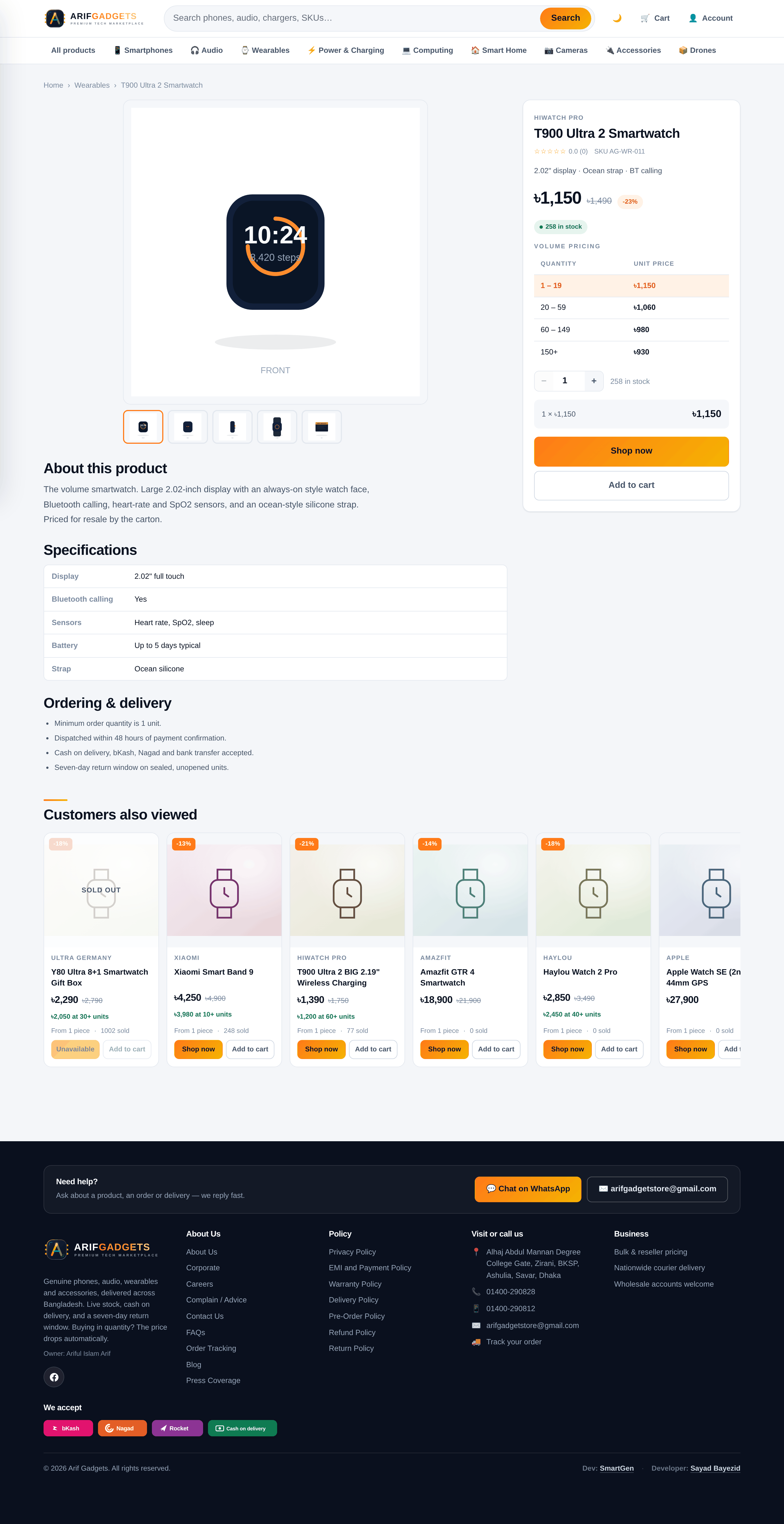
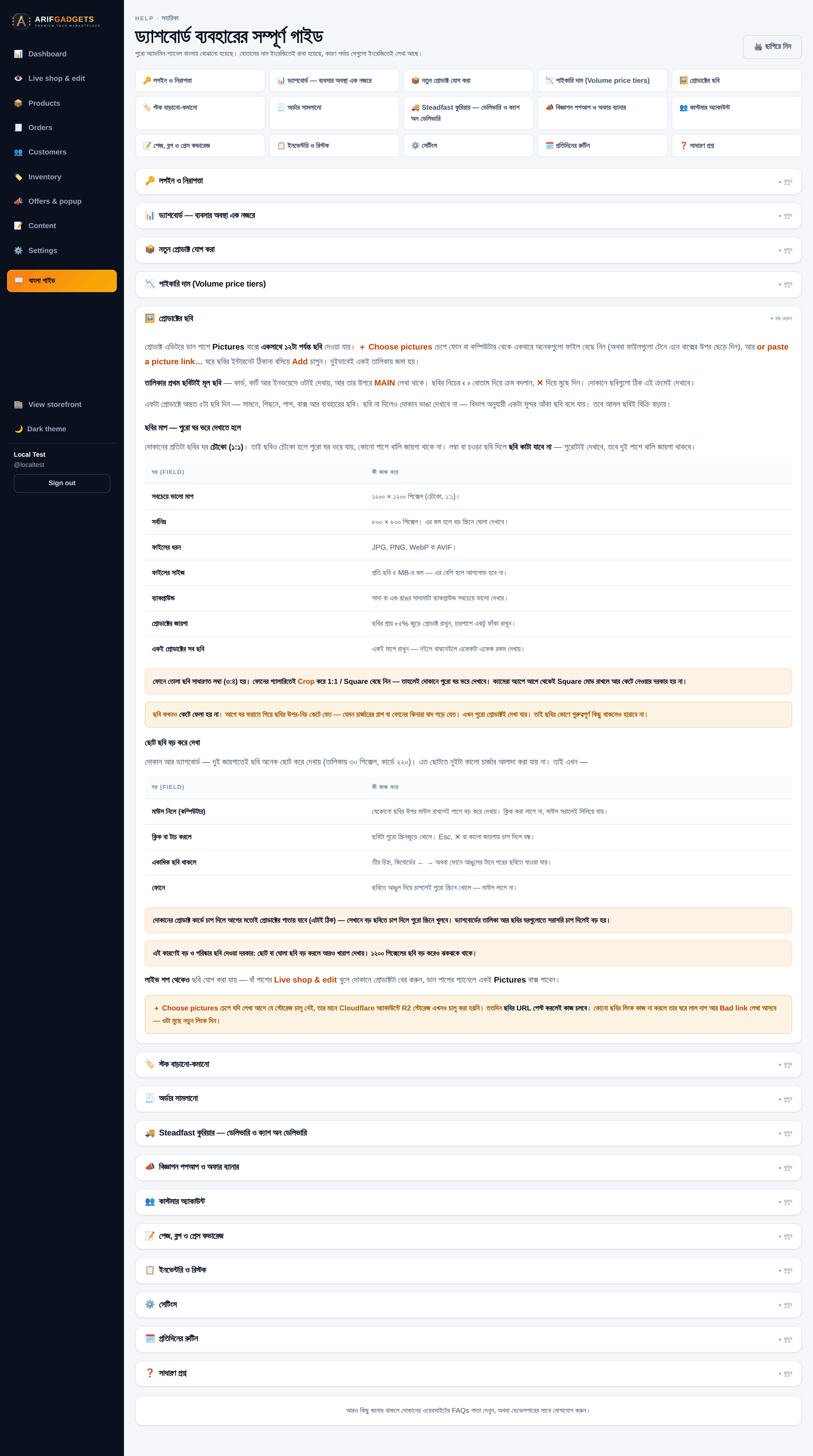
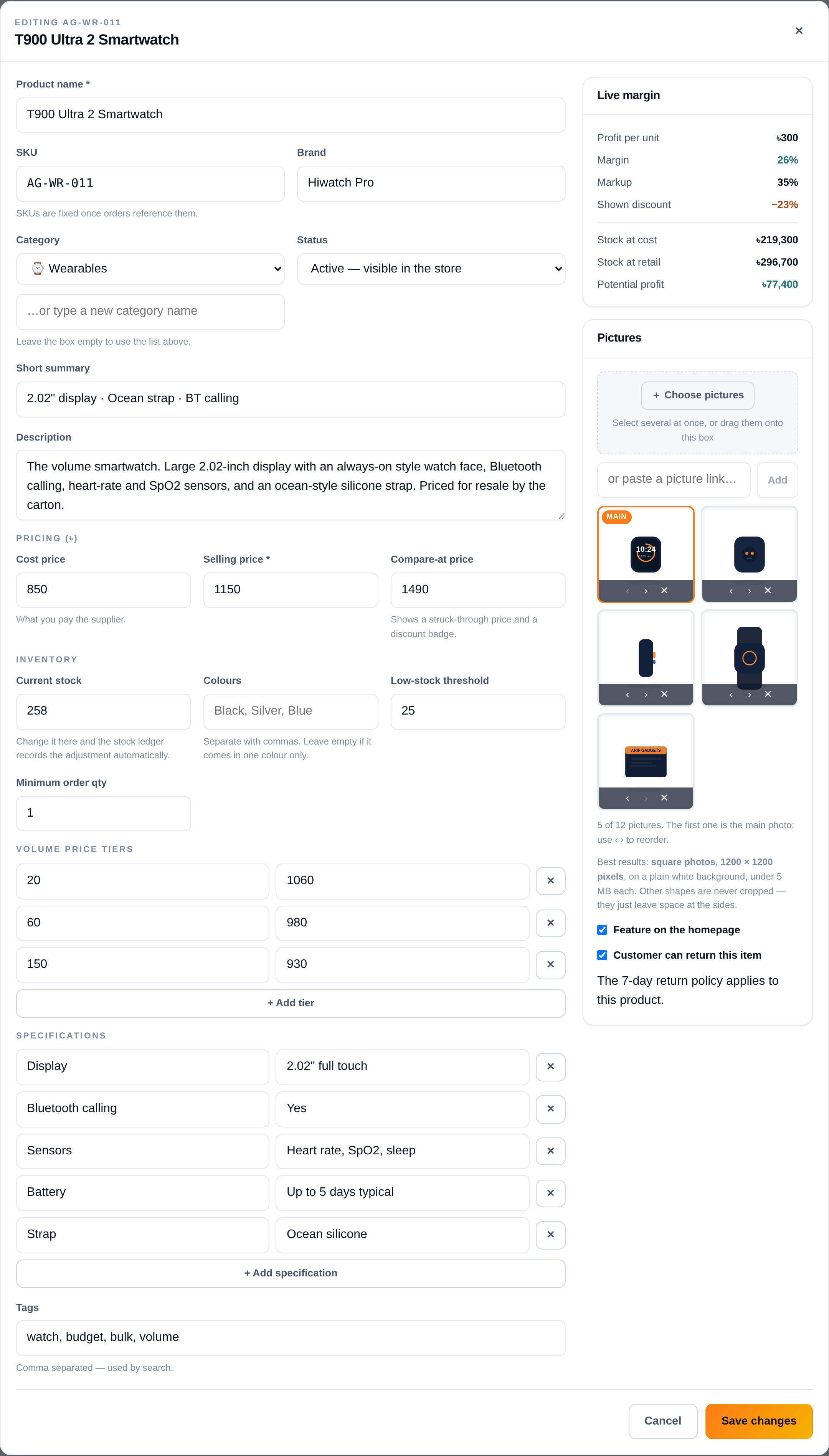
Twelve photographs per product. Staff select a whole set at once or drag them onto the box; they can also paste links to pictures that already live somewhere else. Both routes end in the same ordered list. The first picture is the main one — the one on the cards, in the cart and on the invoice — and the arrows reorder without re-uploading.
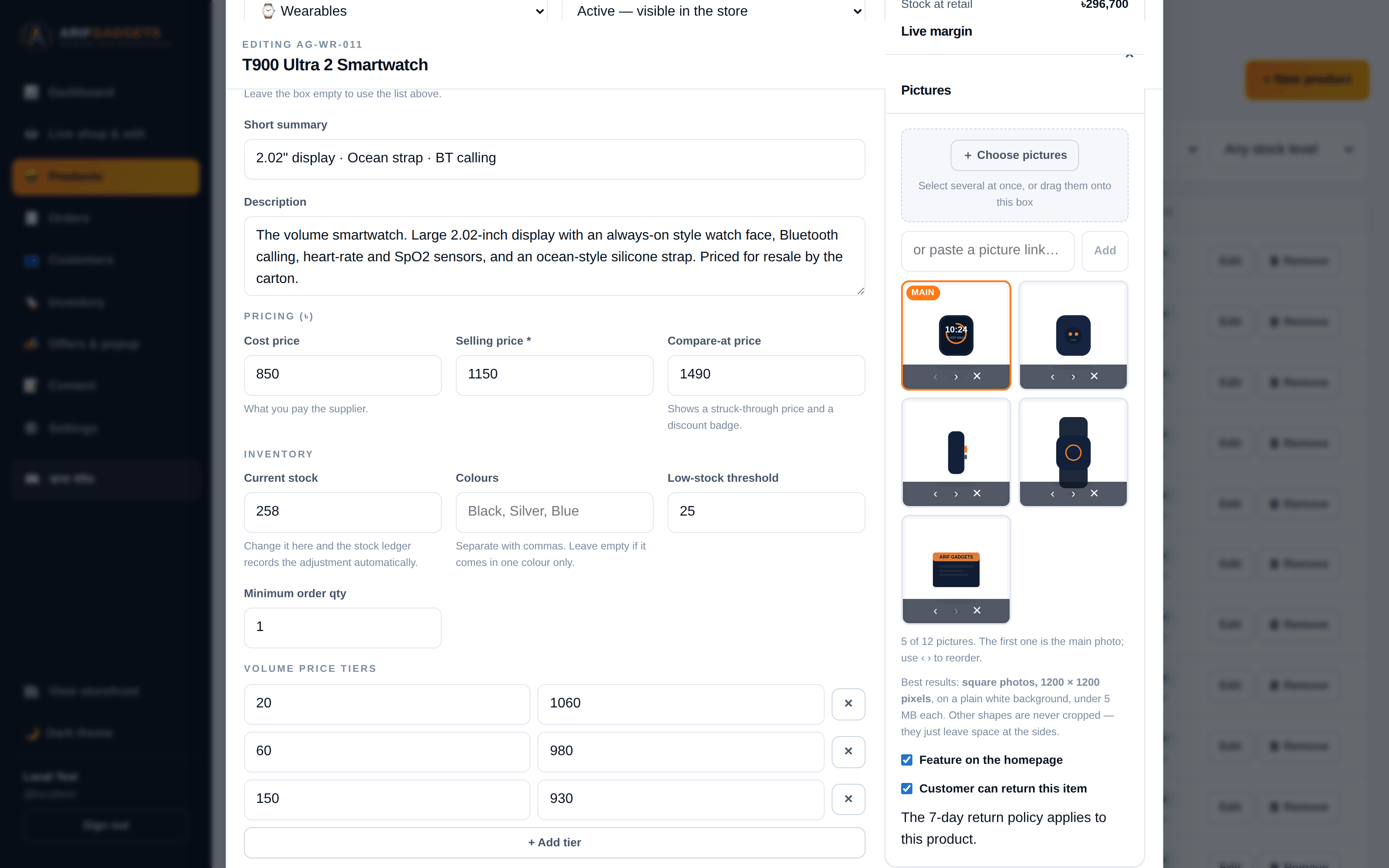
Nothing is ever cropped. Product images use object-fit: contain, not cover. The difference matters: cover fills the frame by throwing away whatever does not fit, which on a product photo means slicing the ends off a phone or cutting the plug off a charger. The shopper is then looking at a picture of part of the thing they are buying. Every frame in the shop is square, so a square photograph fills it exactly and any other shape is shown whole with space at the sides.
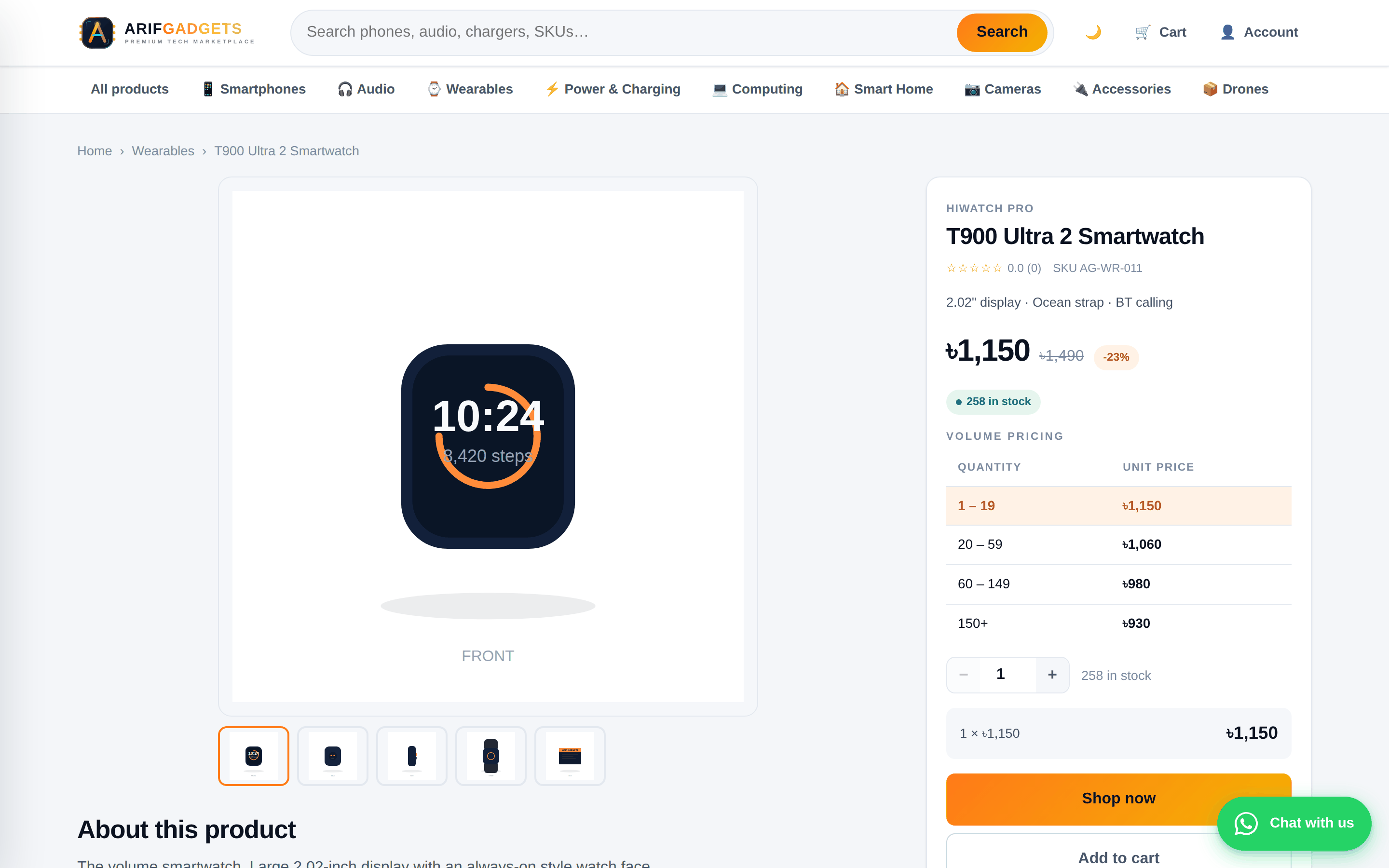
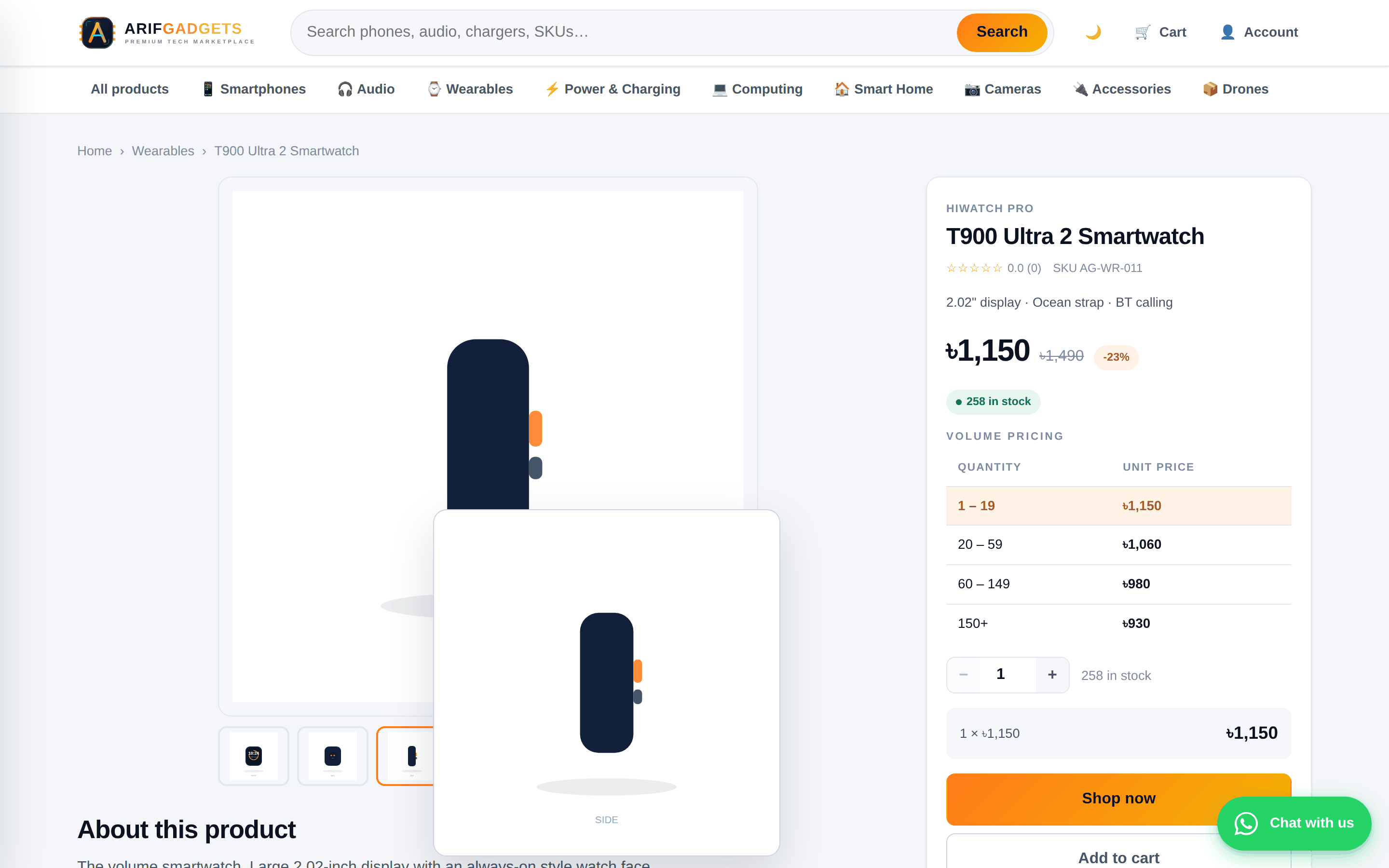
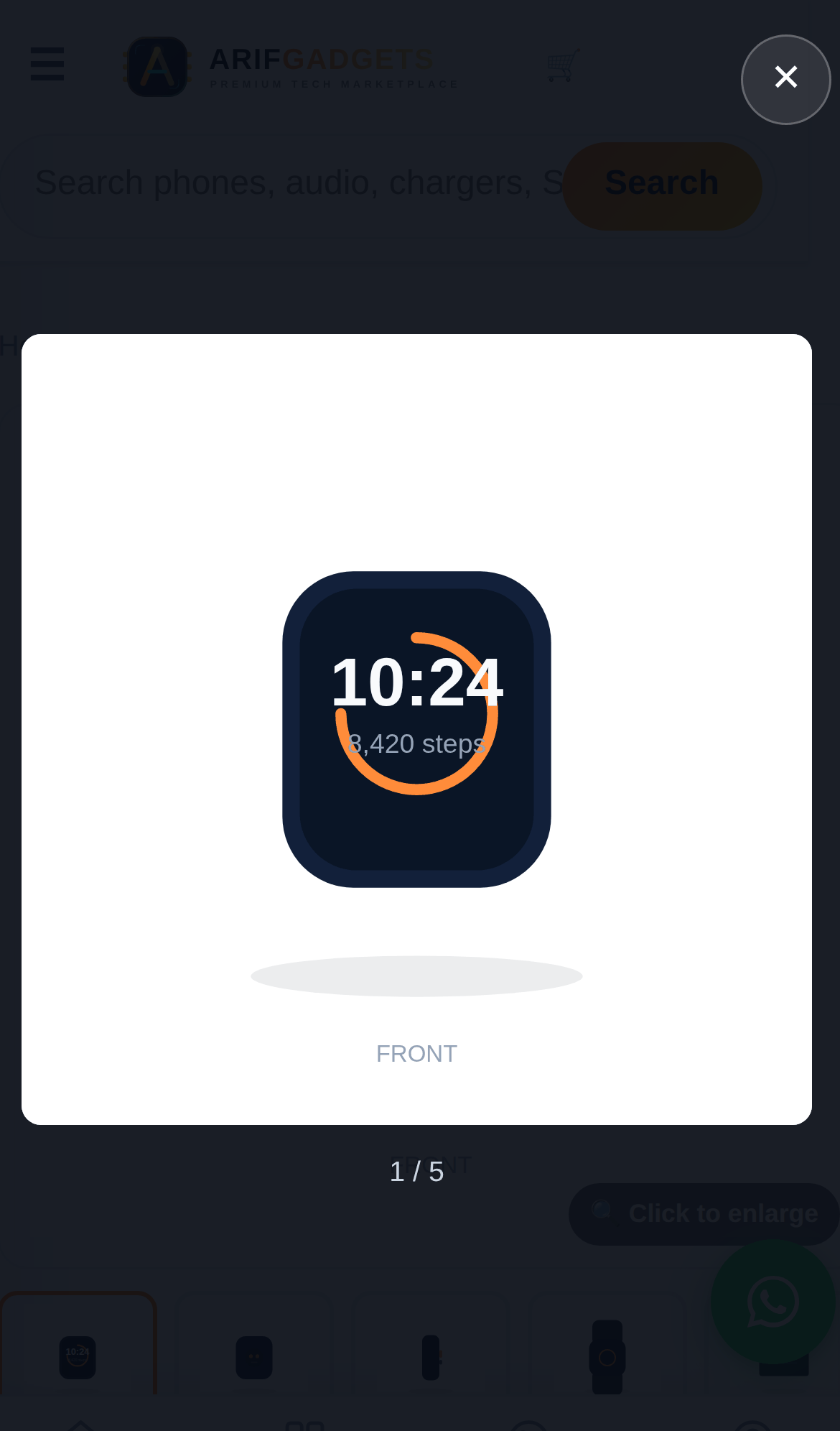
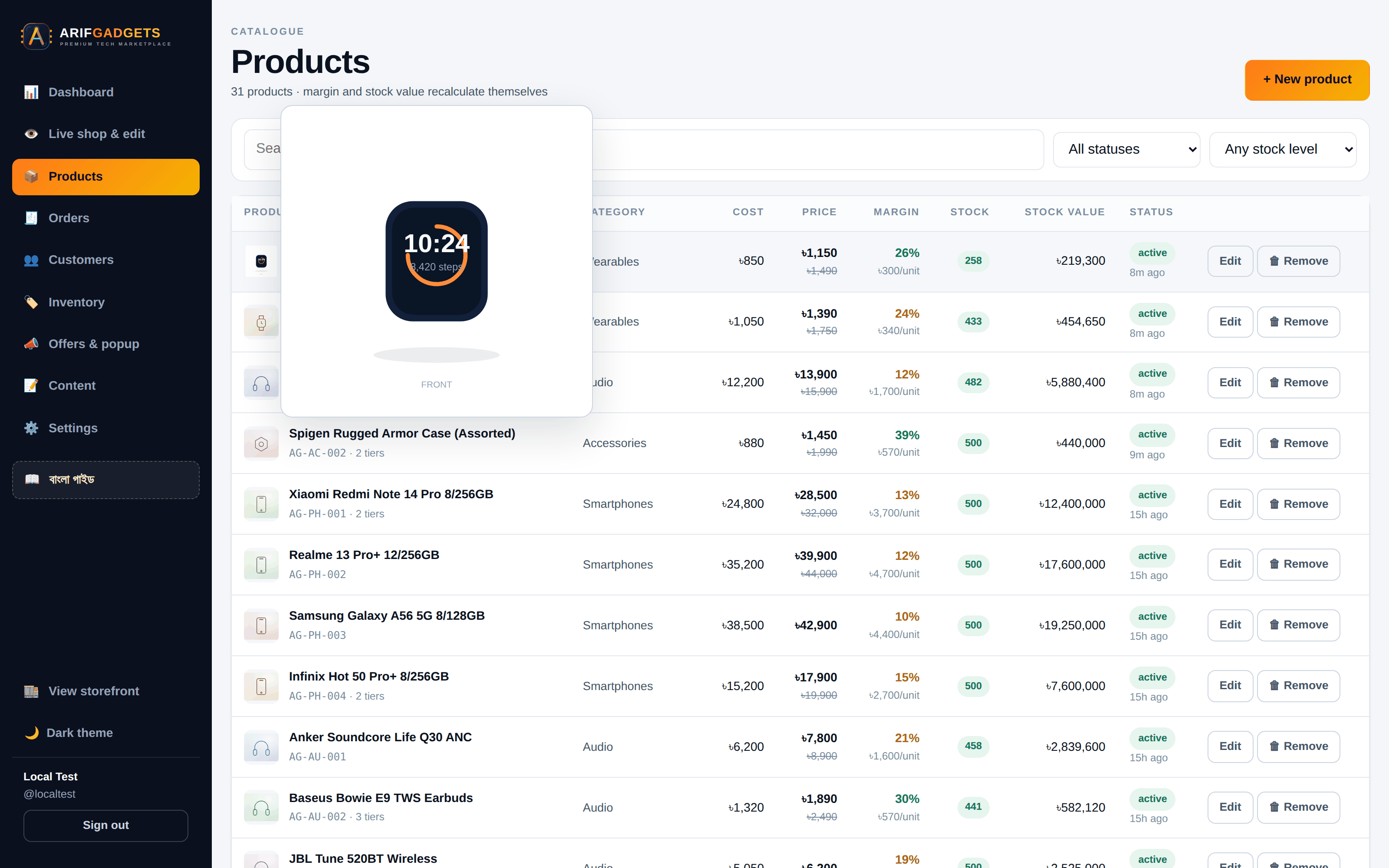
Hover to enlarge, click to open. Photographs appear all over the shop at thumbnail size — 220 pixels on a catalogue card, 30 in the dashboard's product table. At that size two black chargers look identical. Hovering any picture with a mouse shows it enlarged beside the cursor; clicking one opens it full screen with arrows, keyboard navigation and swipe.
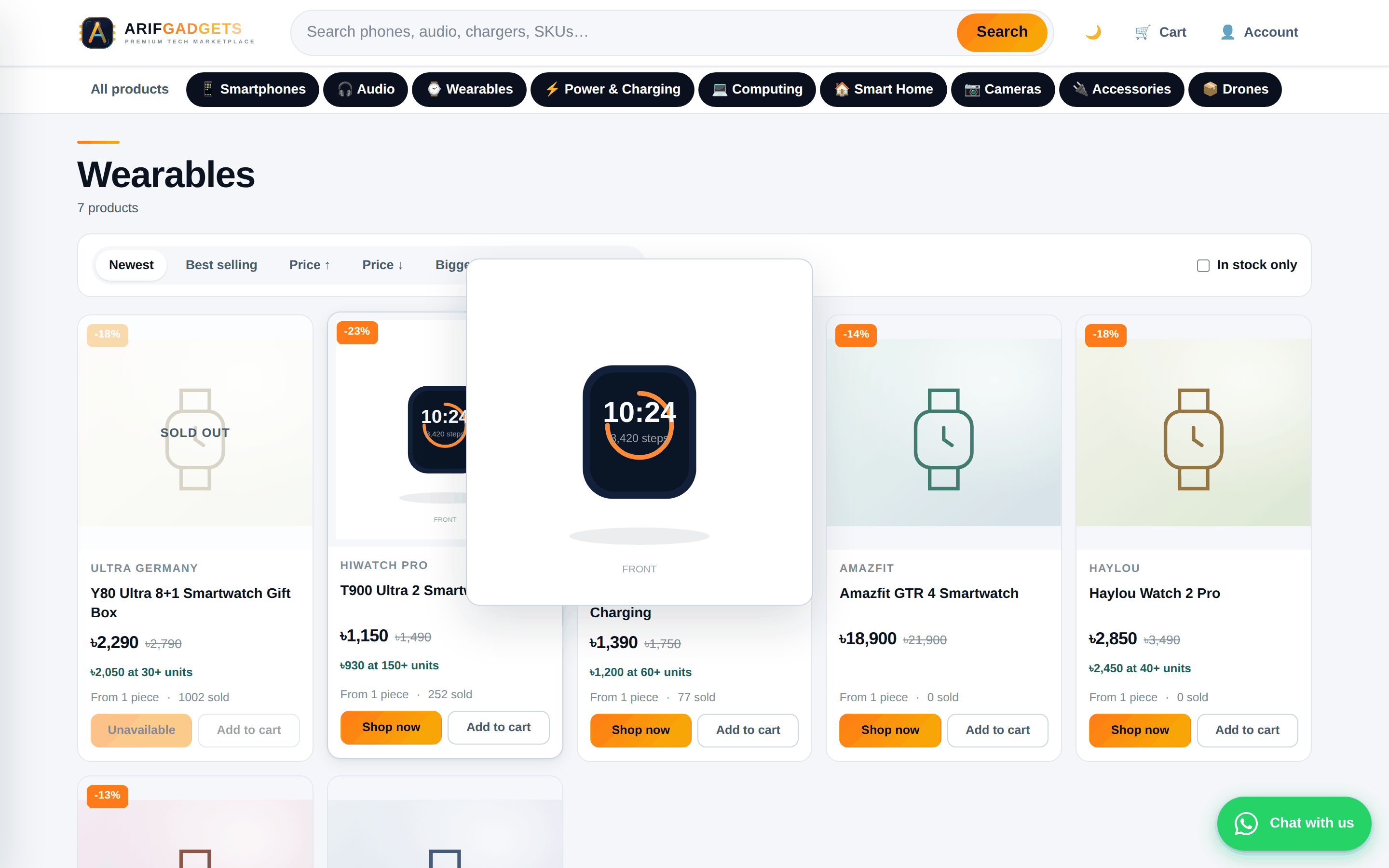
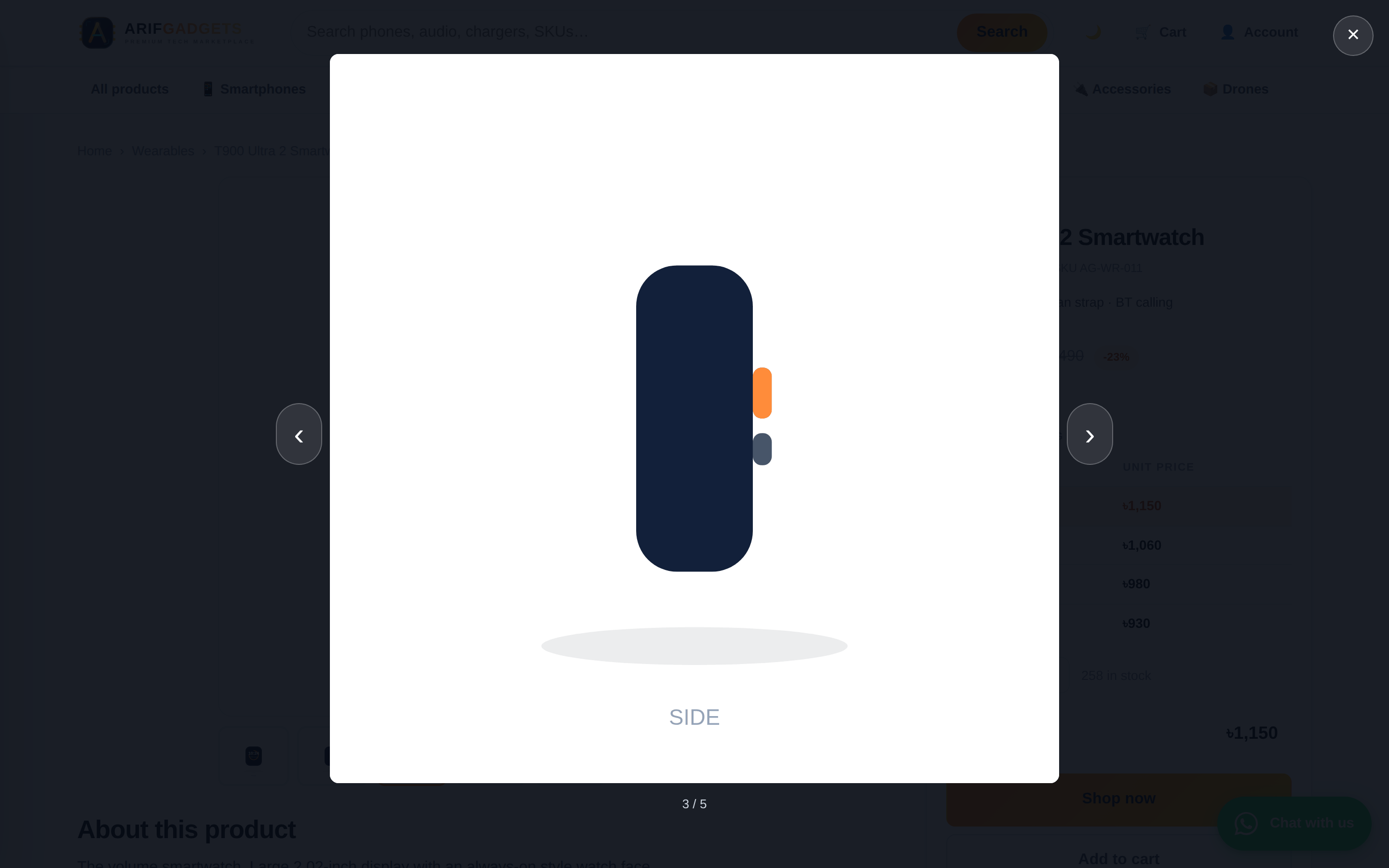
This is built as one delegated listener on the document rather than each component opting in — pictures here appear and disappear constantly as staff upload, filter and page through lists, and a delegated listener covers whatever is on screen at the time. A picture inside a link or a button keeps its own click, so a product card still opens its product.
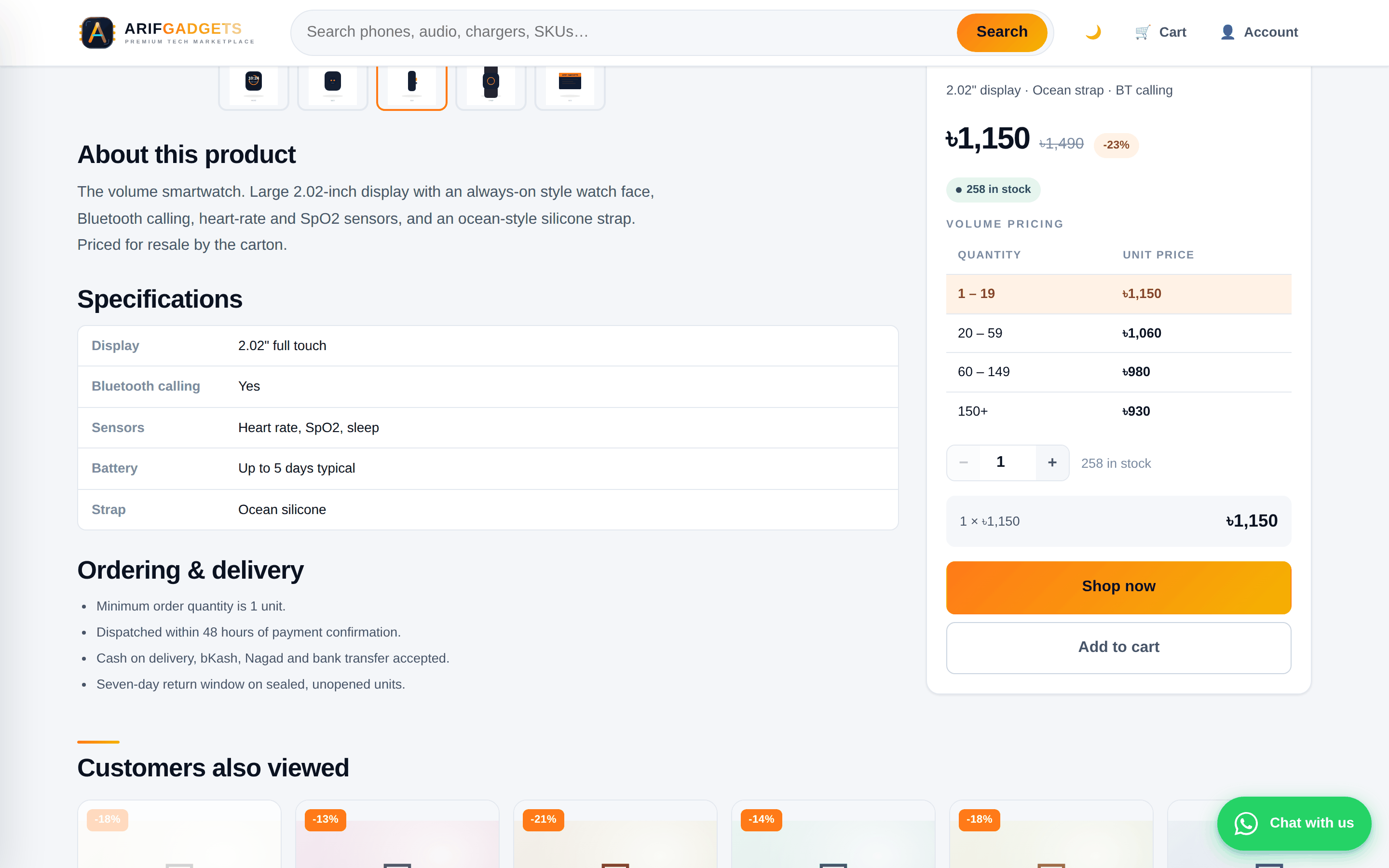
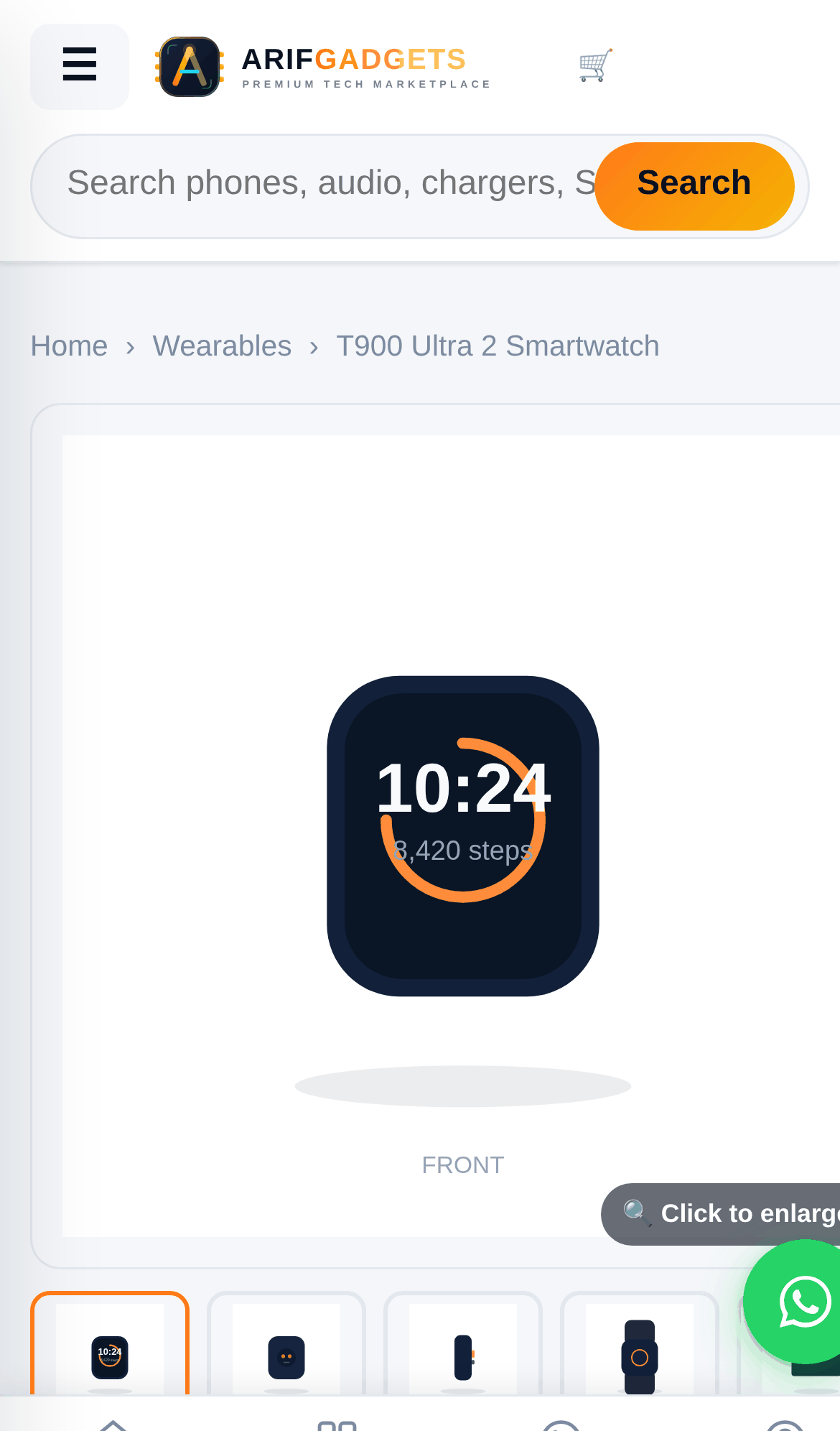
Below the gallery: the description rendered as real paragraphs and bullets, the specifications, and the ordering and delivery terms.
5. Two ways to buy
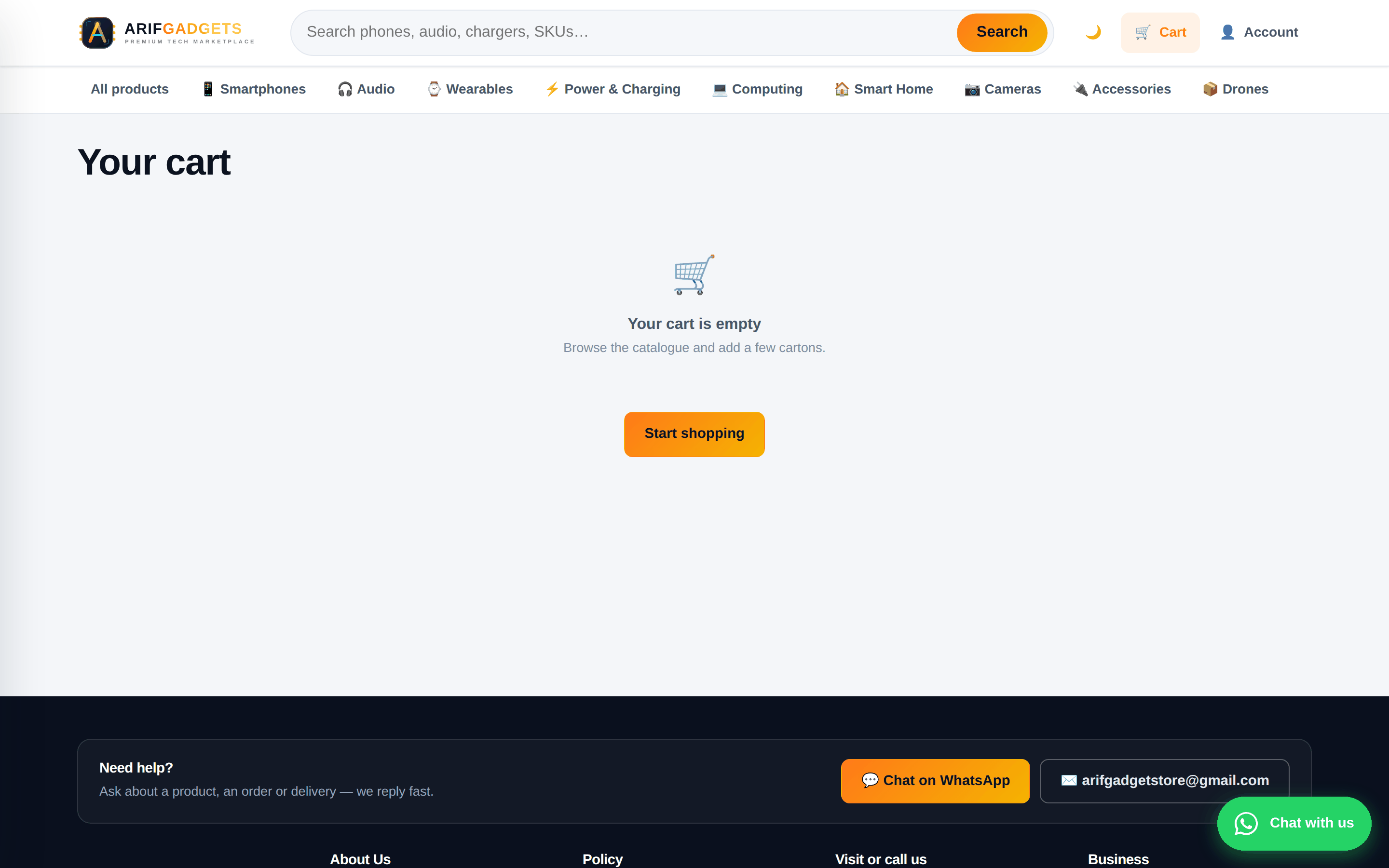
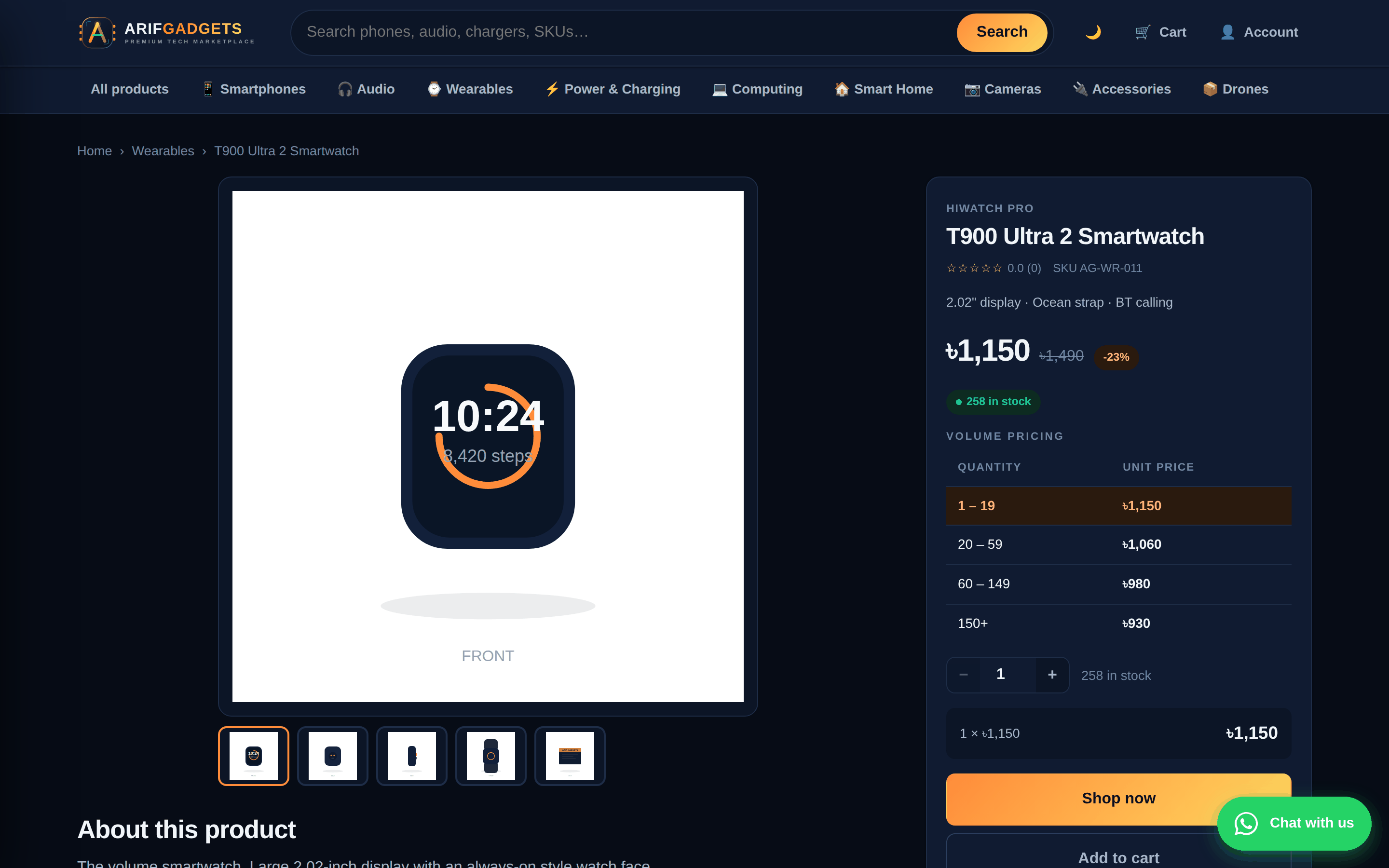
Every product offers Shop now and Add to cart. Shop now takes one item straight to checkout and does not touch the cart — a shopper who has been building a basket for ten minutes does not lose it because they used the wrong button.
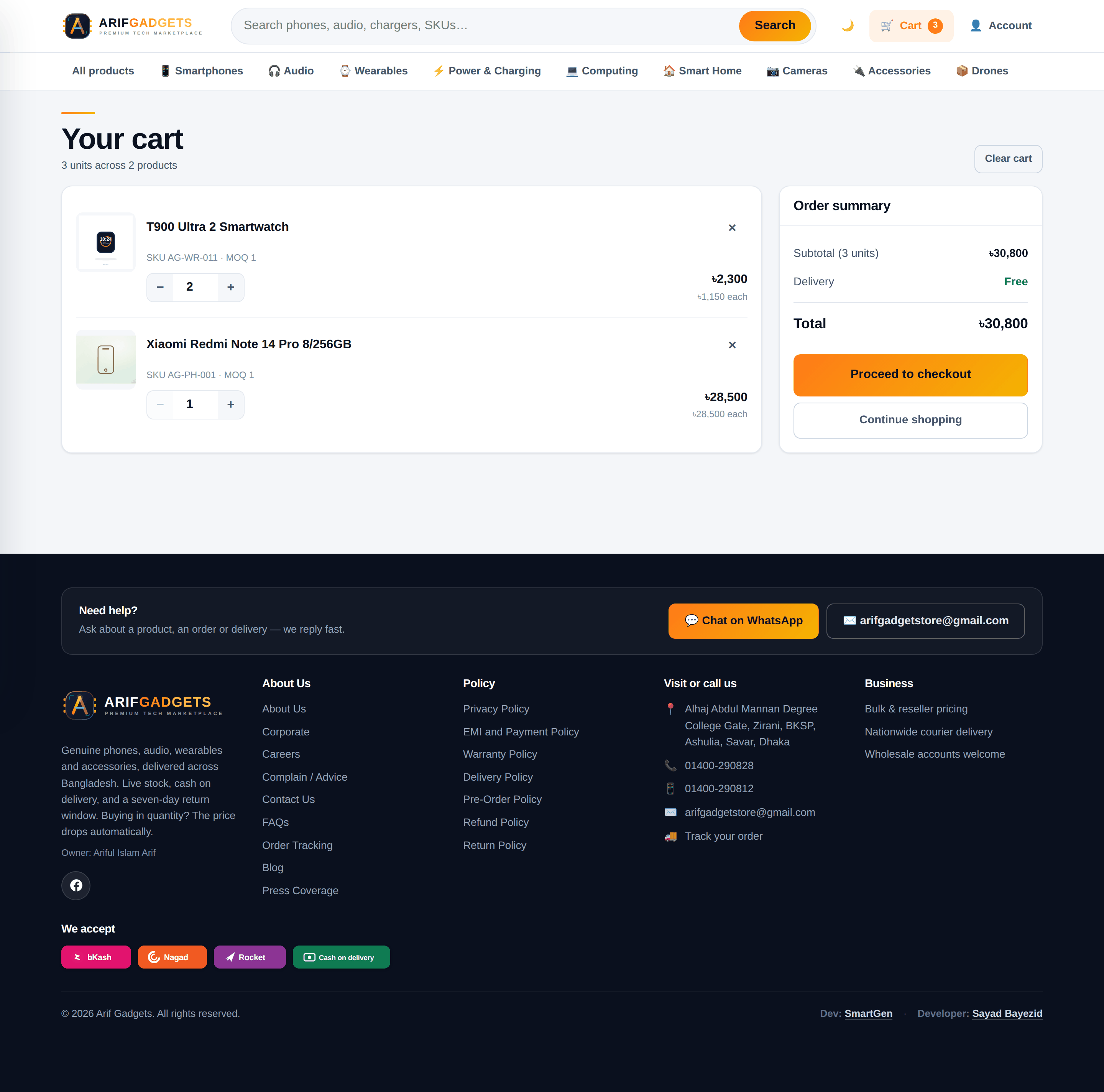
Volume pricing is a real tier table, resolved on the server. The unit price drops as quantity rises, and the cart recalculates live as the shopper changes numbers.
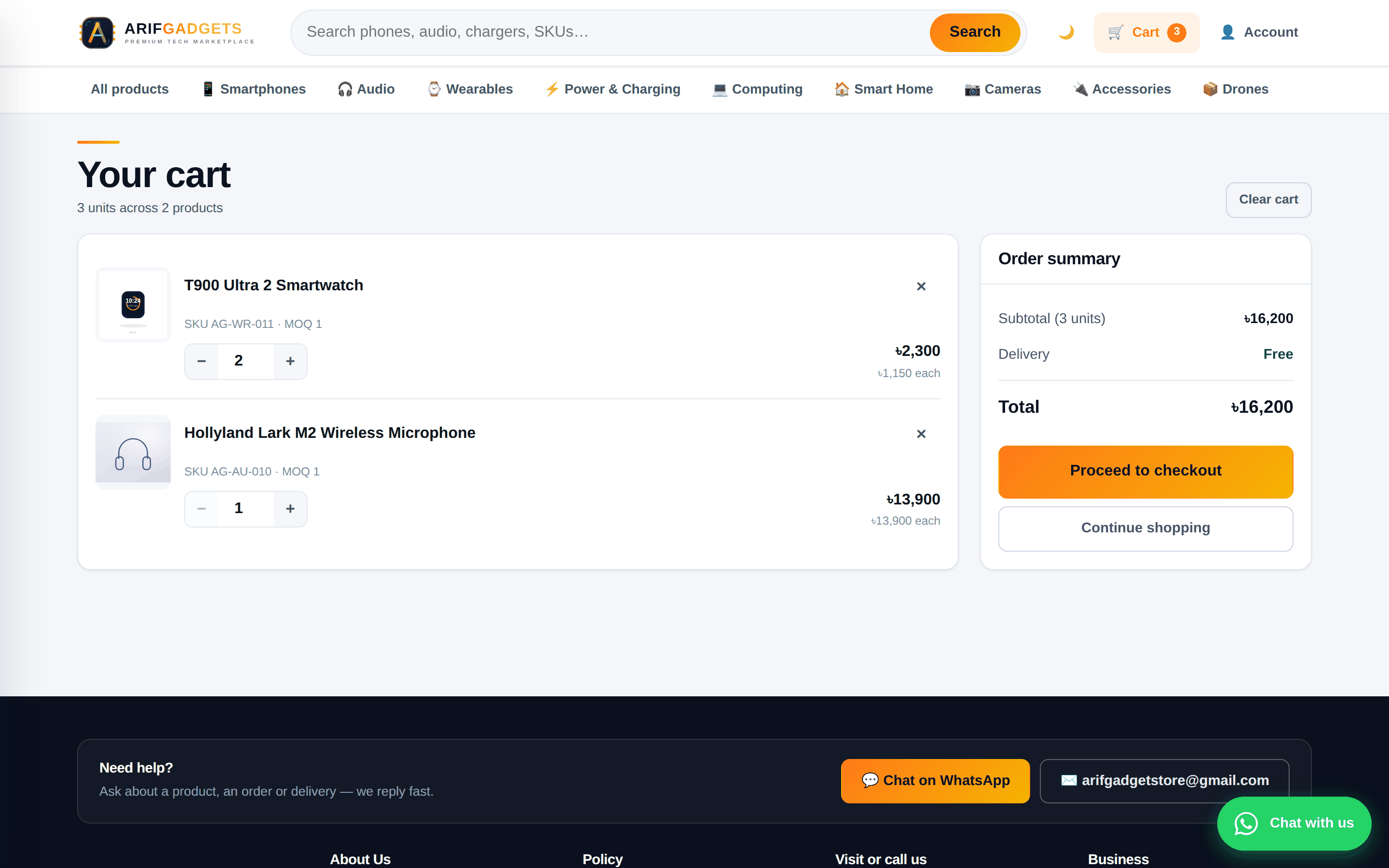
The prices a shopper sees are never trusted. The browser sends product ids and quantities; the Worker looks up the current price and the applicable tier itself, computes the total, and that is what gets charged. A tampered request buys nothing at a discount.
6. Checkout, payment and the invoice
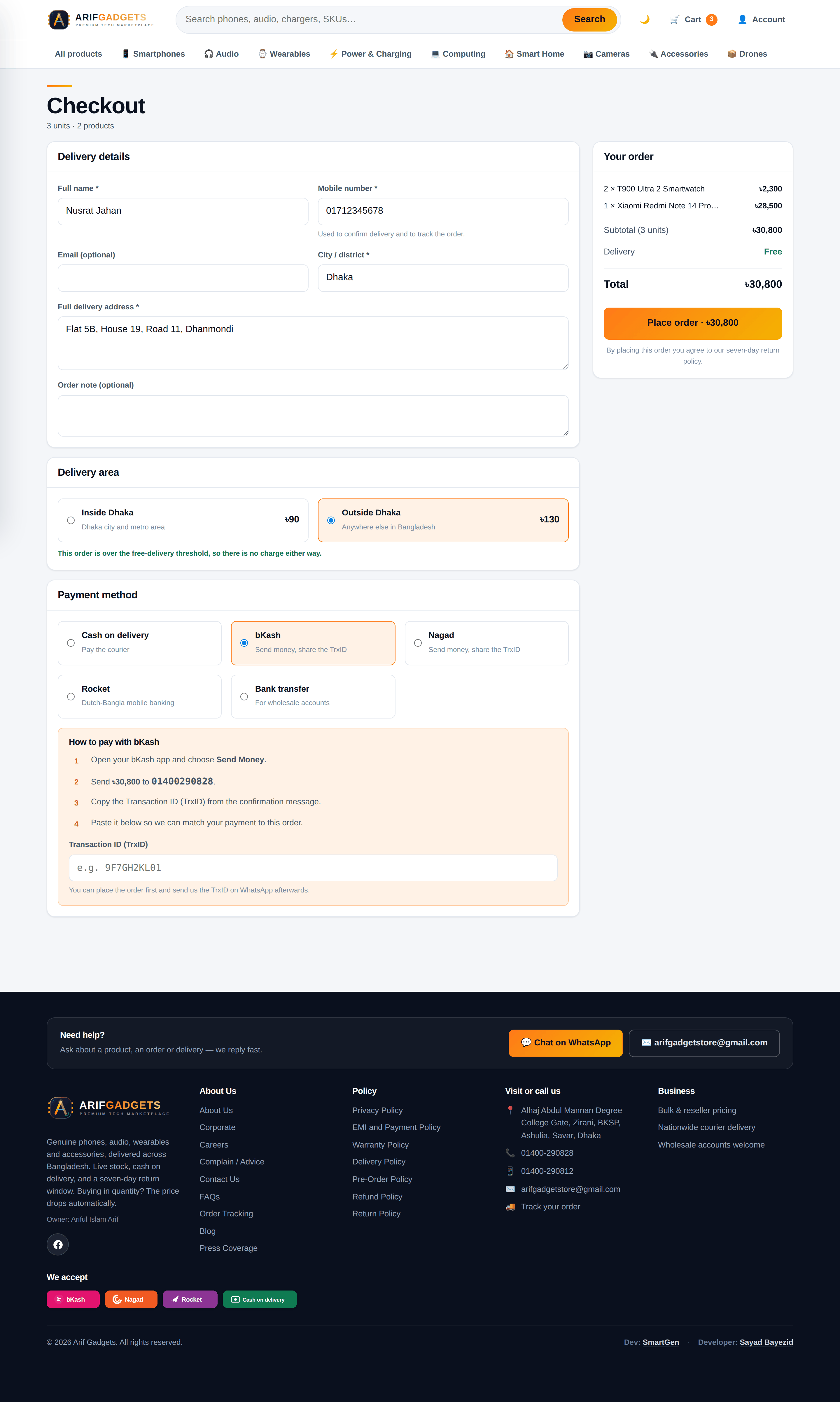
One page: delivery details, delivery zone, payment method.
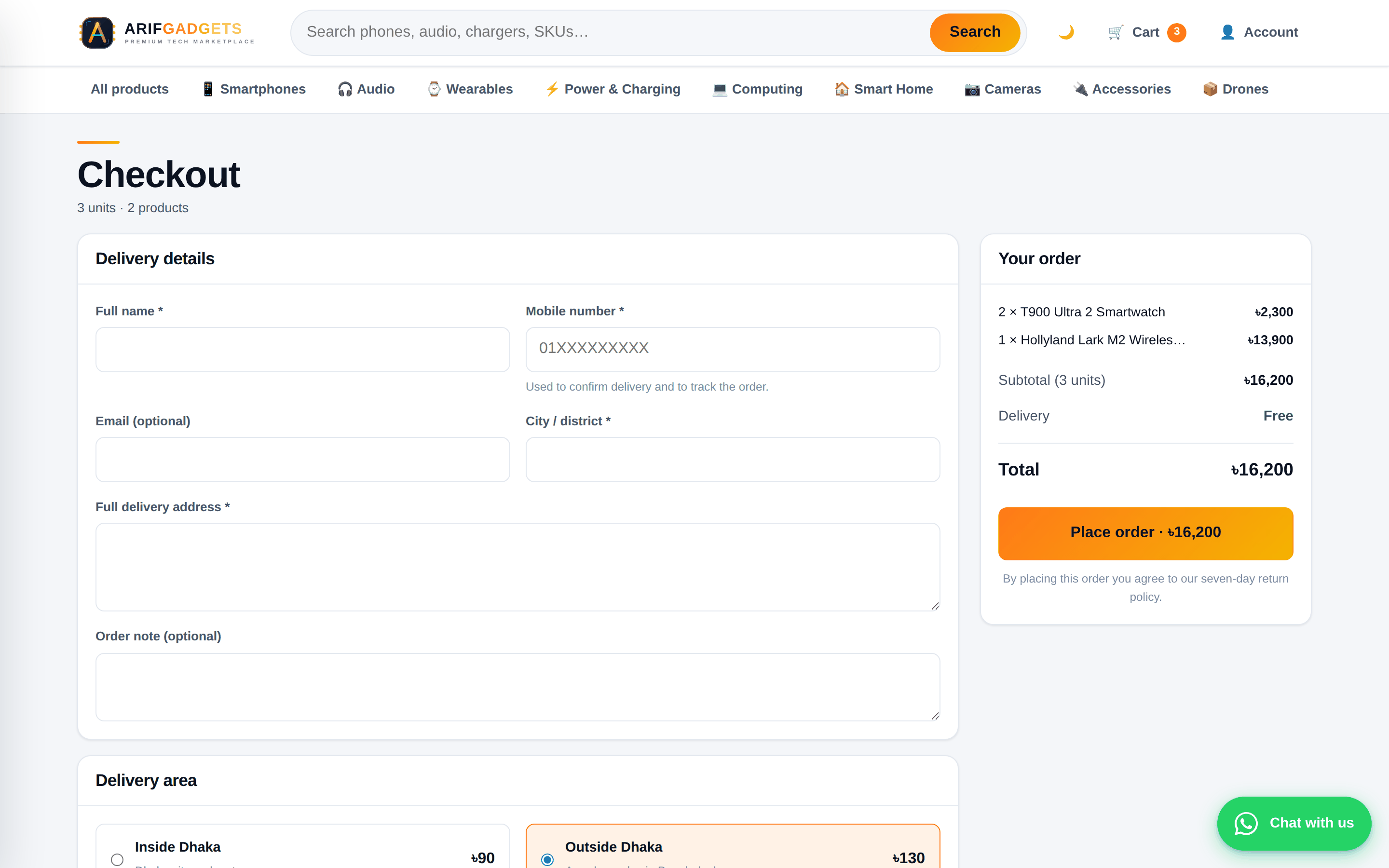
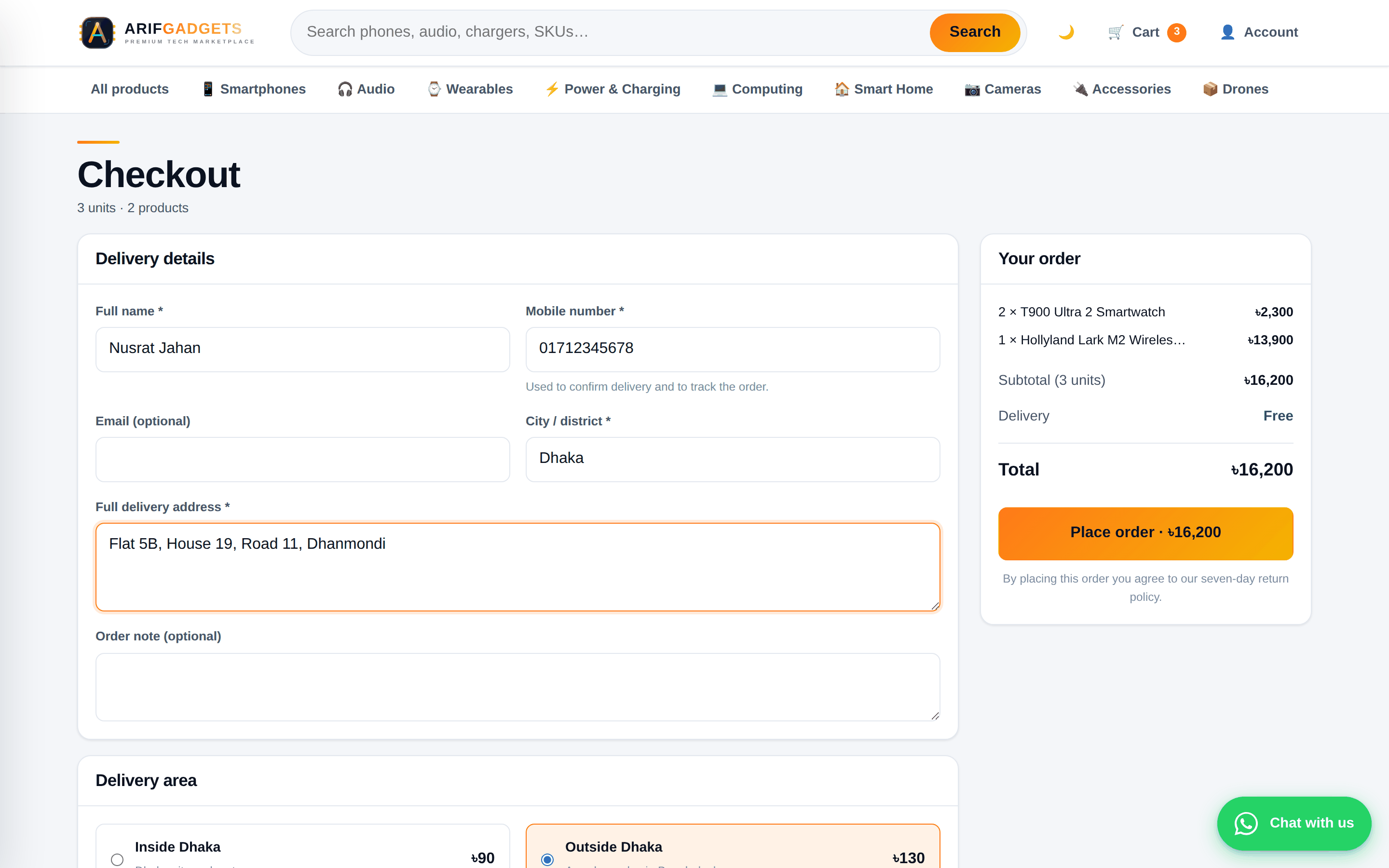
Choosing bKash, Nagad, Rocket or bank transfer reveals the shop's own receiving number and asks for the transaction ID, which is stored against the order so staff can reconcile it later. Cash on delivery skips all of that.
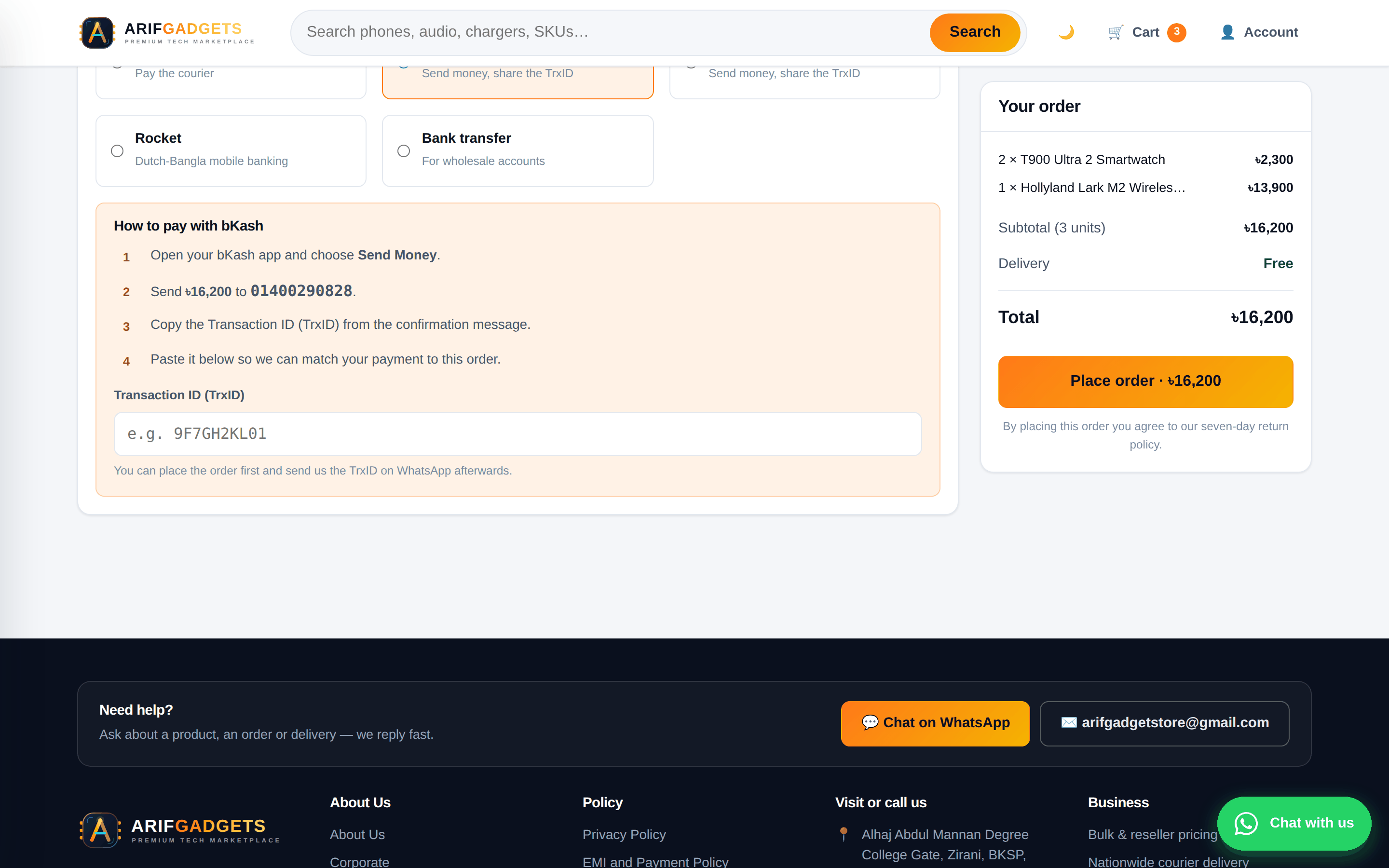
Every order gets two numbers, and they never drift apart:
- an order number (
AGMT0DG3MDOV) — the customer's tracking reference - an invoice number (
INV-000193) — the receipt reference
The invoice number is a generated column derived from the order's own row id, so it cannot be skipped, collide, or fall out of step. There is no counter table to lock, which means concurrent checkouts never queue behind each other for a number.
Staff can search the dashboard by either — or by half of either, or by the customer's name or phone. An exact match on an order or invoice number sorts to the top however old it is, because a customer reading out invoice 193 should not be answered with a newer order that merely contains "193" in its phone number.
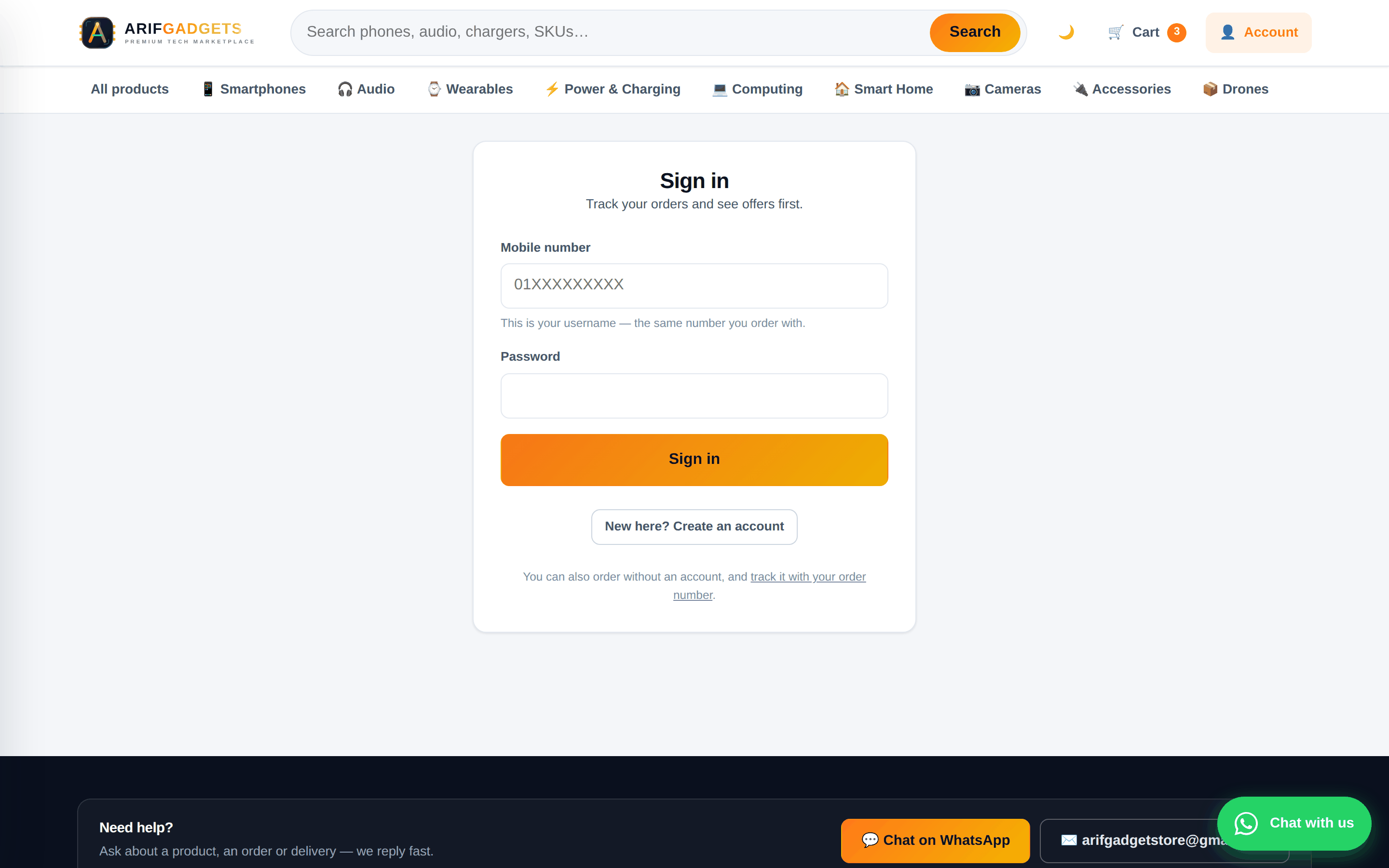
7. Order tracking and customer accounts
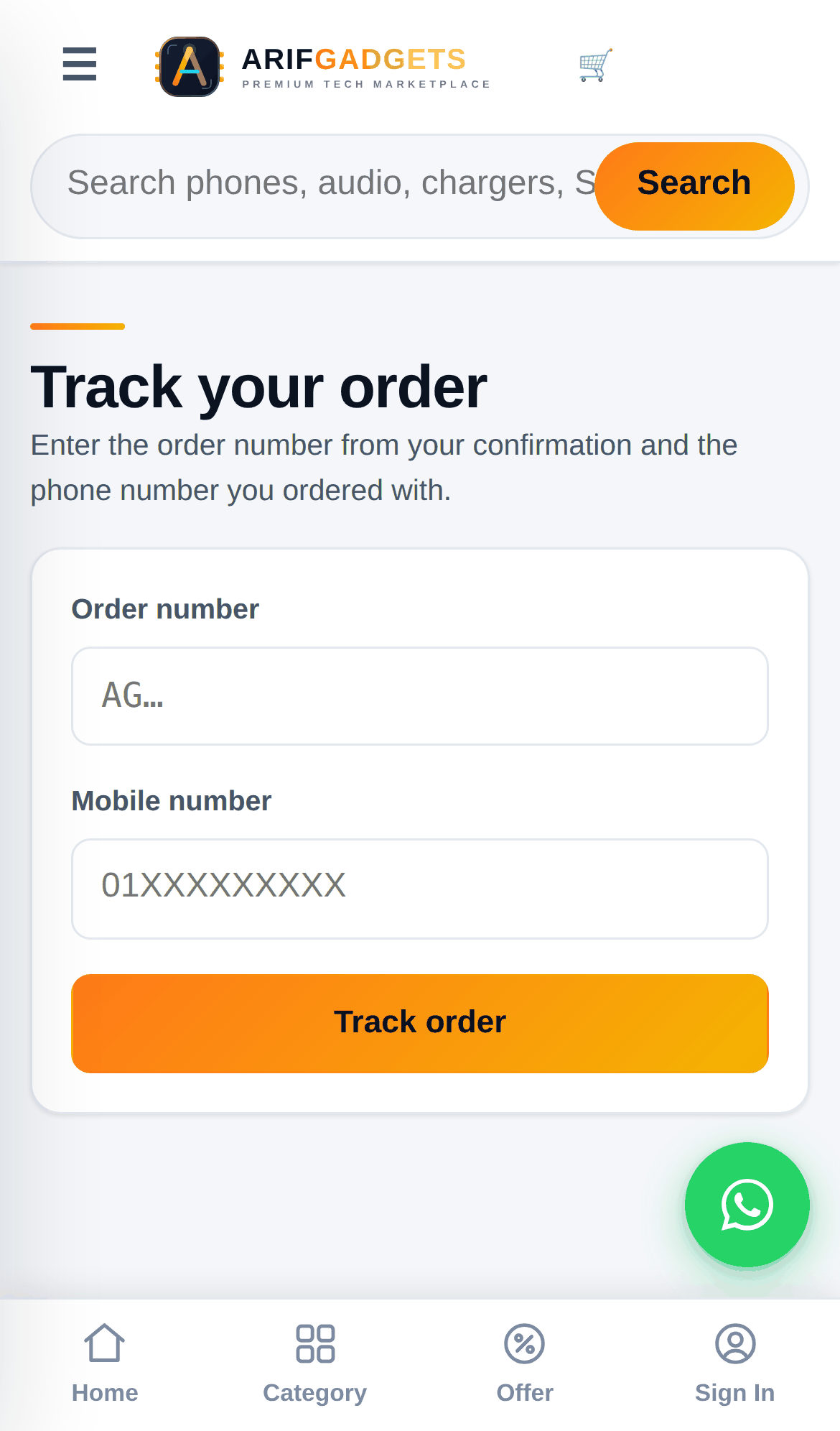
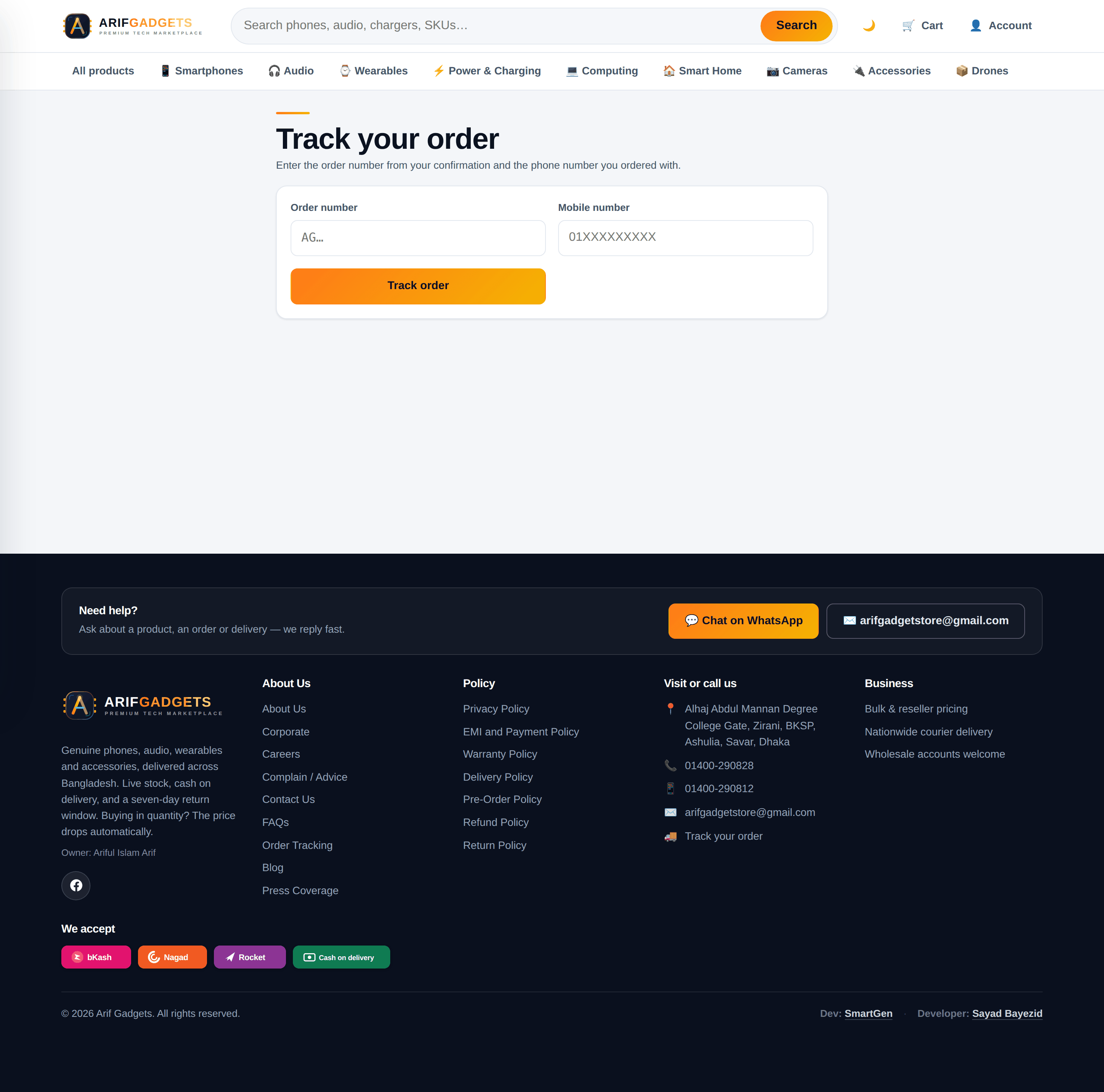
A customer tracks an order with the order number and the phone they used — no account required, because most customers will not make one.
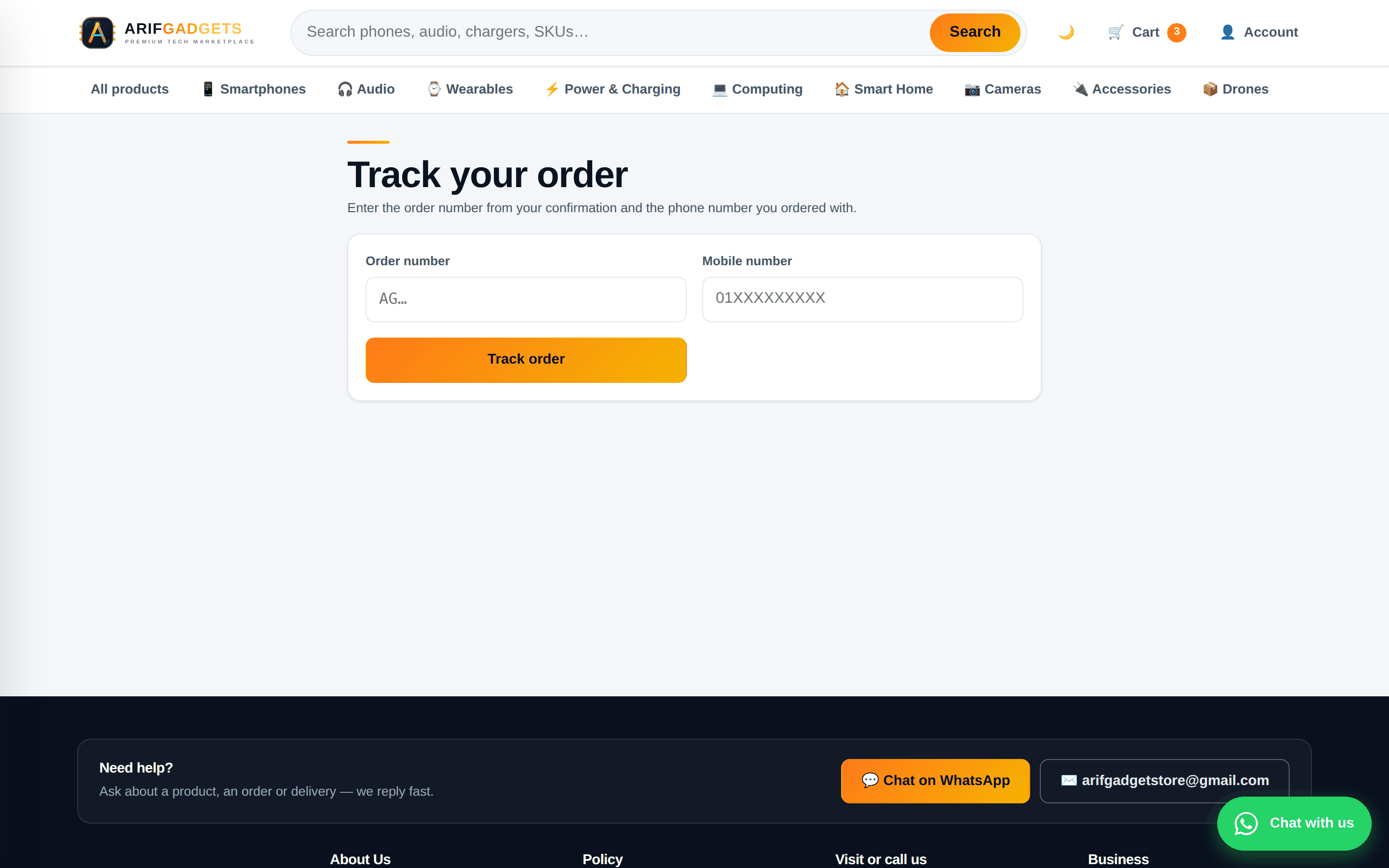
Those who do get an account see their order history, can reorder, and can download any invoice.
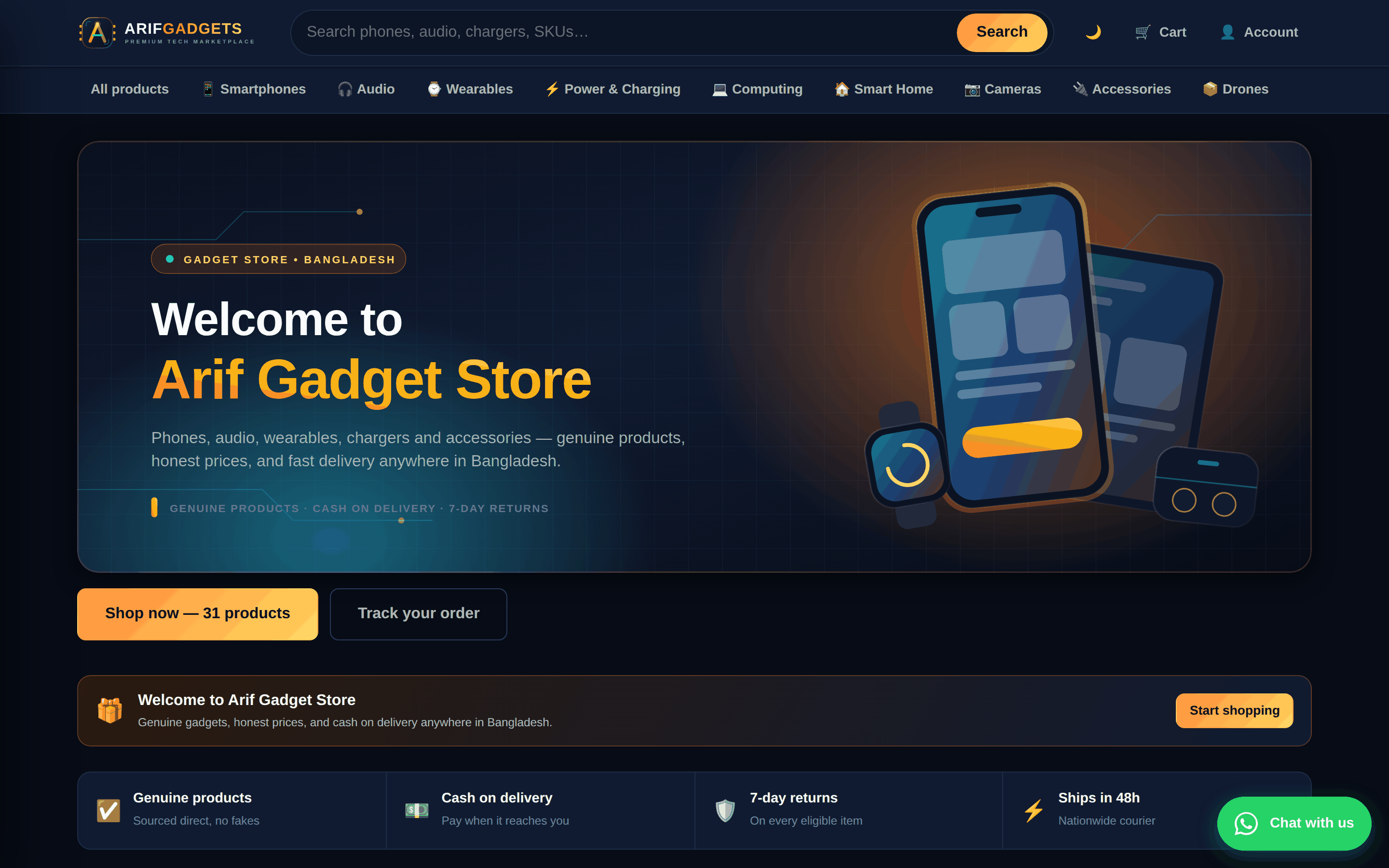
The shop also has a proper light and dark theme, following the operating system's setting unless the visitor overrides it.
8. Built for the phone first
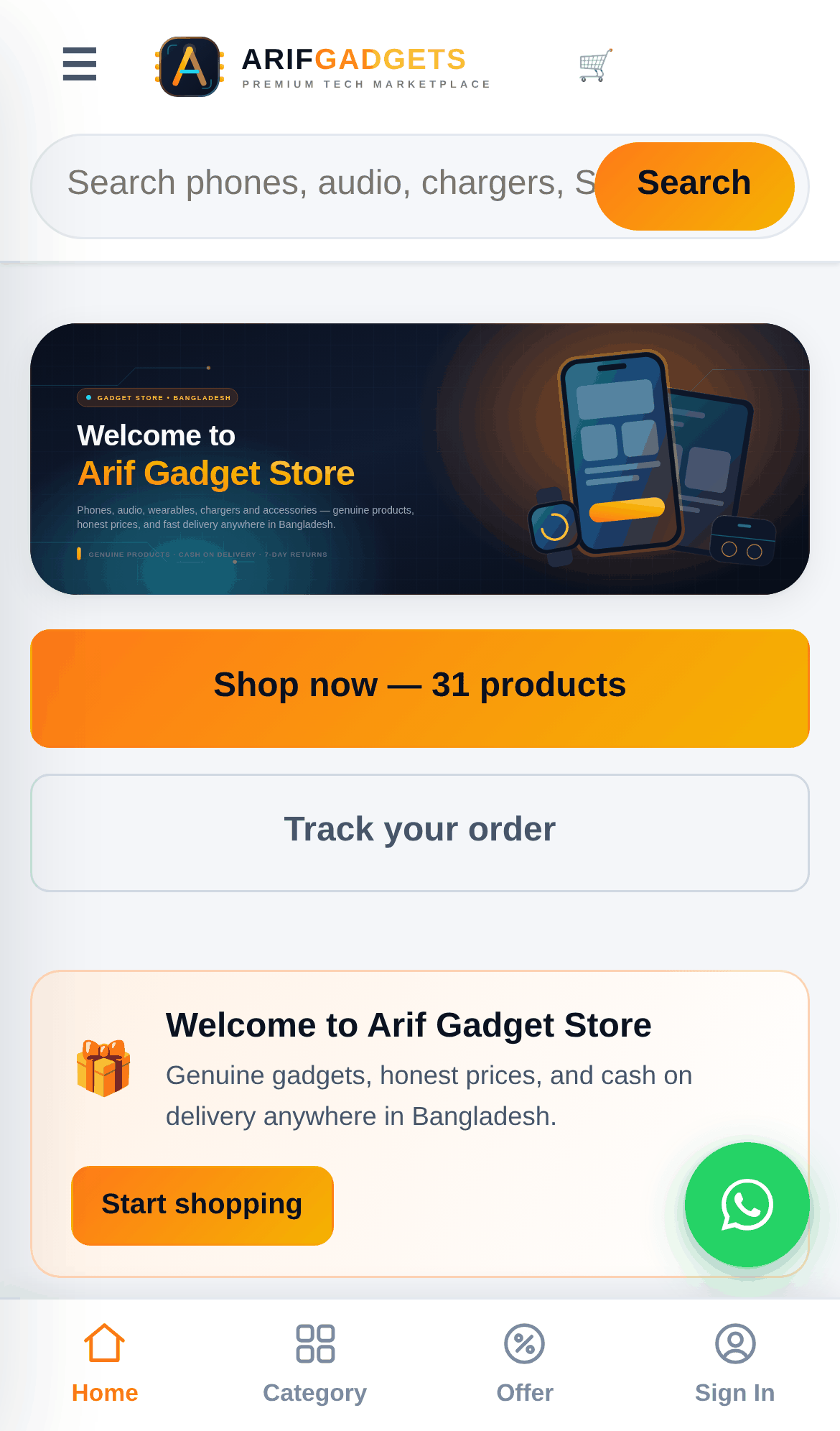
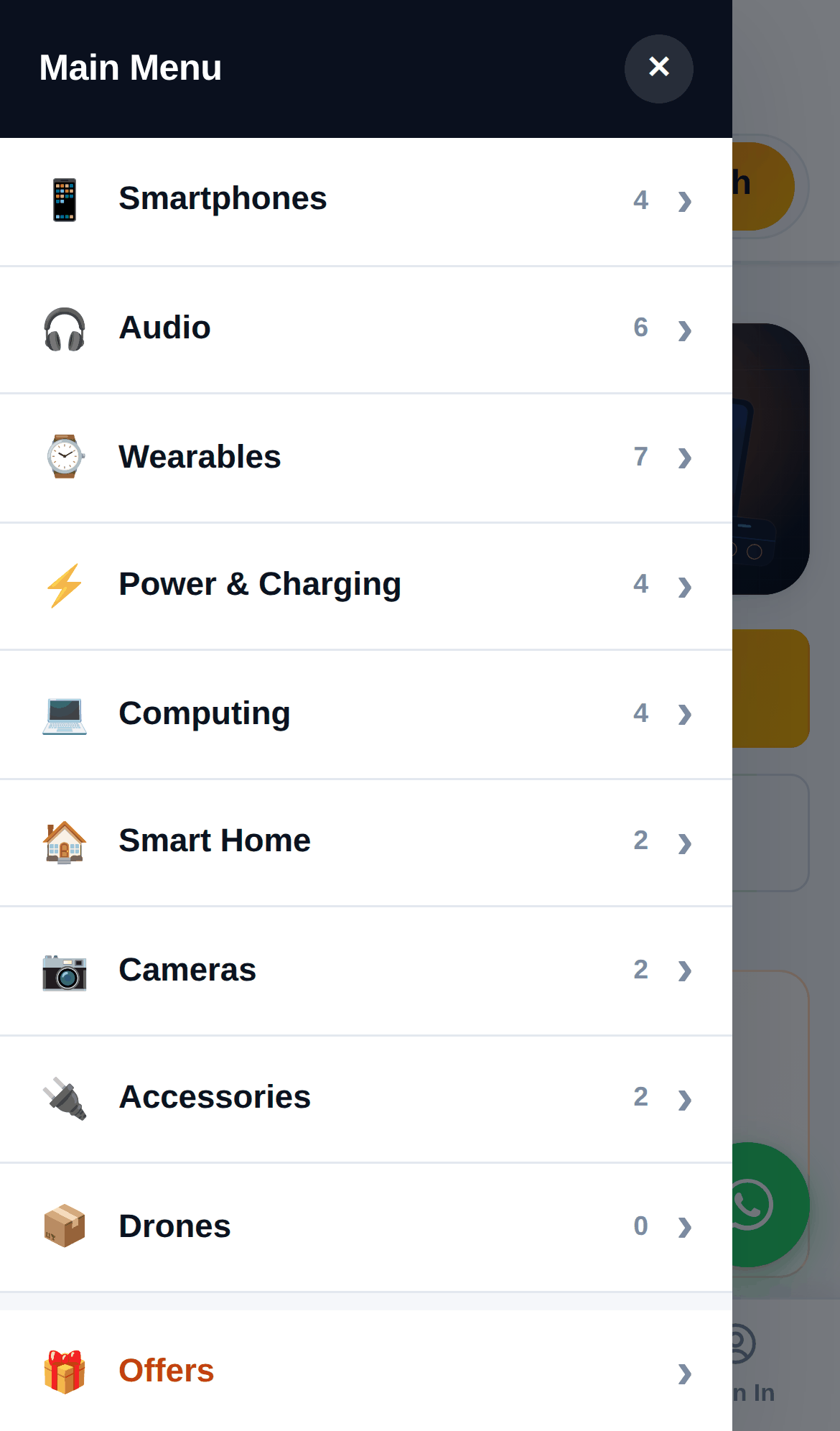
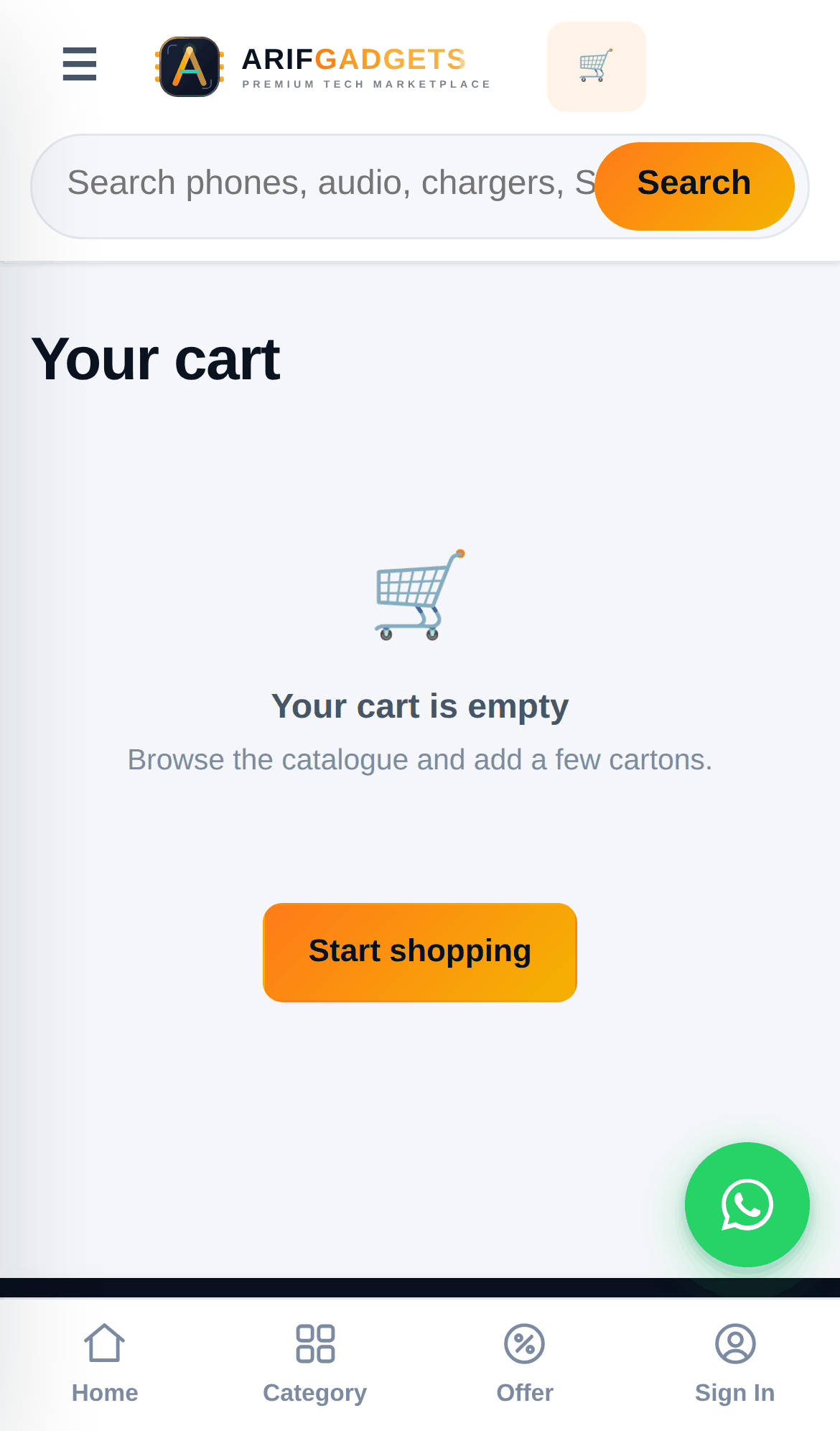
Every screen was designed at 390 pixels wide and then allowed to grow, not the other way round. The phone gets a bottom navigation bar, a slide-out category drawer, and a full-screen photo viewer that responds to swipe.
 |
 |
 |
 |
 |
 |
 |
 |
The whole application — storefront and dashboard together — is 131 kB gzipped (68 kB of application code, 54 kB of React and the router, 9 kB of CSS). On a slow connection that is the difference between a shop and a spinner.
9. The dashboard
This is where most of the thinking went, because this is what the client actually uses.
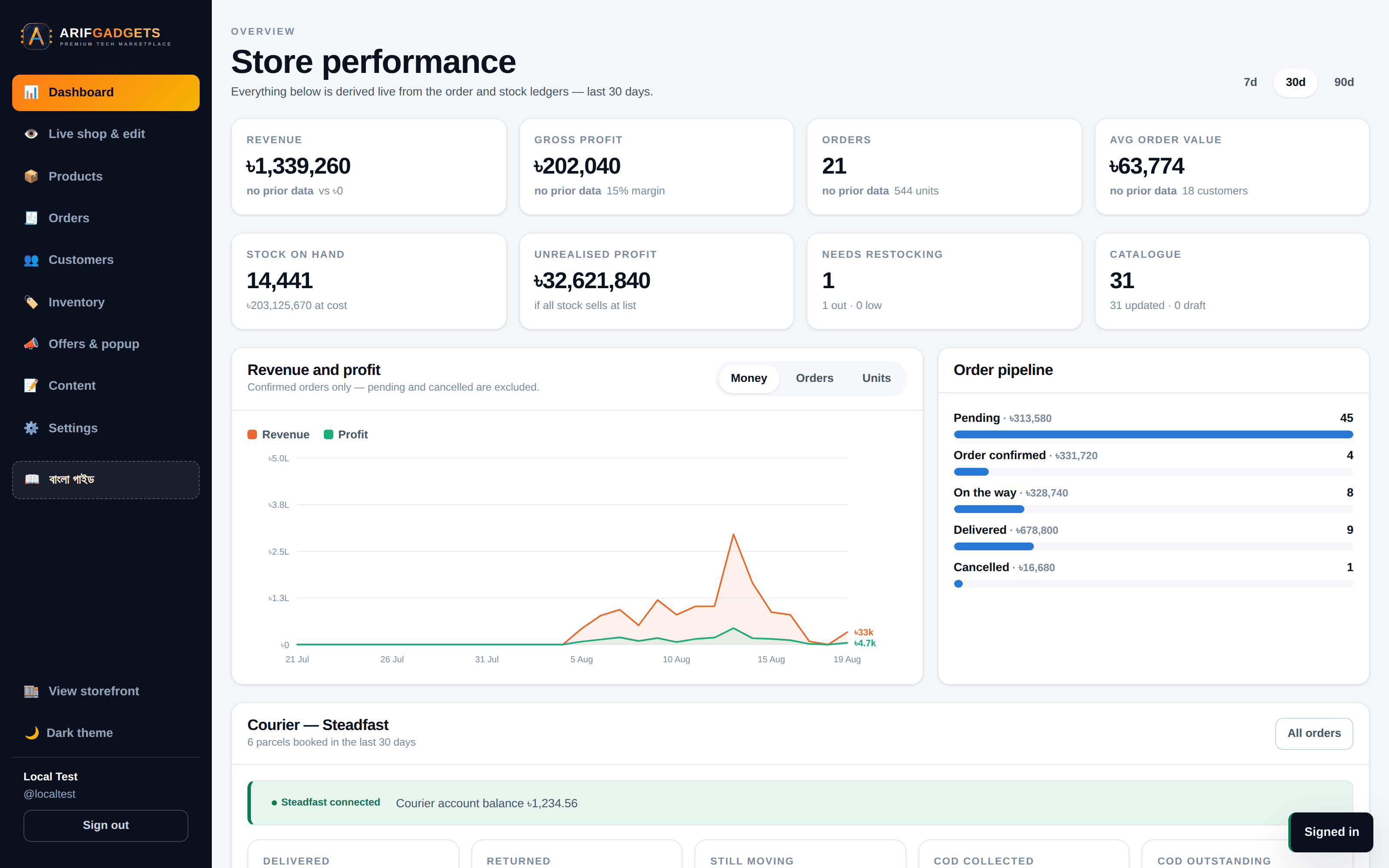
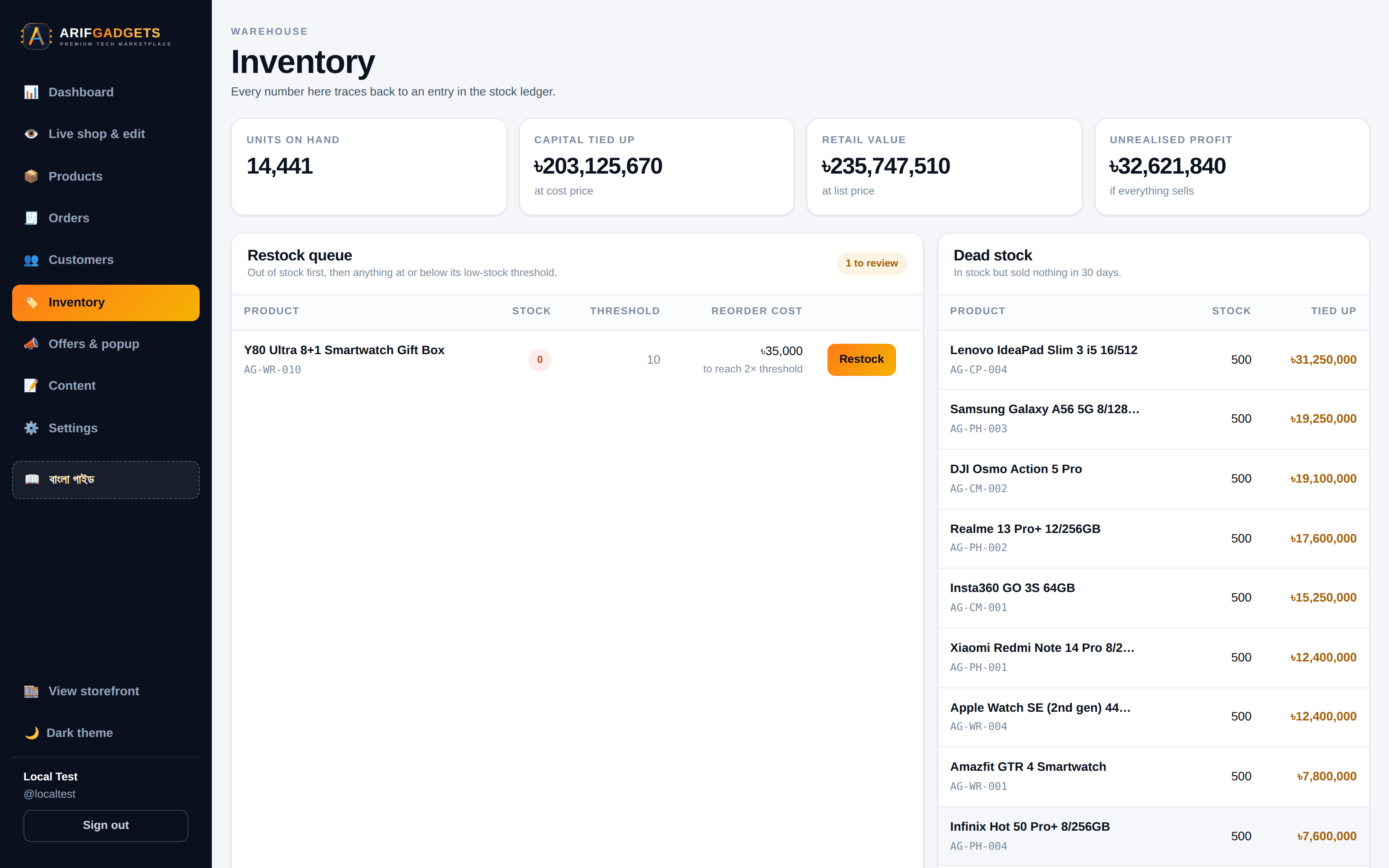
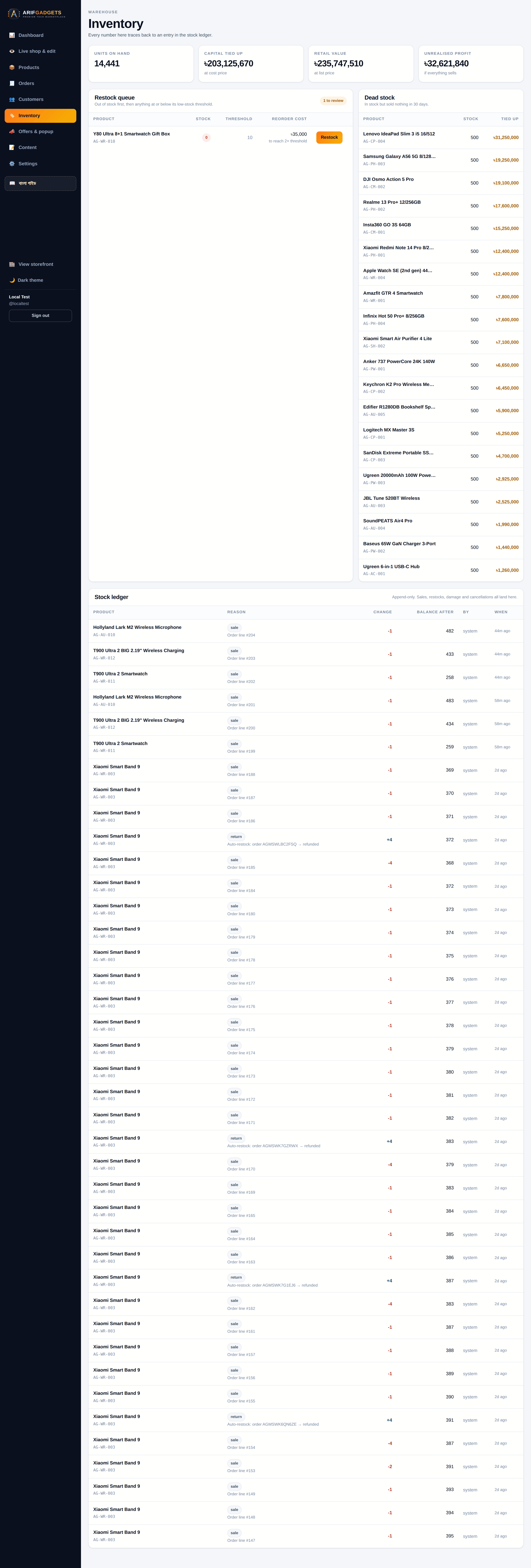
Revenue, gross profit, orders, average order value — each against the previous period. Stock on hand at cost, unrealised profit if everything sells at list, what needs restocking.
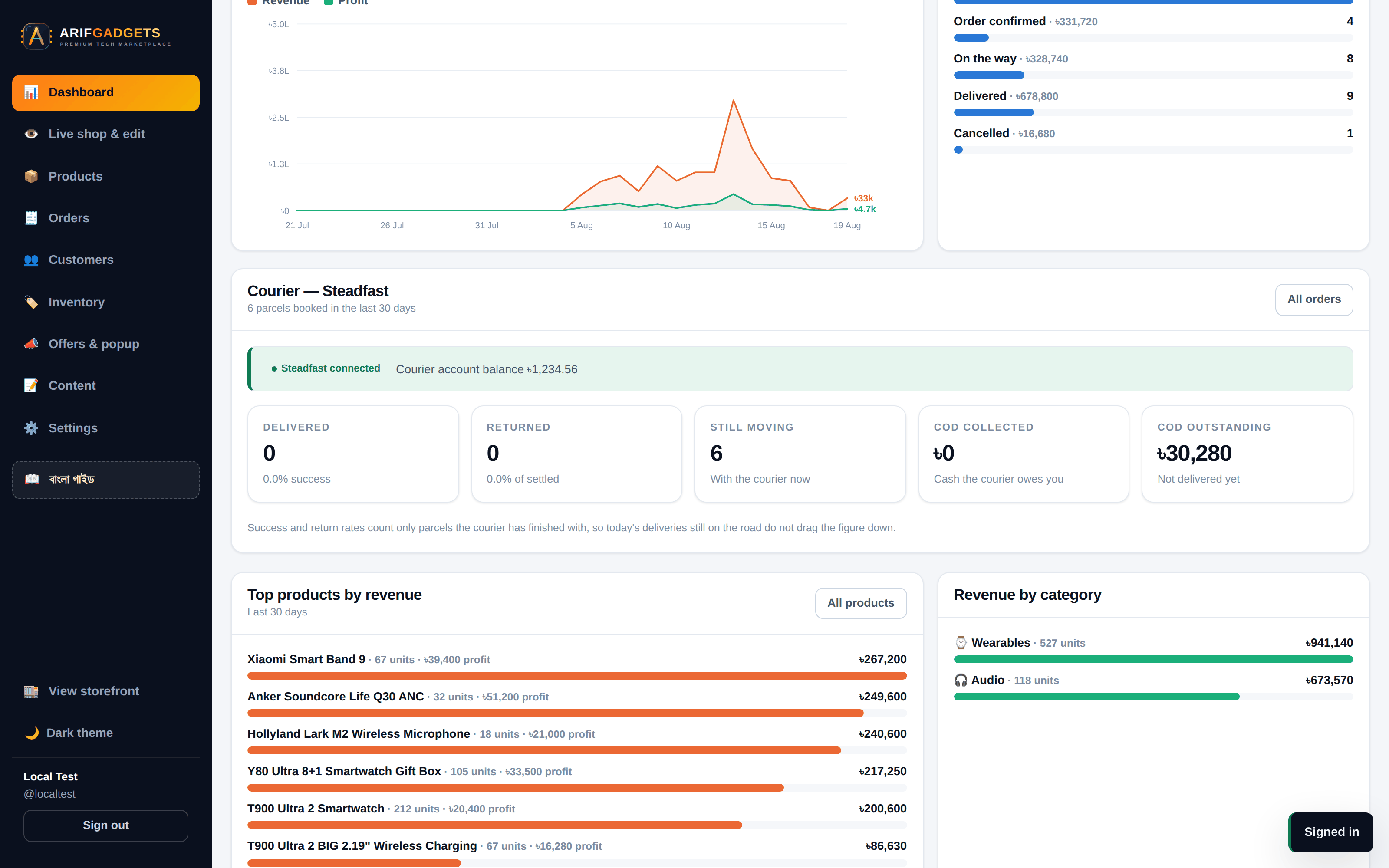
Every figure is derived from the order and stock ledgers at the moment the page loads. Nothing is a stored total that can drift from the rows it summarises.
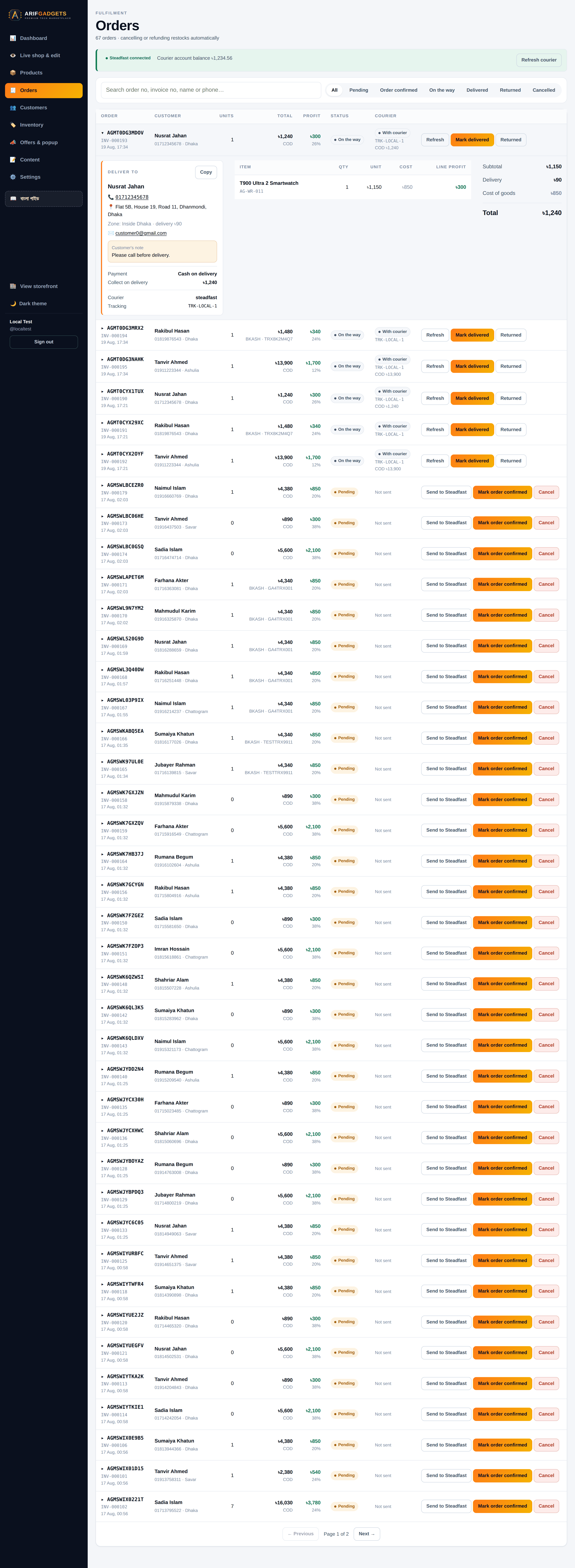
Orders. The list shows order number, invoice number, customer, units, total, profit, margin, status and courier state. Opening one shows what was actually needed to fulfil it:
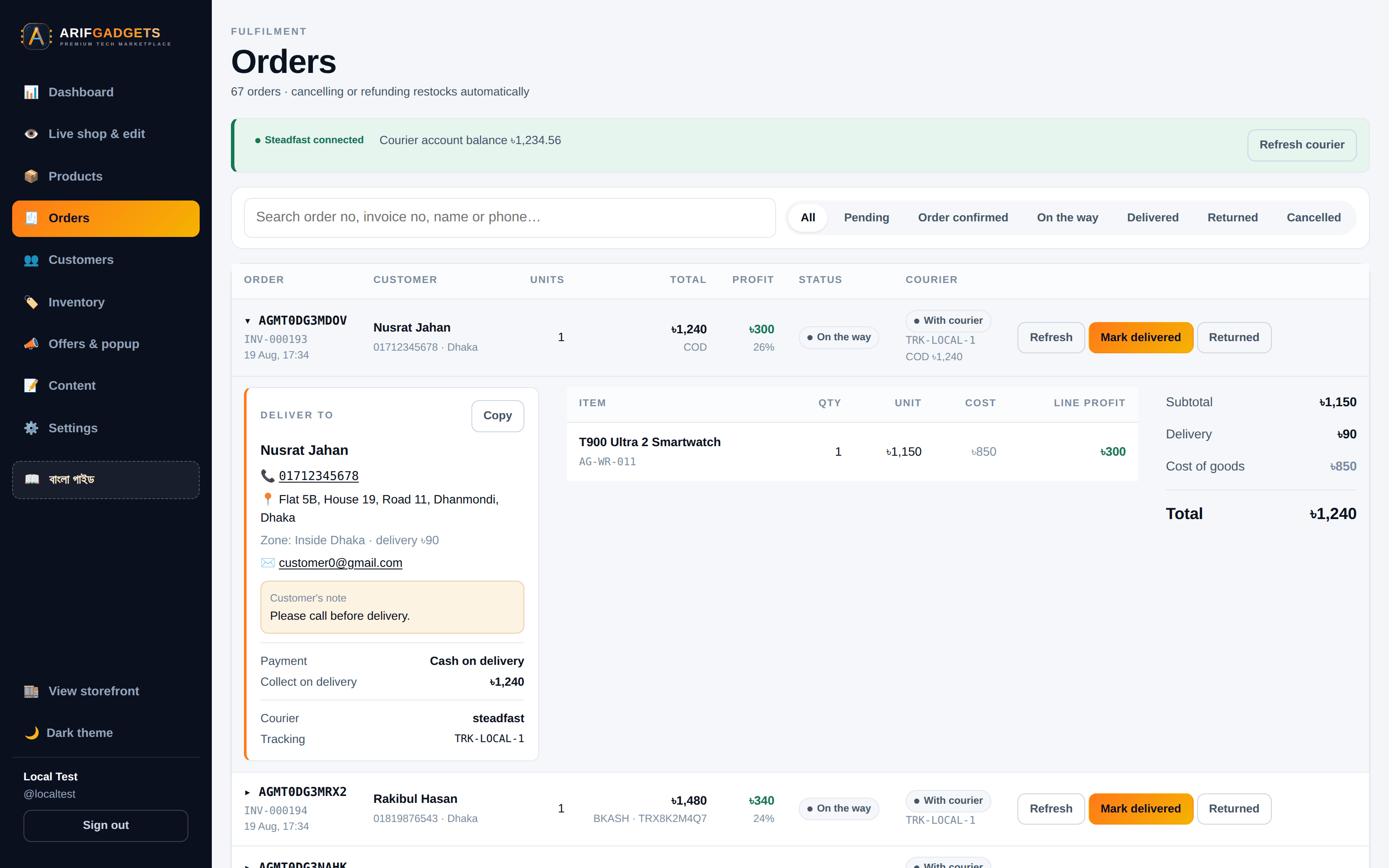
Name; the phone as a tap-to-call link, because staff open this standing next to the parcel; the full street address; which delivery zone was charged; the customer's own note highlighted, because "please call before delivery" is useless if nobody sees it; how it was paid and exactly what the courier should collect. A Copy button hands the whole block over ready to paste into a courier form.
An order with no address says so in red and says to phone the customer — that order cannot be booked with the courier at all, and the sooner someone knows the better.
Delivery details are deliberately not in the list response. A page of forty orders would otherwise carry forty customers' addresses and phone numbers into the browser whether anyone looked or not. They load for the one order a staff member opens.
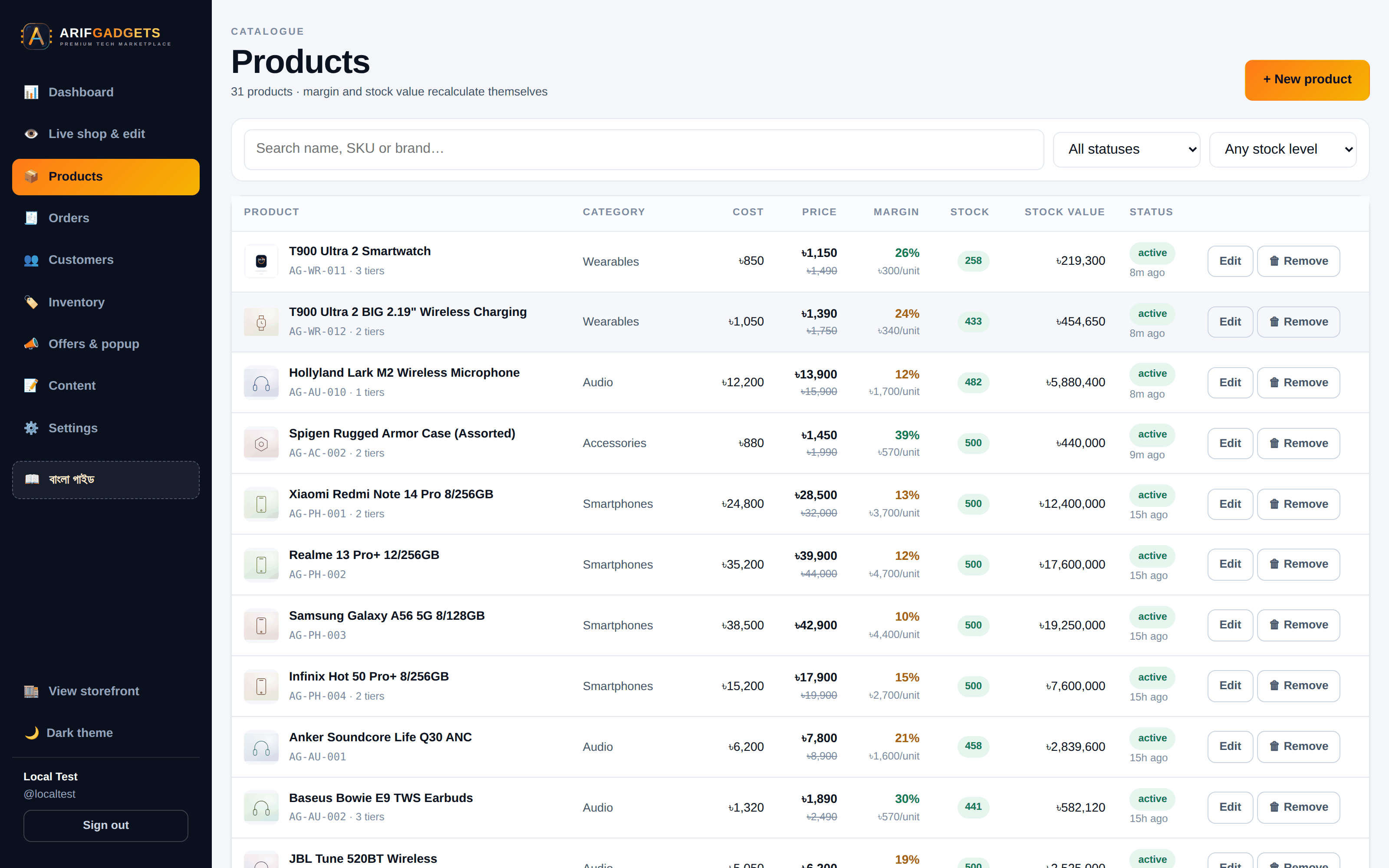
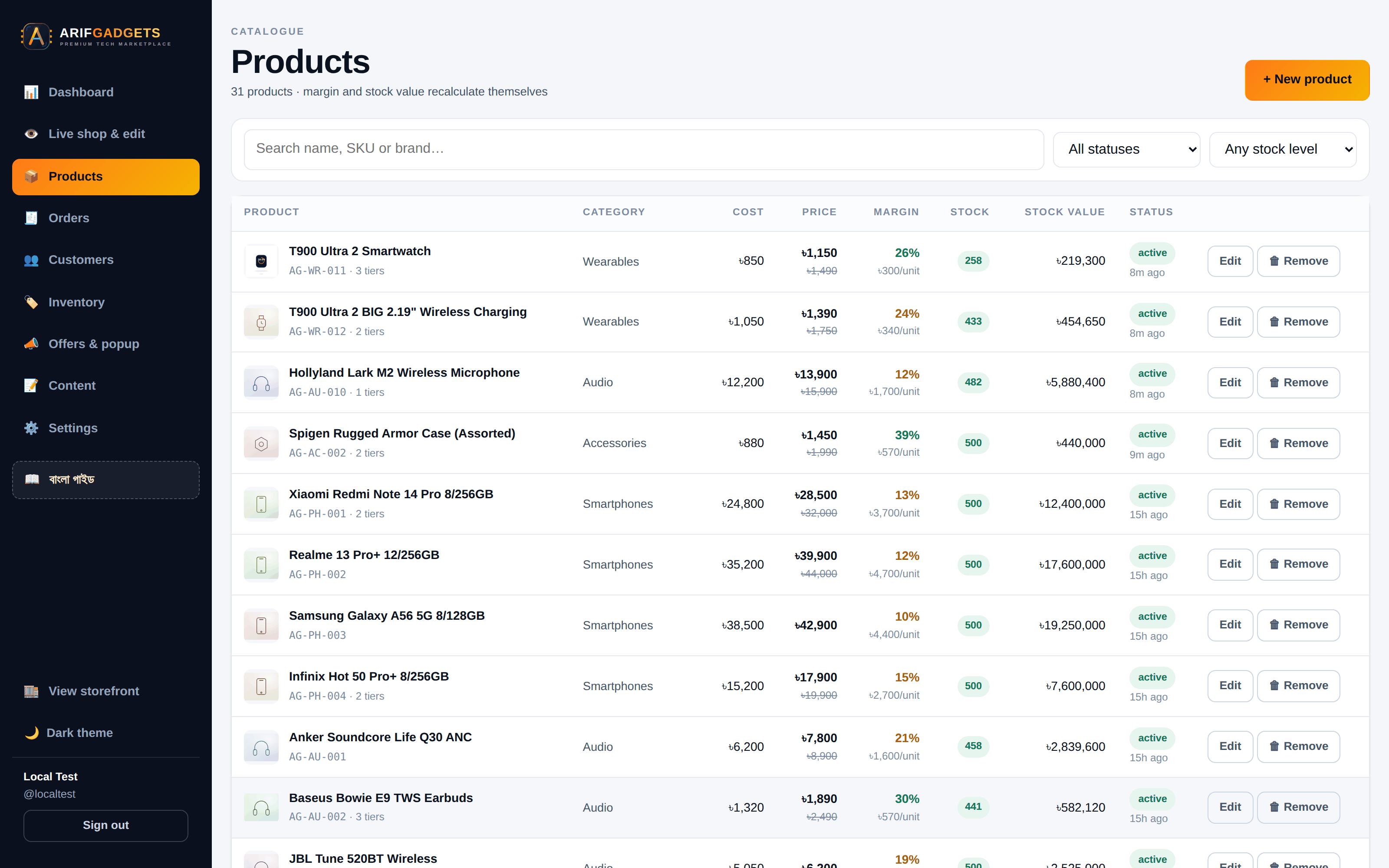
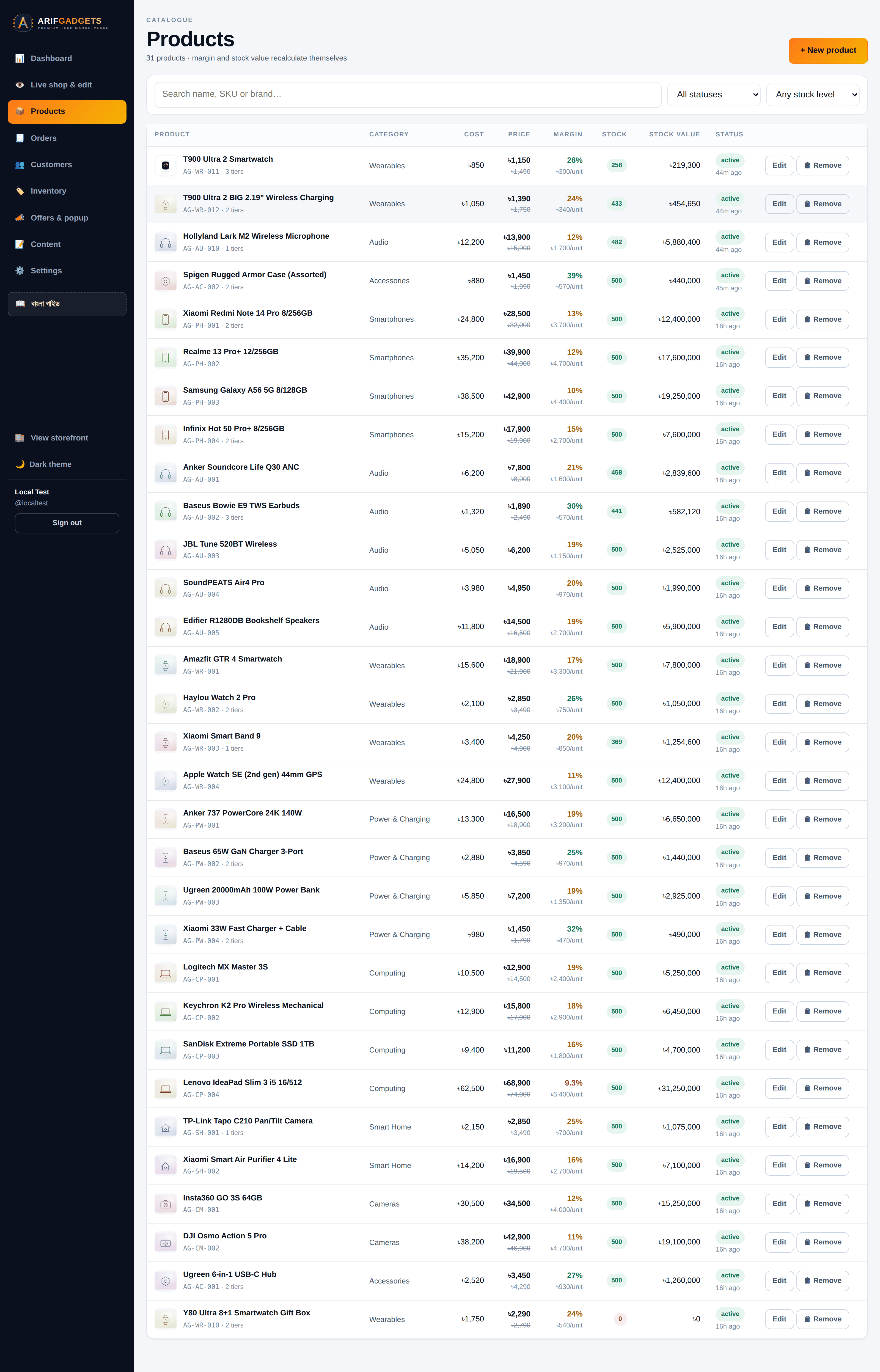
Products. Cost, price, margin per unit, stock, stock value, status — the whole catalogue with its economics visible at a glance.
The editor computes margin, markup and discount live as figures are typed, so staff see the consequence of a price before saving it.
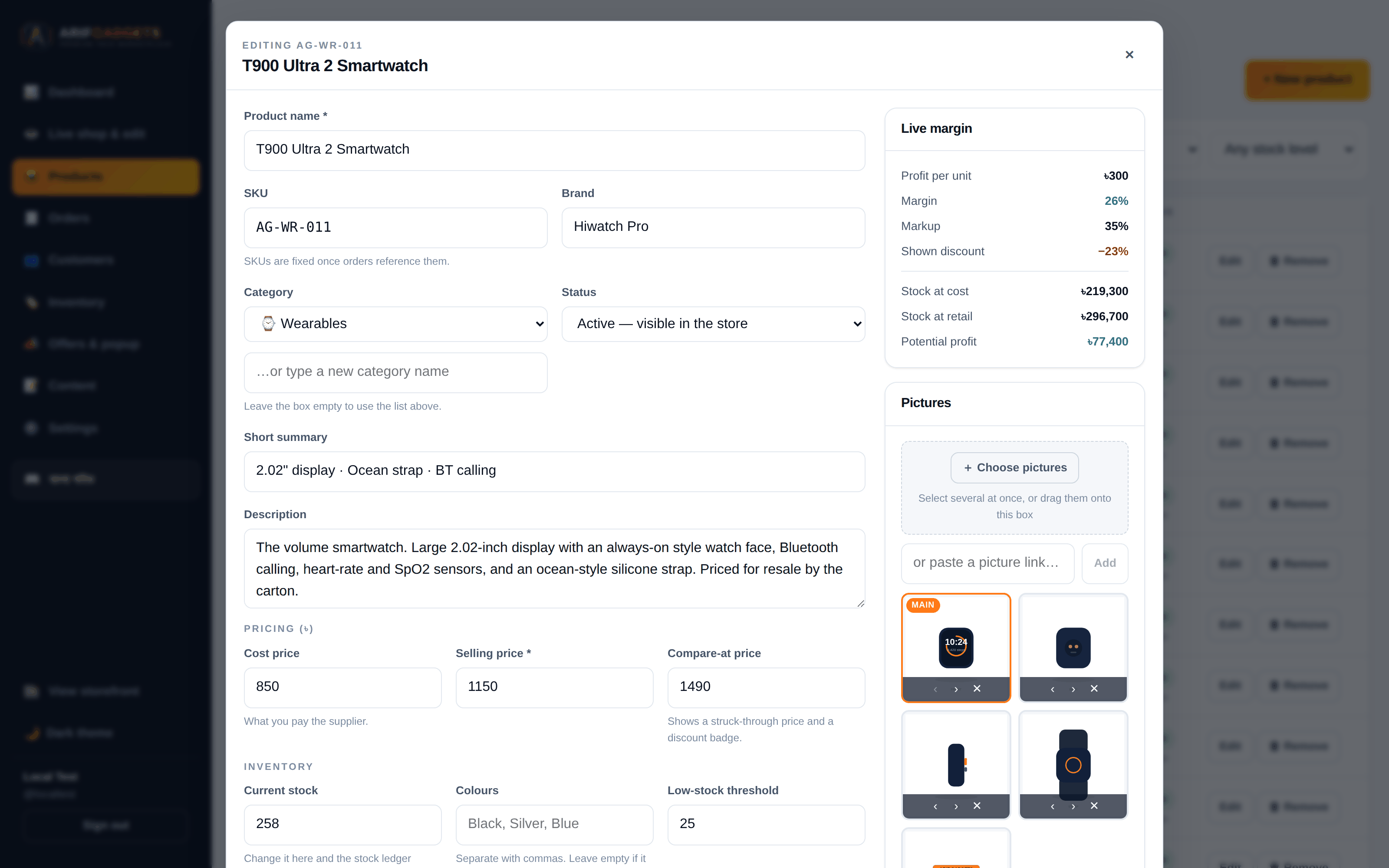
Stock is a ledger, not a number. Every movement — restock, sale, return, adjustment, damage — is a row recording who, when, why, and the balance afterwards. Editing the stock figure in the product form routes through the same ledger rather than writing over the row, so the history stays honest.
Inventory ranks what needs restocking by capital tied up, so the owner reorders the thing that costs the most to be out of.
10. Editing the shop from inside the shop
The client's own words: they want to edit the dashboard from a live preview under the storefront, so they clearly see and edit products.
So the dashboard shows the real shop in a frame, with an edit panel beside it. Staff browse to whatever they want to change — a product, a blog post, a policy page — and the panel loads that thing and offers the fields worth editing. Save, and the frame refreshes showing the result.
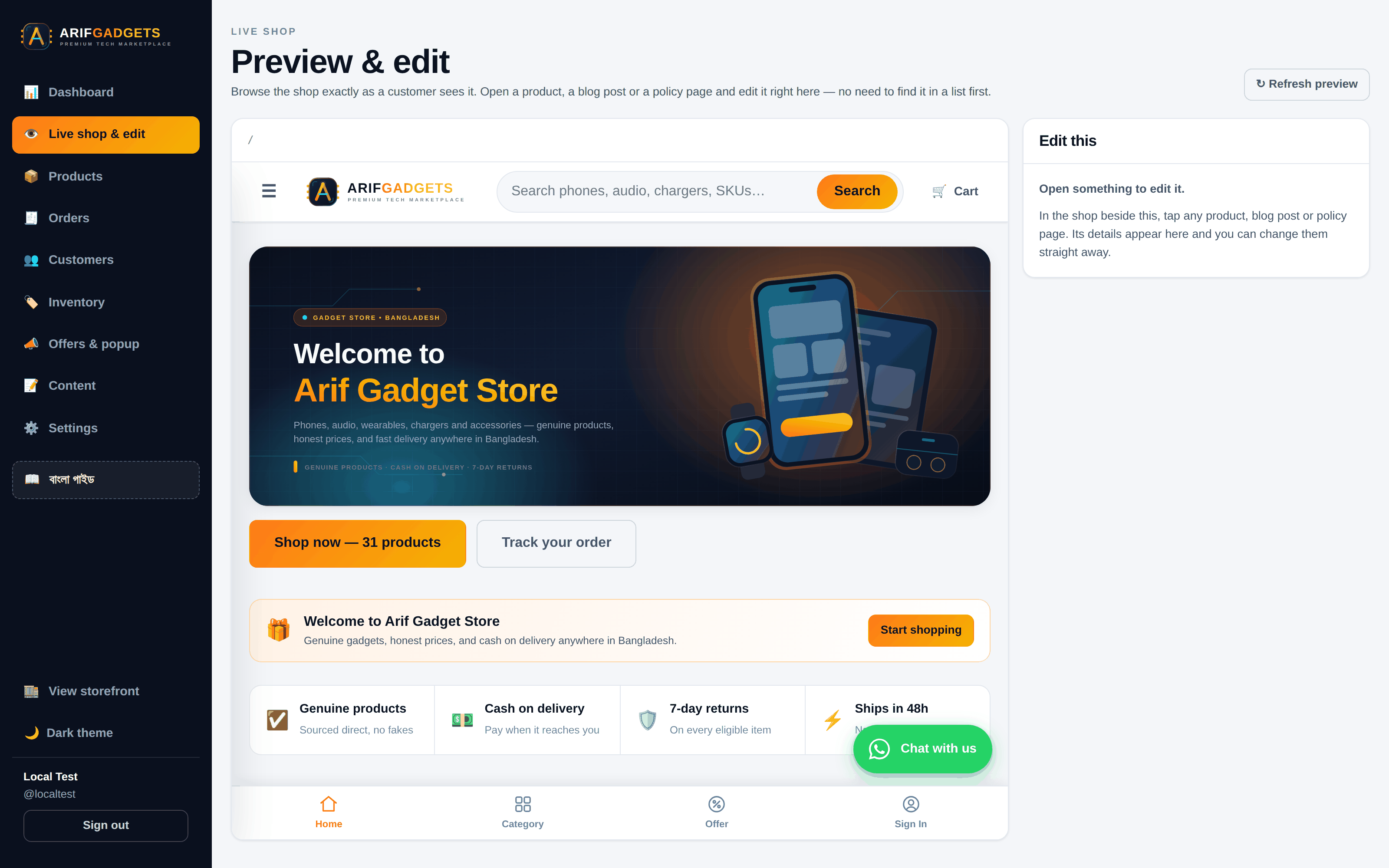
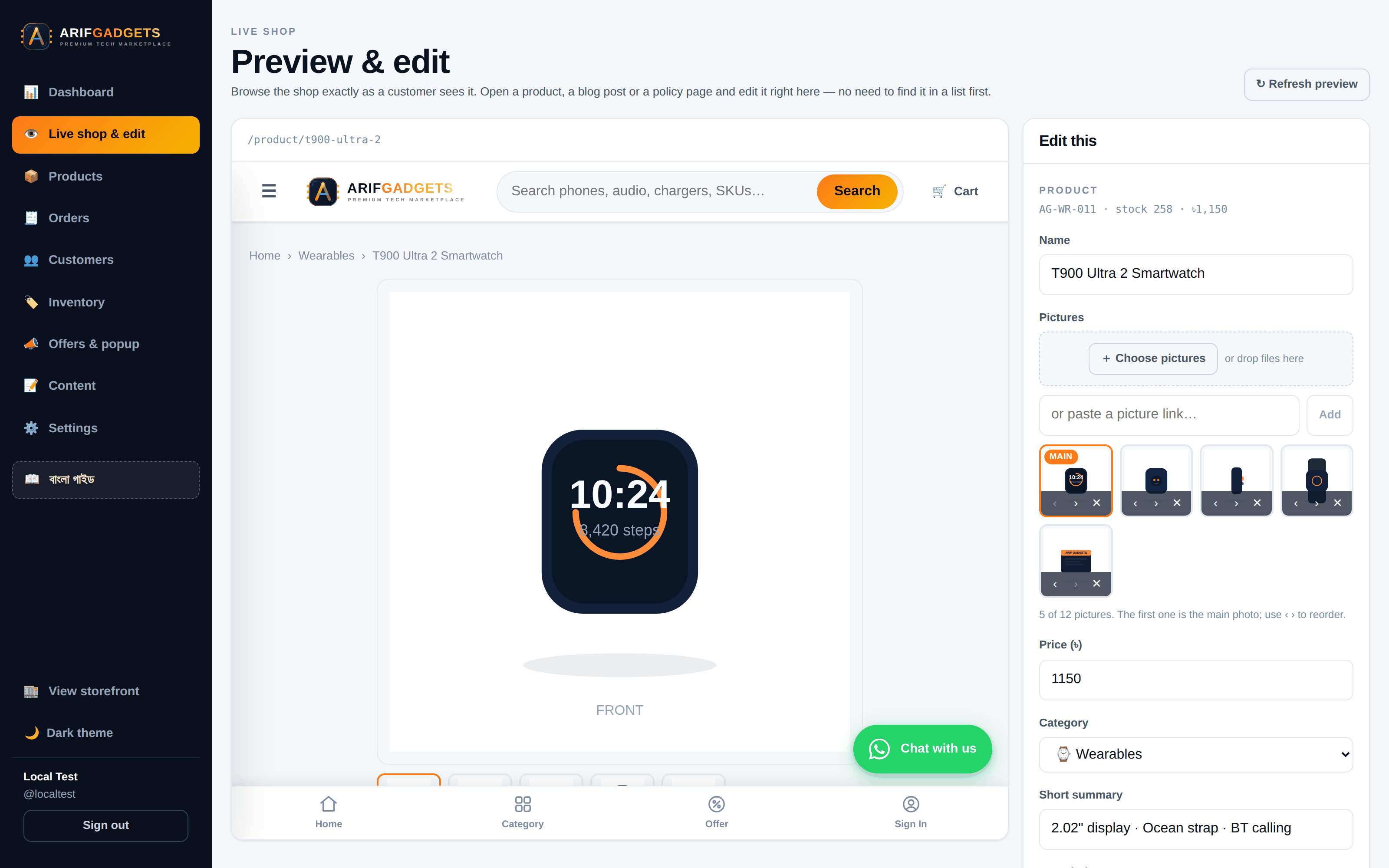
Nobody has to find the item in a list first. Someone who spots a typo while looking at the shop fixes it where they spotted it — including adding photographs, with the same gallery editor.
The two windows talk over postMessage, targeted at the shop's own origin rather than *, so the route never leaks to a page that has embedded the shop without permission. An iframe's URL cannot be watched from outside, because a single-page app changes route without ever firing a load event — so the shop announces its own route, and the dashboard answers by asking it to reload after a save.
11. Courier integration
Deliveries go through Steadfast Courier. The integration is deliberately narrow and explicit.
Booking is never automatic. Staff press Send to Steadfast on an order and confirm — the dialog states exactly how much cash the courier will be asked to collect. Real money leaving the building should require a human to say yes.
The courier is the authority on what happened. A status refresh asks Steadfast and moves the order to the matching checkpoint. Delivered means delivered; returned restocks every unit automatically and reverses the revenue.
Except when it does not. Steadfast reports some outcomes as awaiting approval — their accounts team has not signed off yet. Those are shown but move nothing, because recognising revenue or restocking inventory on a decision that can still be reversed is how books stop balancing. Partial deliveries do not move either: someone has to decide what was actually sold.
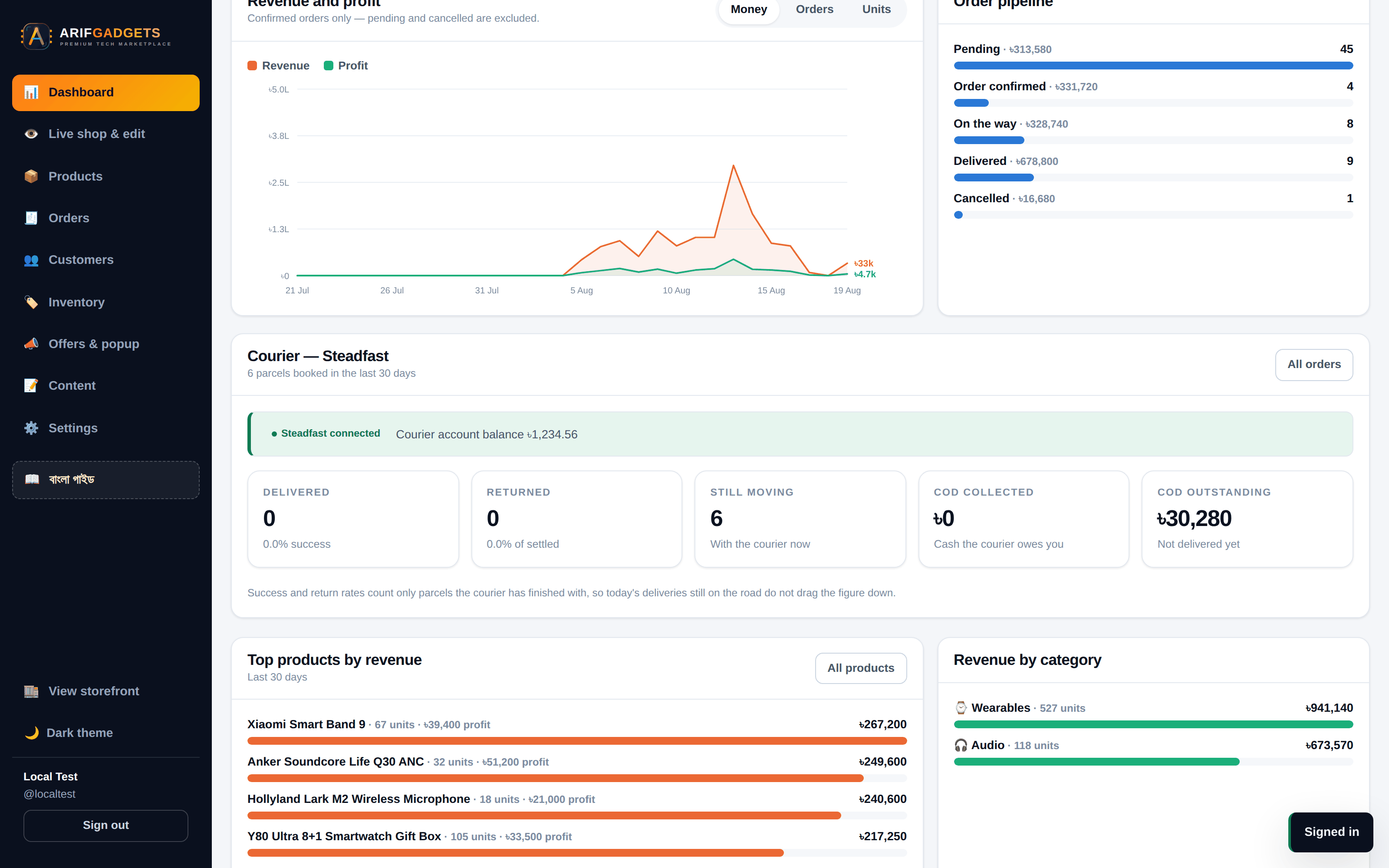
Money crosses one boundary, explicitly. This codebase counts in poisha; Steadfast counts in taka. That conversion happens in exactly one function, with a comment explaining that sending 145000 where 1450 was meant would ask the courier to collect a hundred times the order value from the customer. Orders already paid by bKash book at zero, so nobody is charged twice.
When it fails, it says why. Four different problems — keys never set, keys rejected, courier erroring, courier unreachable — need four different fixes and used to look identical. The dashboard now reports which one it is, what Steadfast itself replied, what to do about it, and whether each key is present with its length. Never a character of its value.
12. The calculation engine
The client asked for a system where the arithmetic looks after itself. It does, at the database level, where it cannot be bypassed.
Derived values are computed, never entered. Margin, markup, discount percentage, stock state, stock value, whether an order counts as revenue — all generated columns. They cannot be set to something inconsistent because there is nowhere to set them.
margin_pct REAL GENERATED ALWAYS AS (
  CASE WHEN price > 0 THEN ROUND((price - cost_price) * 100.0 / price, 2) ELSE 0 END
) STORED
Money is integers. Every amount is a count of poisha. ৳1,450.00 is 145000. No floating-point drift, ever.
Triggers do the bookkeeping. Adding a line to an order writes a stock movement, decrements stock, increments units sold, and recomputes the order's totals, cost and profit. Cancelling or refunding puts every unit back and reverses the revenue. The application never has to remember — SQLite will not let it forget.
Overselling is impossible. CHECK (stock >= 0) on the products table. Two customers racing for the last unit is not an application problem; the second write fails at the database and that customer is told the item just sold out.
Cost is captured at the moment of sale. Each order line stores the unit cost as it was that day. A supplier price change next month does not retroactively rewrite last month's profit.
13. Content the owner controls
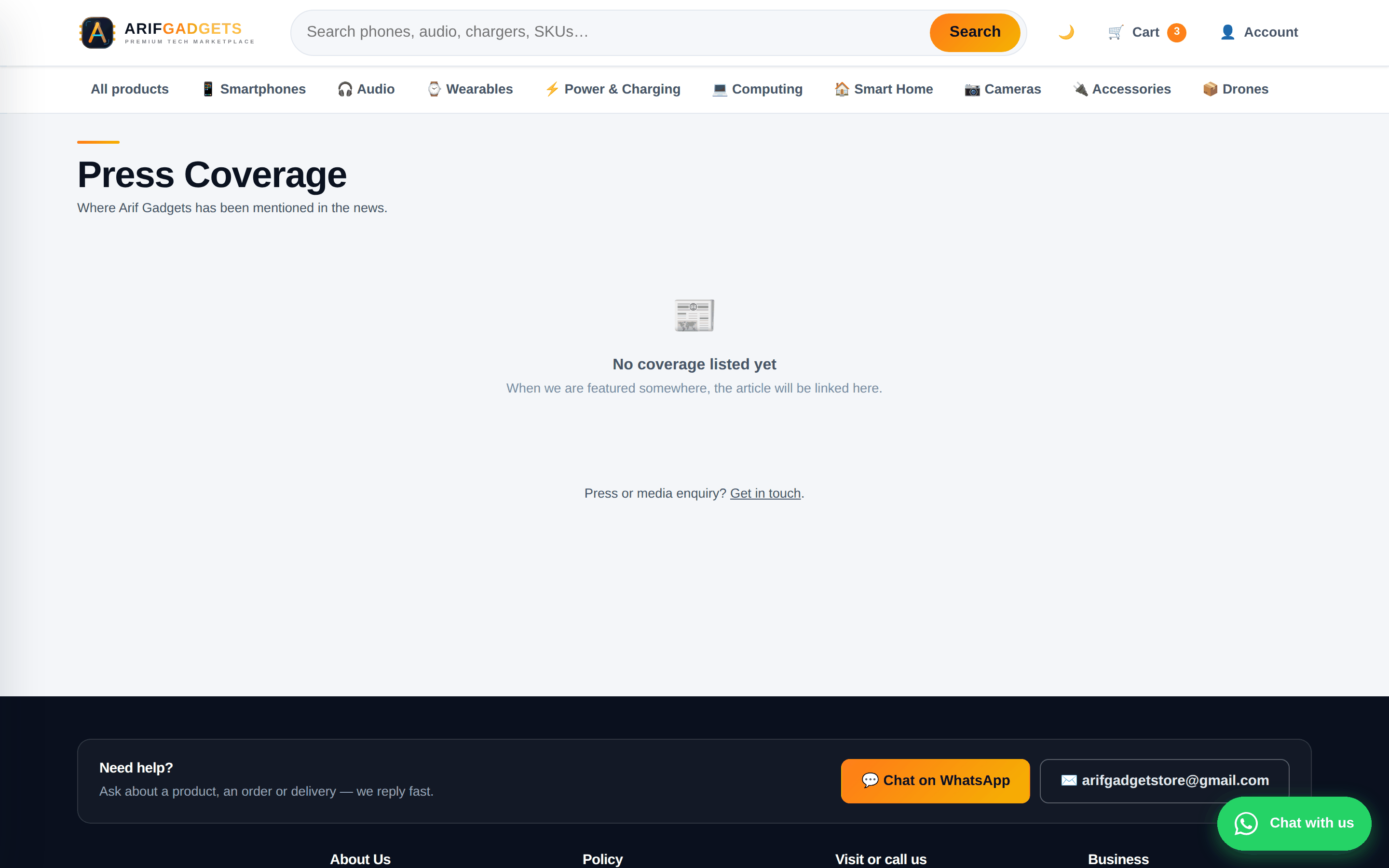
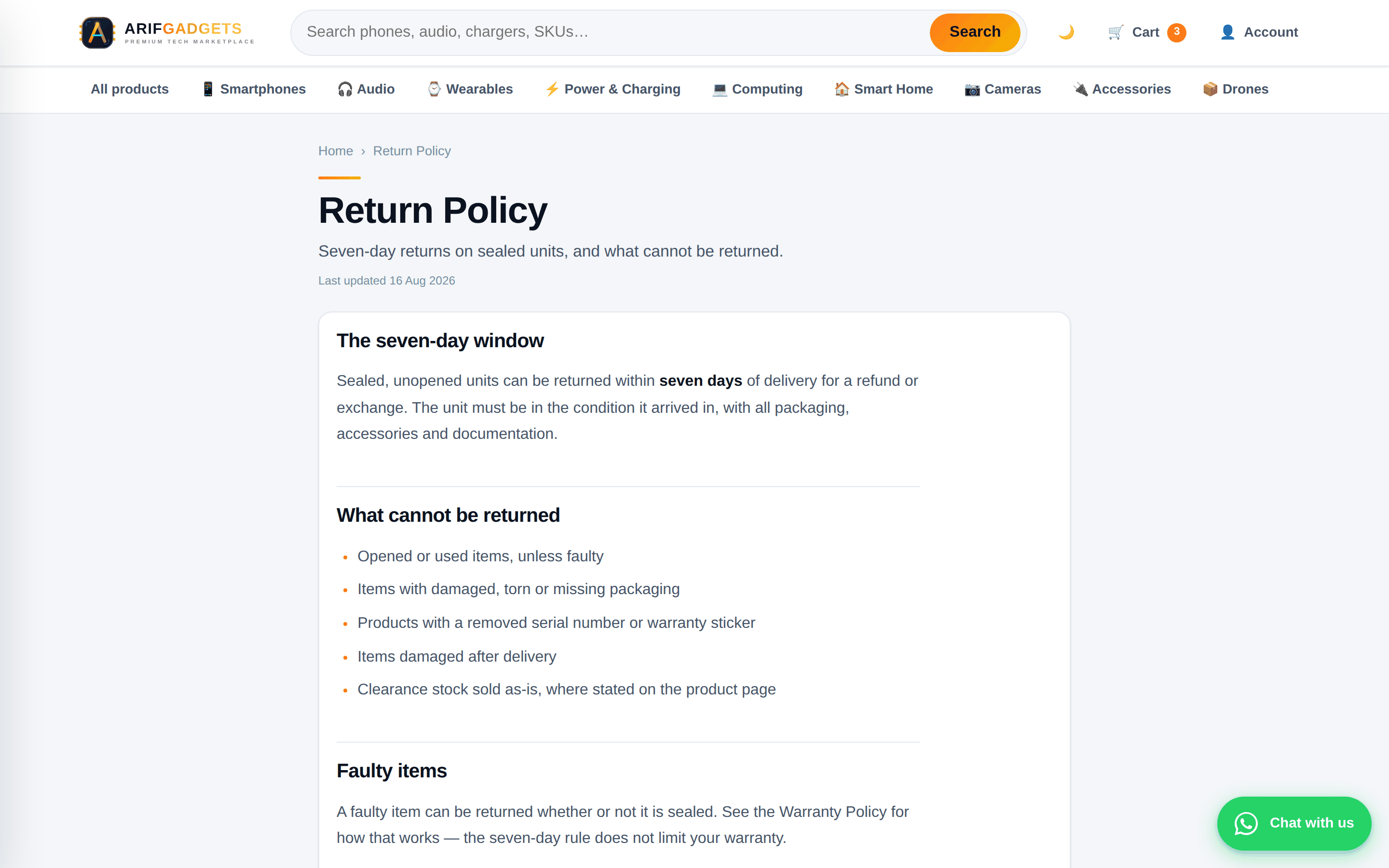
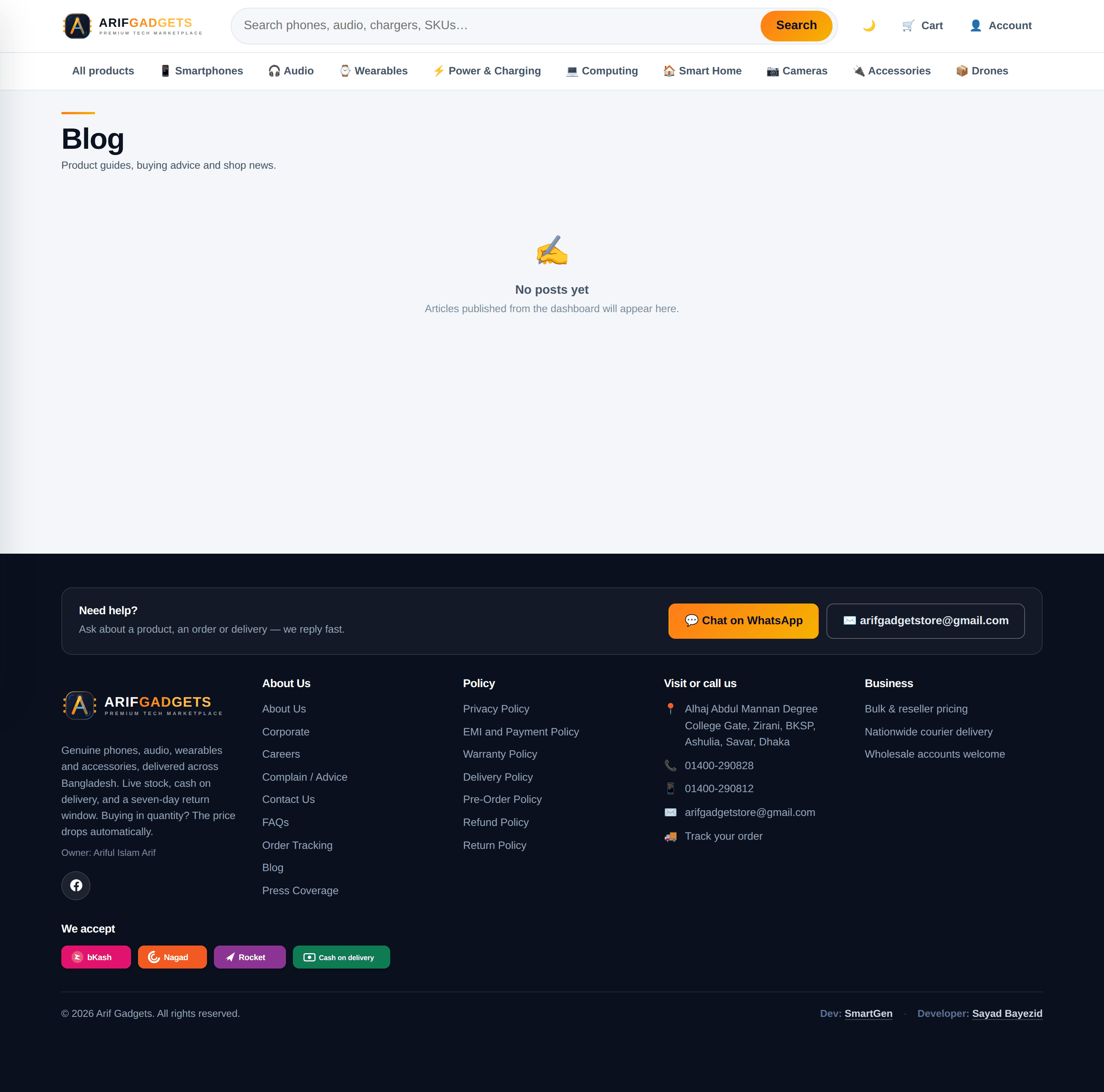
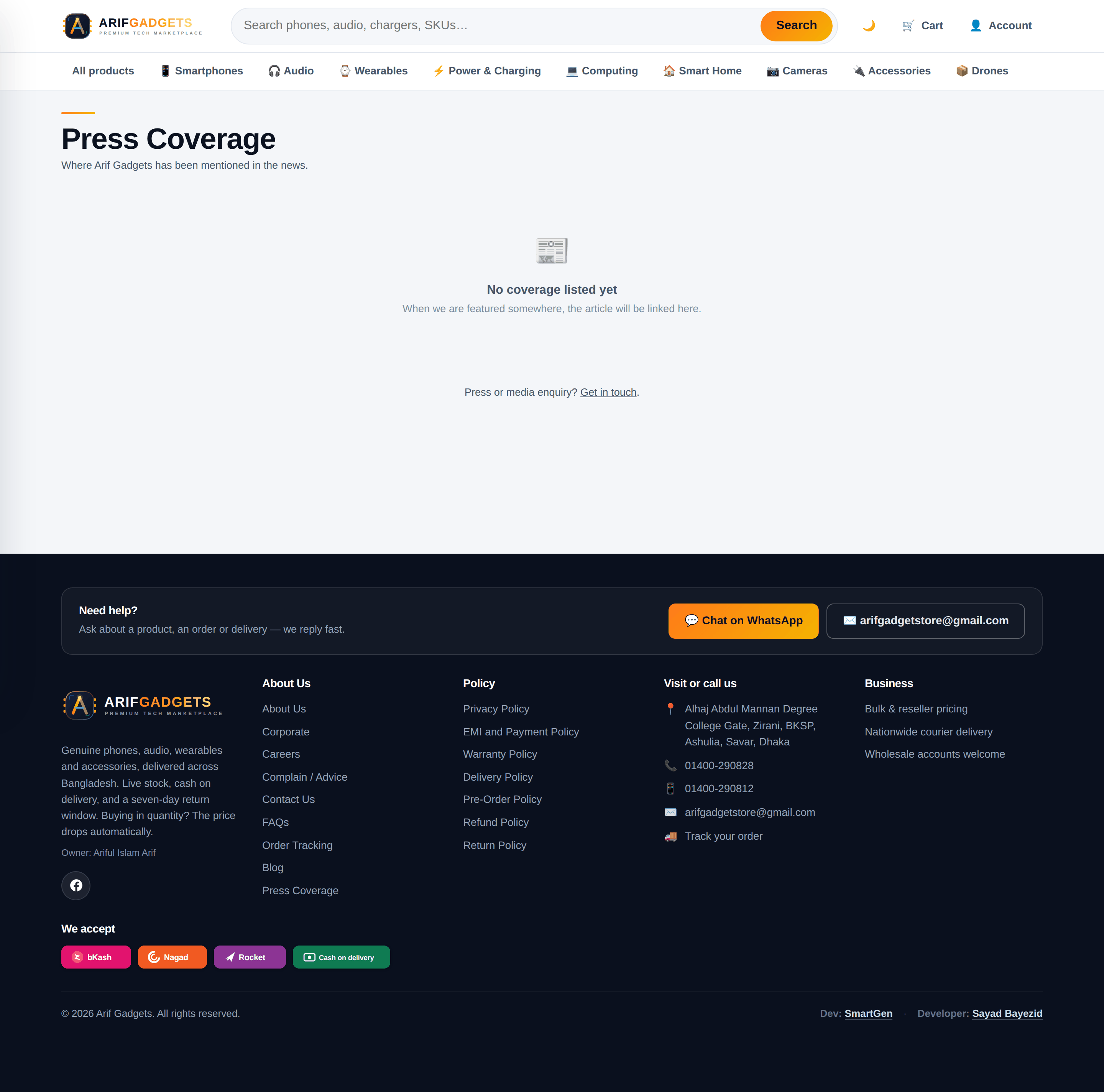
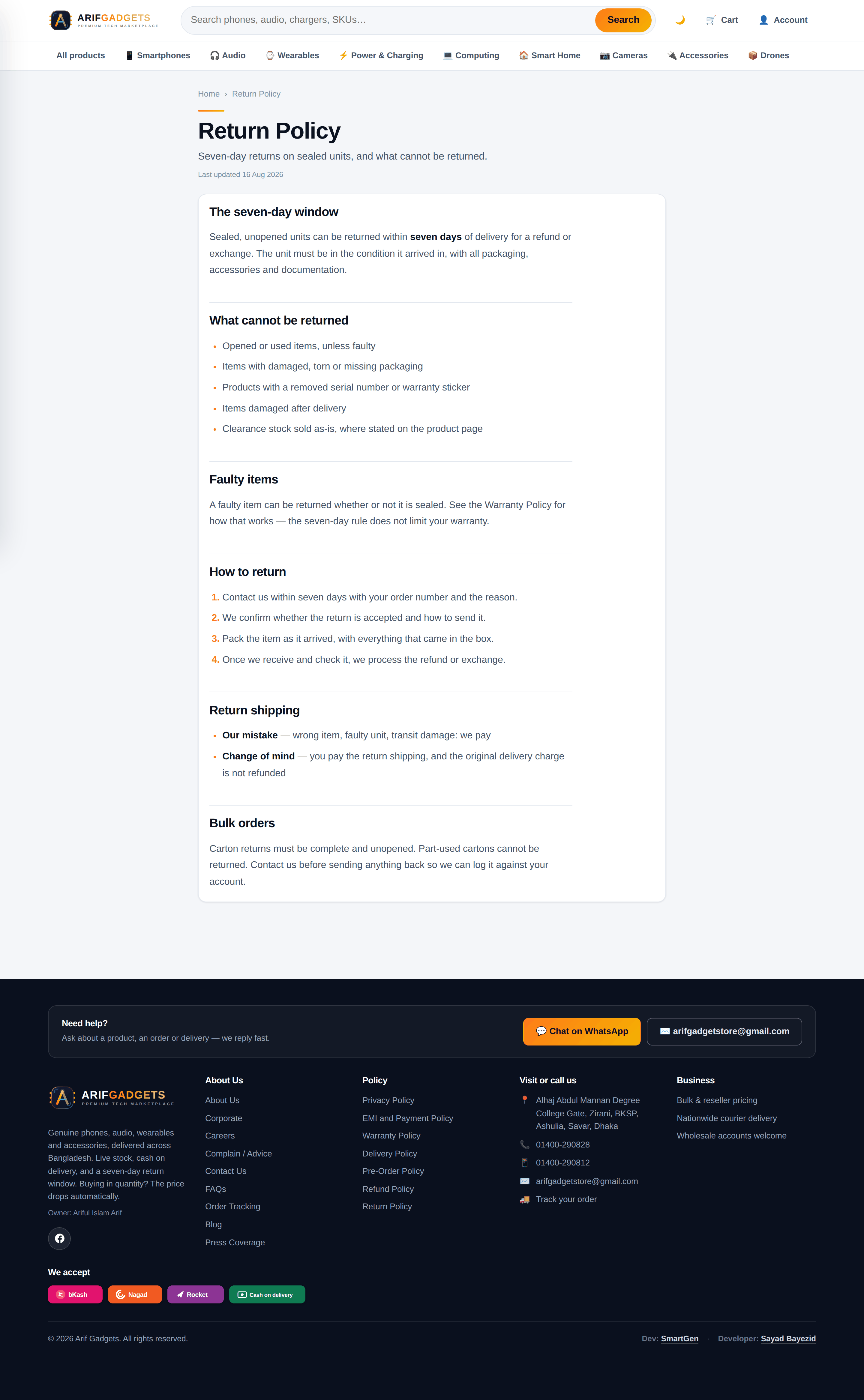
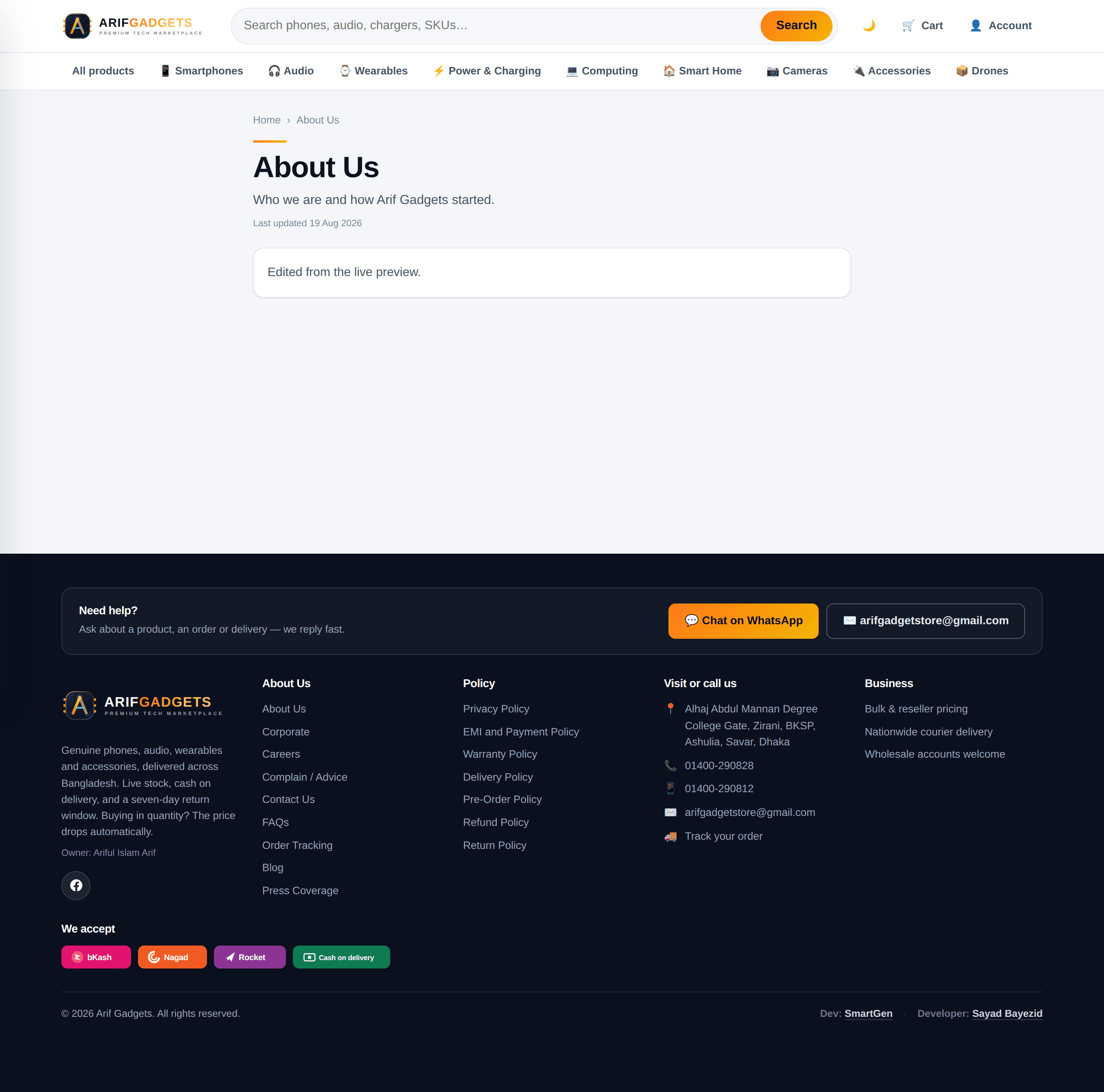
Thirteen policy and company pages, a blog, and a press section — all editable from the dashboard, all live immediately.
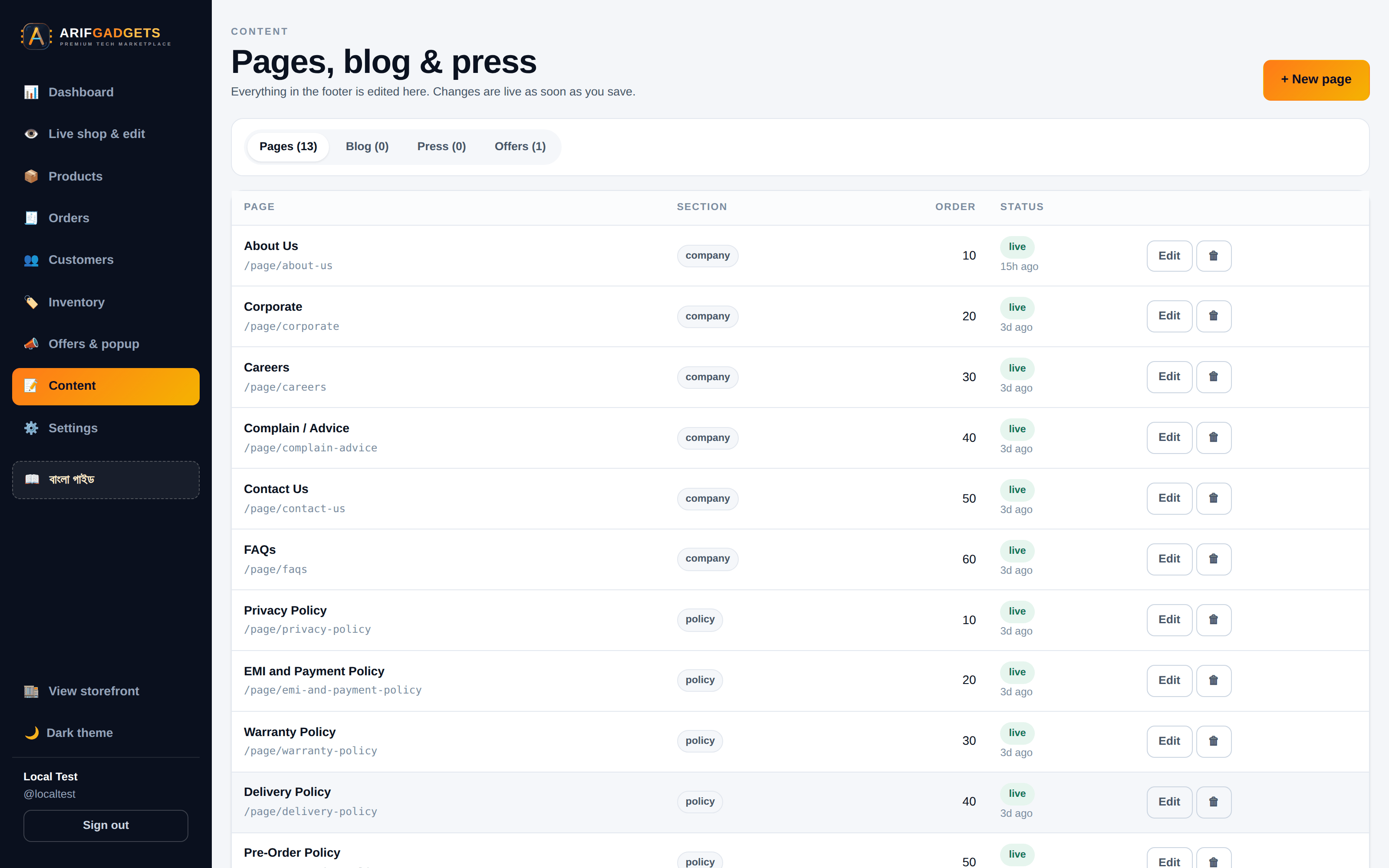
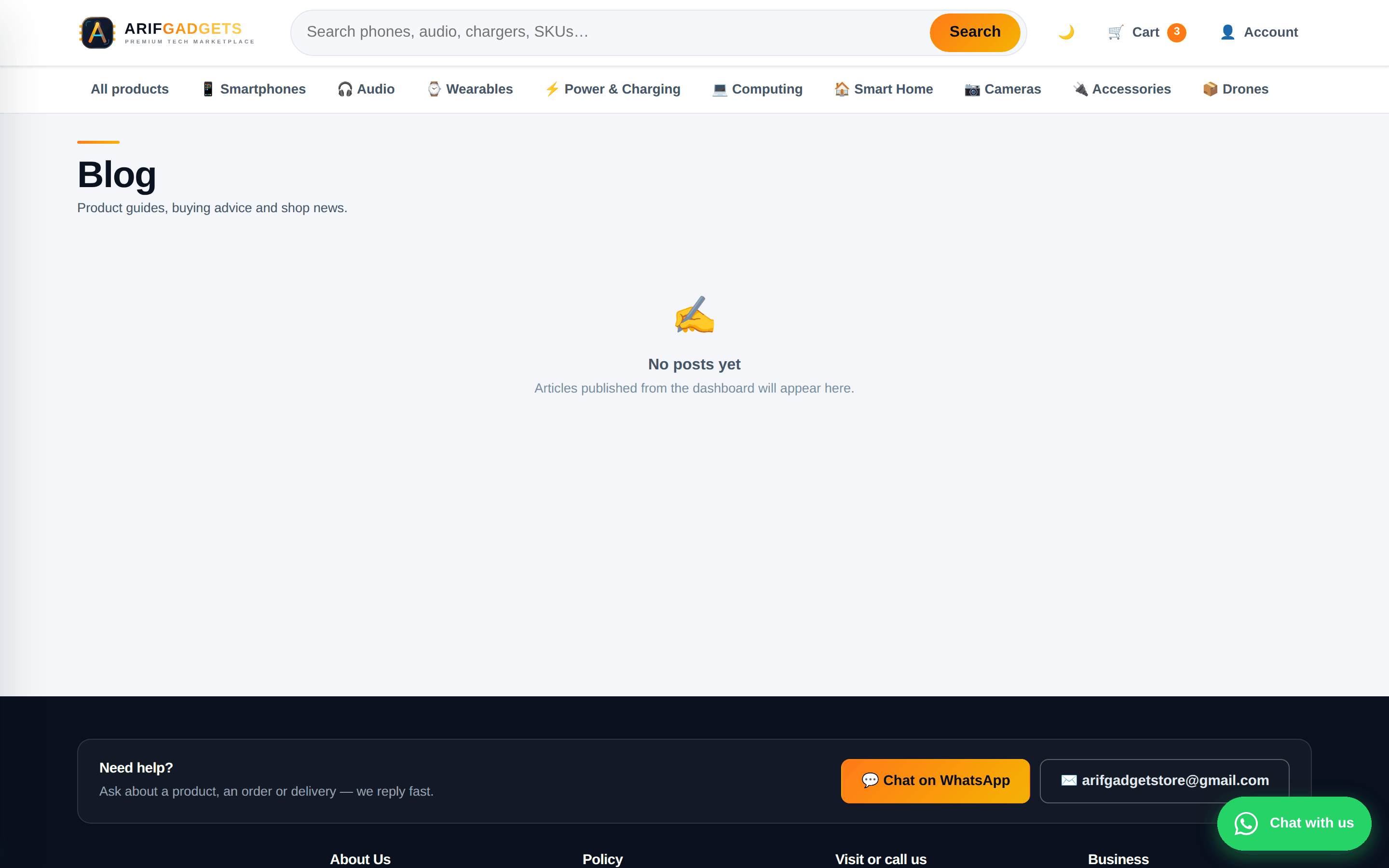
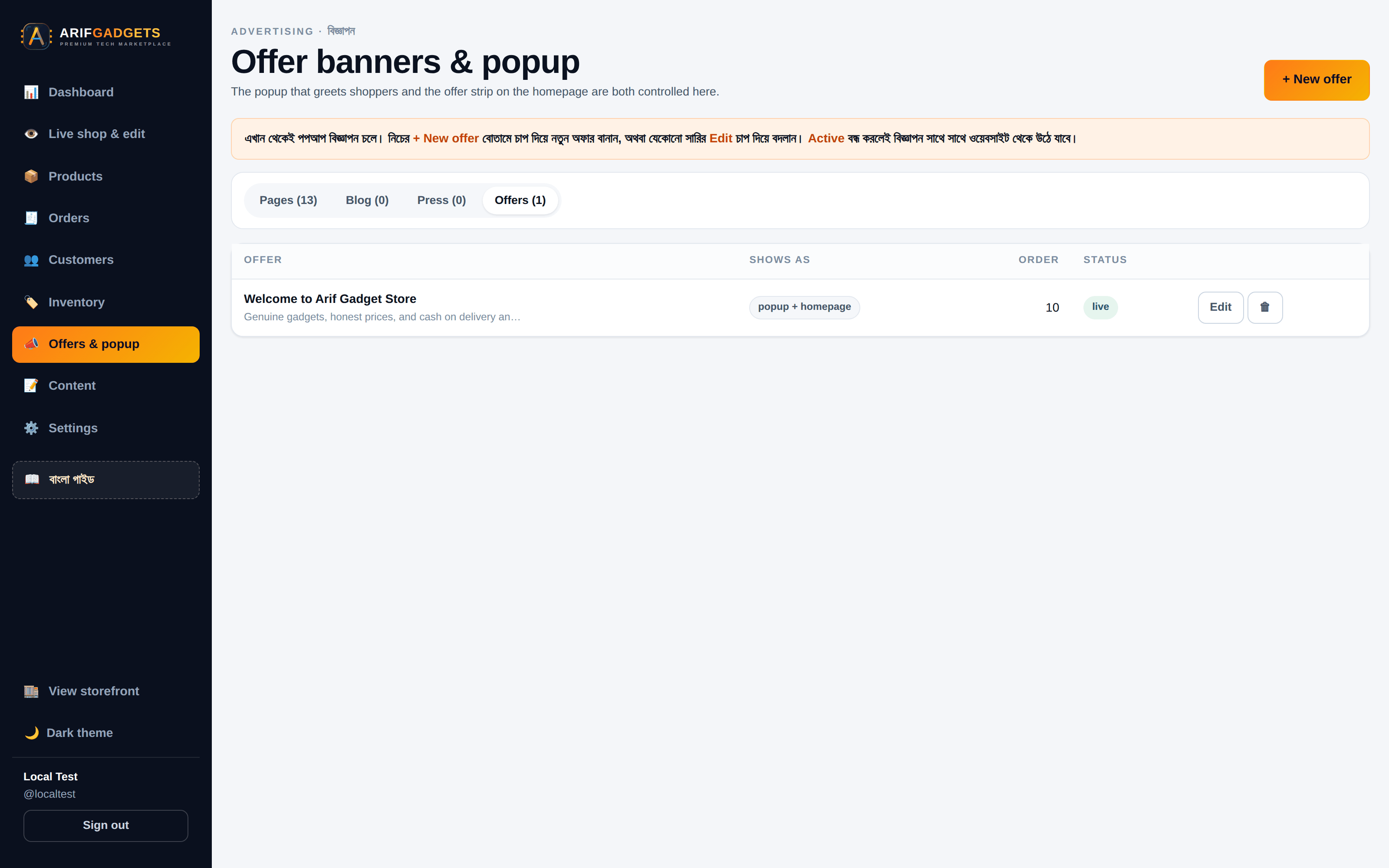
The offer popup and banner strip are content too: the owner writes the message, sets the link, and switches it on.
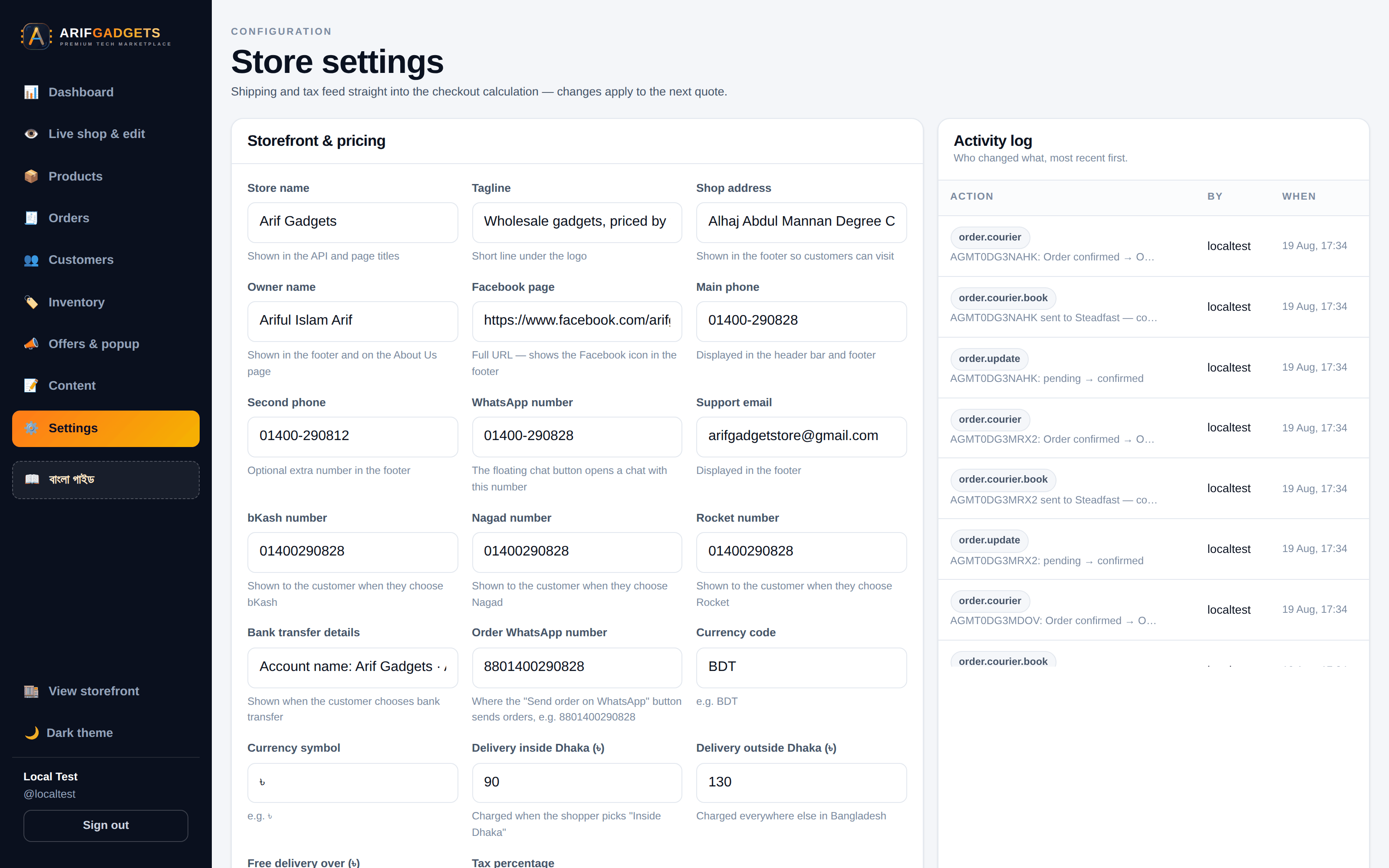
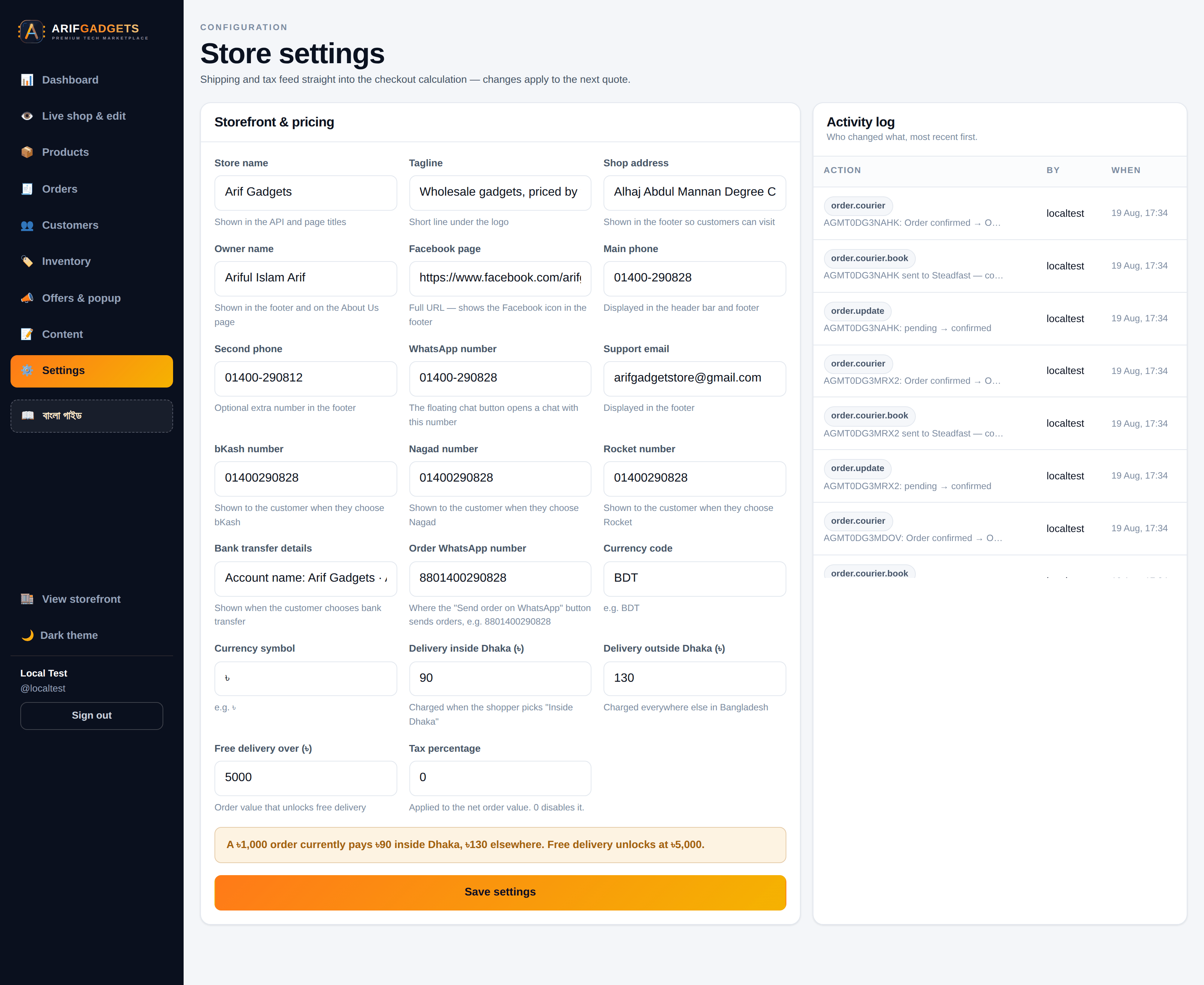
Settings cover the shop's identity, contact details, payment numbers, delivery rates per zone and the free-delivery threshold.
Body text is rendered by building React elements, never by setting innerHTML — so a stray tag typed into the dashboard stays text instead of becoming markup.
14. Documentation in Bangla
The staff running this shop read Bangla. So the handbook is in Bangla, inside the dashboard, one click from every screen it describes.
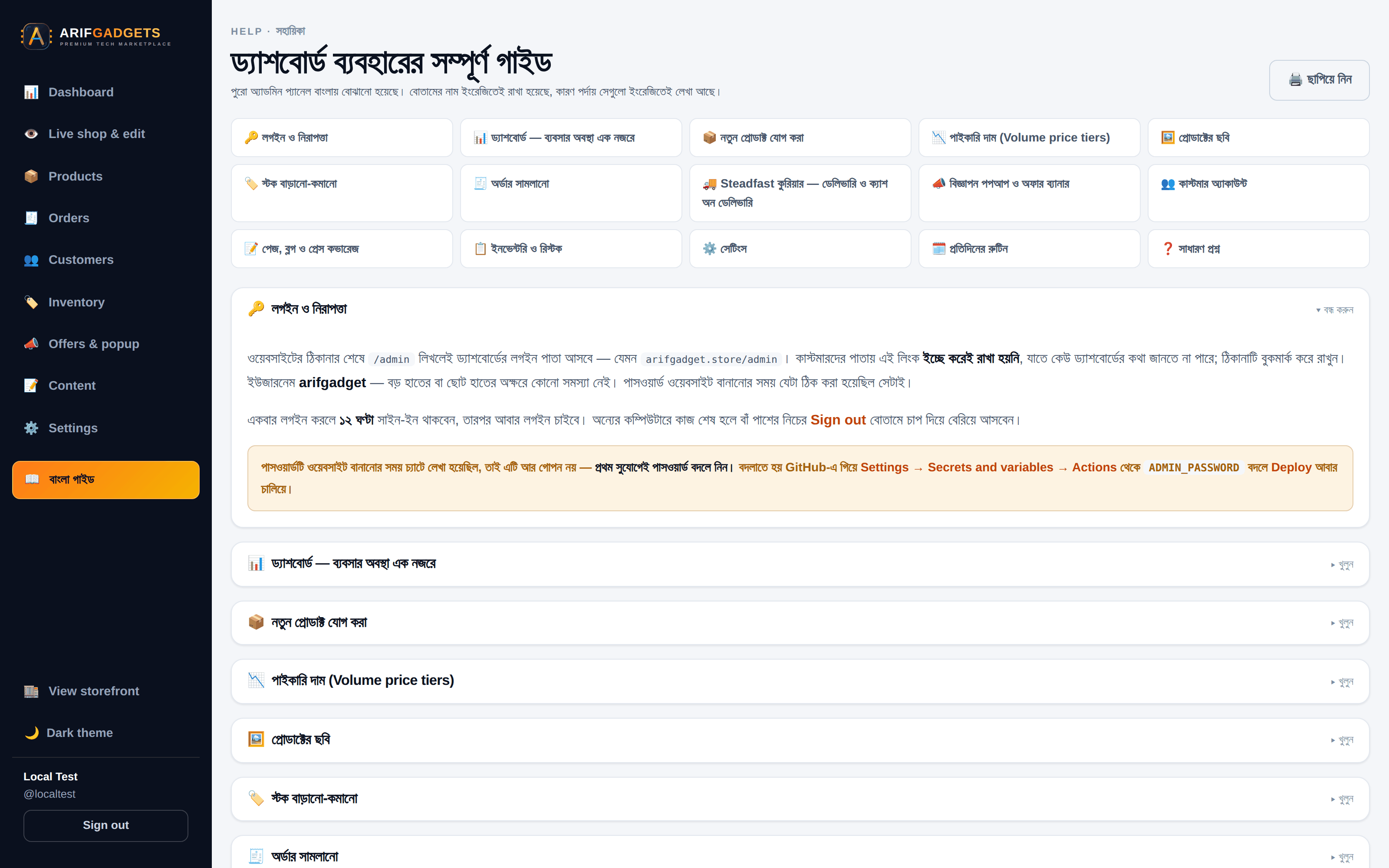
Not a translation of developer notes — an explanation of the work. What each order checkpoint means and what it does to the accounts. How to photograph a product, what size to use, and how to crop a phone photo to square. What each courier status means and which ones move an order. What to do when Steadfast will not connect, with all four messages and what each one means.
15. Security
- Passwords — PBKDF2-SHA256, 100,000 iterations, per-user salt. Sign-in hashes even when the account does not exist, so response timing does not reveal which usernames are real.
- Sessions — HS256 JWTs with a
kindclaim. A customer token and a staff token are signed with the same key but are never interchangeable; a customer token presented to a staff route is rejected. - Roles — owner, admin and staff, enforced server-side. The dashboard hiding a button is a courtesy, not a control.
- Prices — never trusted from the browser. Ever.
- Secrets — courier and signing keys live as Worker secrets, injected by the deploy. None is in the repository, and none is ever returned to a caller, logged, or echoed in an error message.
- Customer data — addresses and phone numbers are never sent to the browser in bulk, only for the single order a staff member opens.
- The login page does not hint at the username. It used to carry a placeholder showing the real one. It does not any more.
16. Deployment
Push to main. GitHub Actions typechecks the whole repository, provisions any missing Cloudflare resources, applies pending D1 migrations, deploys the Worker, sets its secrets, ensures the owner account, builds the storefront, publishes it, and smoke-tests the result.
The whole run takes 70 to 105 seconds — under two minutes from git push to a live shop.
Database changes are numbered migration files applied in order and recorded, so the schema on any environment is a known, reproducible state — not something that drifted.
17. Testing, and the bugs it caught
Every feature was verified by driving a real browser against the real application with Playwright — the same React build and the same Worker that go to production. That practice caught bugs that reading the code did not:
- A free-delivery threshold of zero made every order free.
0was read as "no threshold set" in one place and "spend zero to qualify" in another. Found by placing a small order and watching the delivery charge vanish. - Every sale wrote a phantom stock adjustment. The order triggers updated stock before writing the ledger row, so the guard never matched. The ledger showed a "Dashboard stock edit" beside every genuine sale. Fixed by writing the ledger first; verified by placing an order and reading back exactly one movement.
- A write probe that only read. A deployment guard used
SELECT 1to check database write access — but read permission passes that. The guard went green and the deploy failed a step later. It now performs a real write. - The invoice's WhatsApp line never rendered. Two settings were written by a migration but missing from the public settings query, so the invoice fell back to the short brand name and the contact line silently disappeared. Both public endpoints now read one shared allow-list.
- The live preview could not find products. The dashboard's product search matched name, SKU and brand — but the preview knows a product only by the slug in its address. Found by watching the browser announce the right route and get no result.
18. What was delivered
Storefront — home, catalogue with filters and six sorts, product pages with twelve-photo galleries and a full-screen viewer, cart with live tier pricing, one-page checkout, order tracking, customer accounts, printable invoices, blog, press, thirteen content pages, light and dark themes, offer popup and banner.
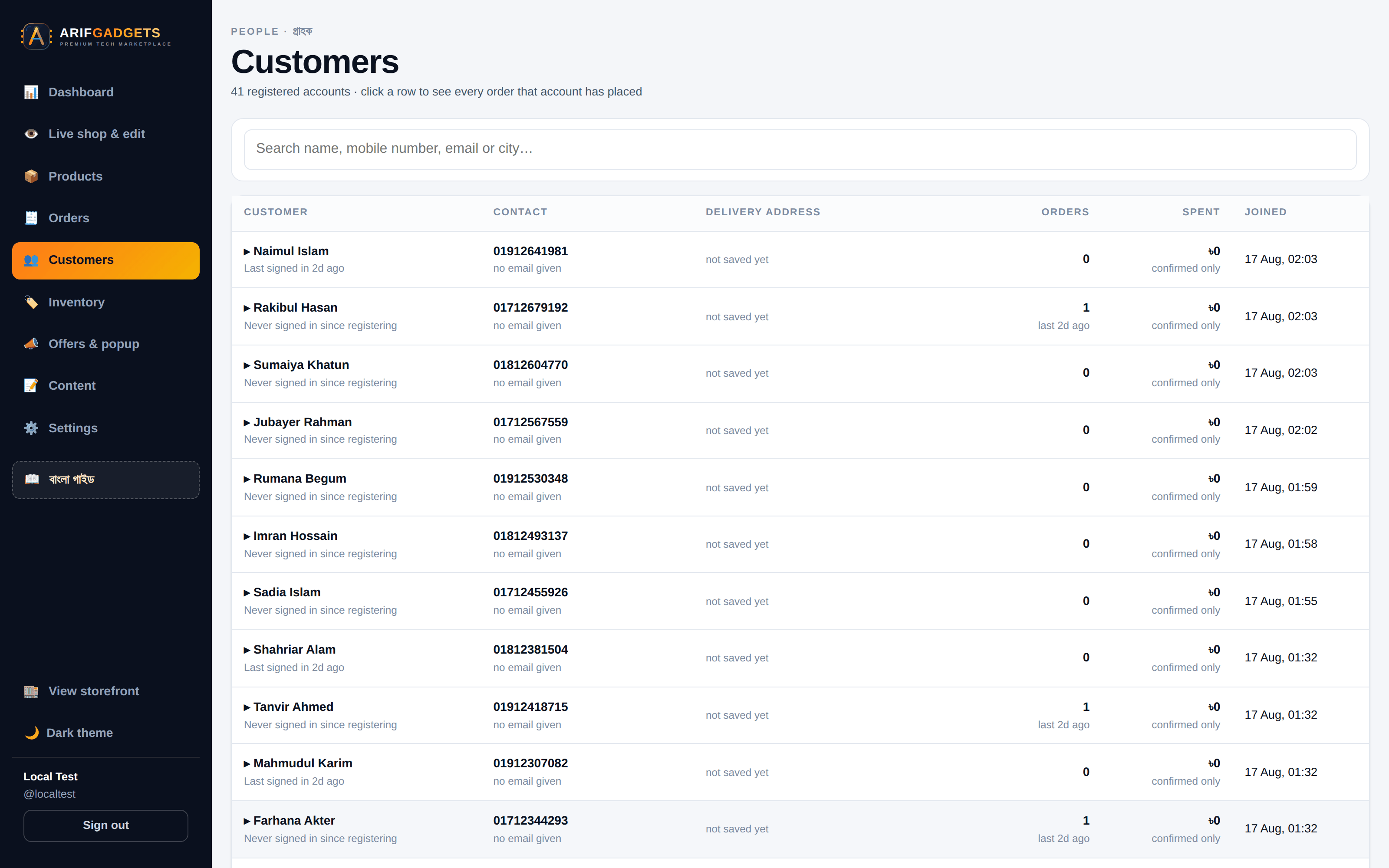
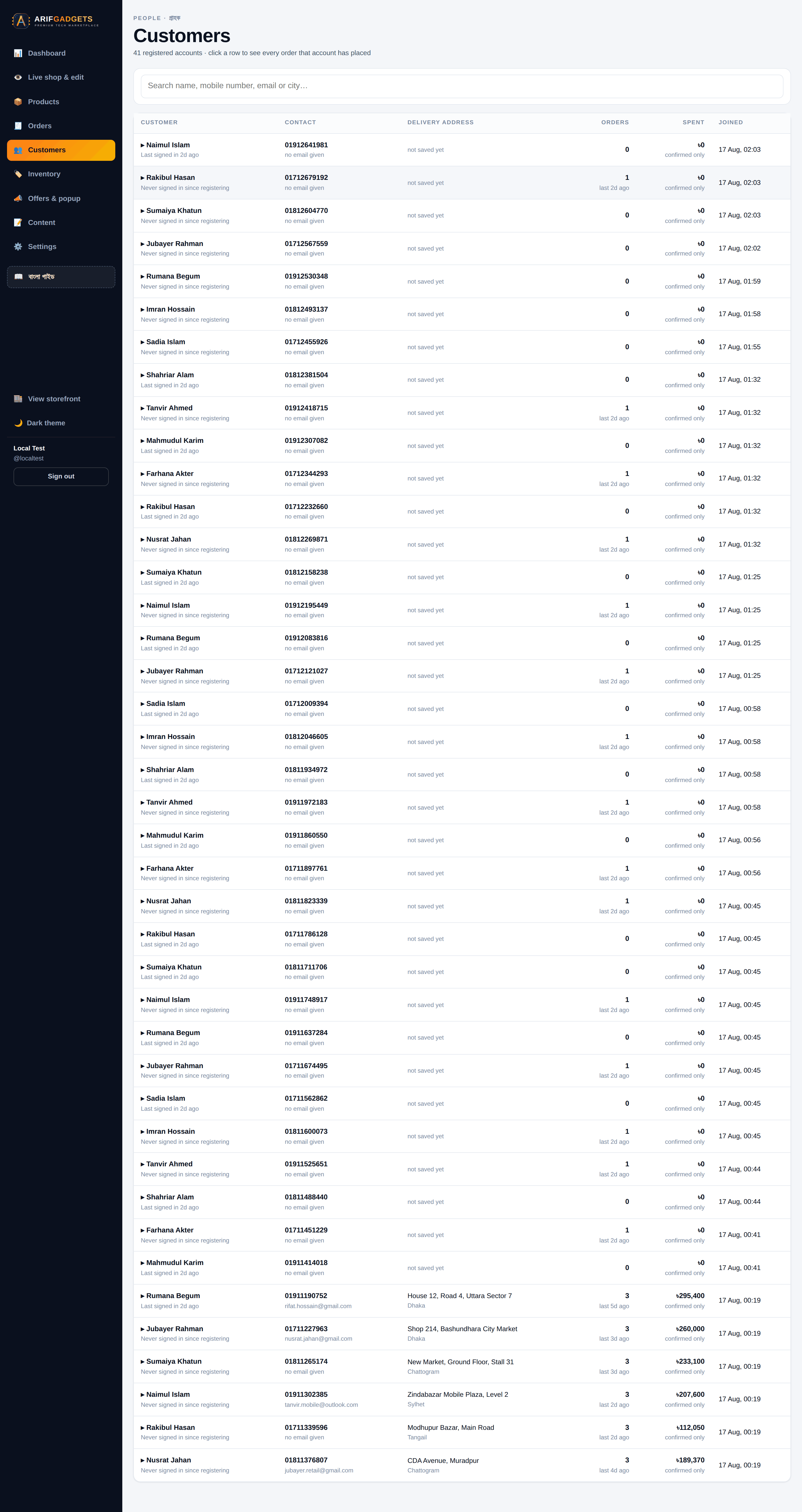
Dashboard — analytics with period comparison, orders with full delivery details and courier control, products with live margin arithmetic and gallery editing, a stock ledger, inventory ranked by capital at risk, customers, content management, offers, settings, a live storefront preview with inline editing, and a Bangla handbook.
Platform — a Cloudflare Worker API, a D1 schema of fifteen tables with generated columns and triggers, R2 media storage, courier integration, and a deployment pipeline that ships in a hundred seconds.
And the part that matters most: a shop the owner can run without calling the developer. The staff add products, edit the shop while looking at it, book couriers, chase deliveries and read their own margins — in a dashboard designed for them, documented in their own language.
Credits
Built by Sayad Bayezid — architecture, backend, frontend, design, DevOps and documentation. Development partner: SmartGen Client: Arif Gadgets, Savar, Dhaka — arifgadget.store
Every screenshot in this case study was captured with Playwright driving a real Chromium browser against the running application. Nothing was mocked, staged in a design tool, or retouched.
19. Full-page route views
The following long views show the delivered experience from top to bottom instead of only isolated frames. They make the scope easy to inspect: storefront routes, customer flows, content pages, mobile views, and the staff dashboard are all part of the same shipped system.
Storefront and customer routes
Themes and mobile delivery



Staff dashboard and operations
Comments
Questions and corrections welcome — I read all of them.
No comments yet. Yours would be the first.